
The writing style you set on the Organization page applies across your organization's generated guides. It shapes how a guide is written, but it never lets a guide state something a run did not show.
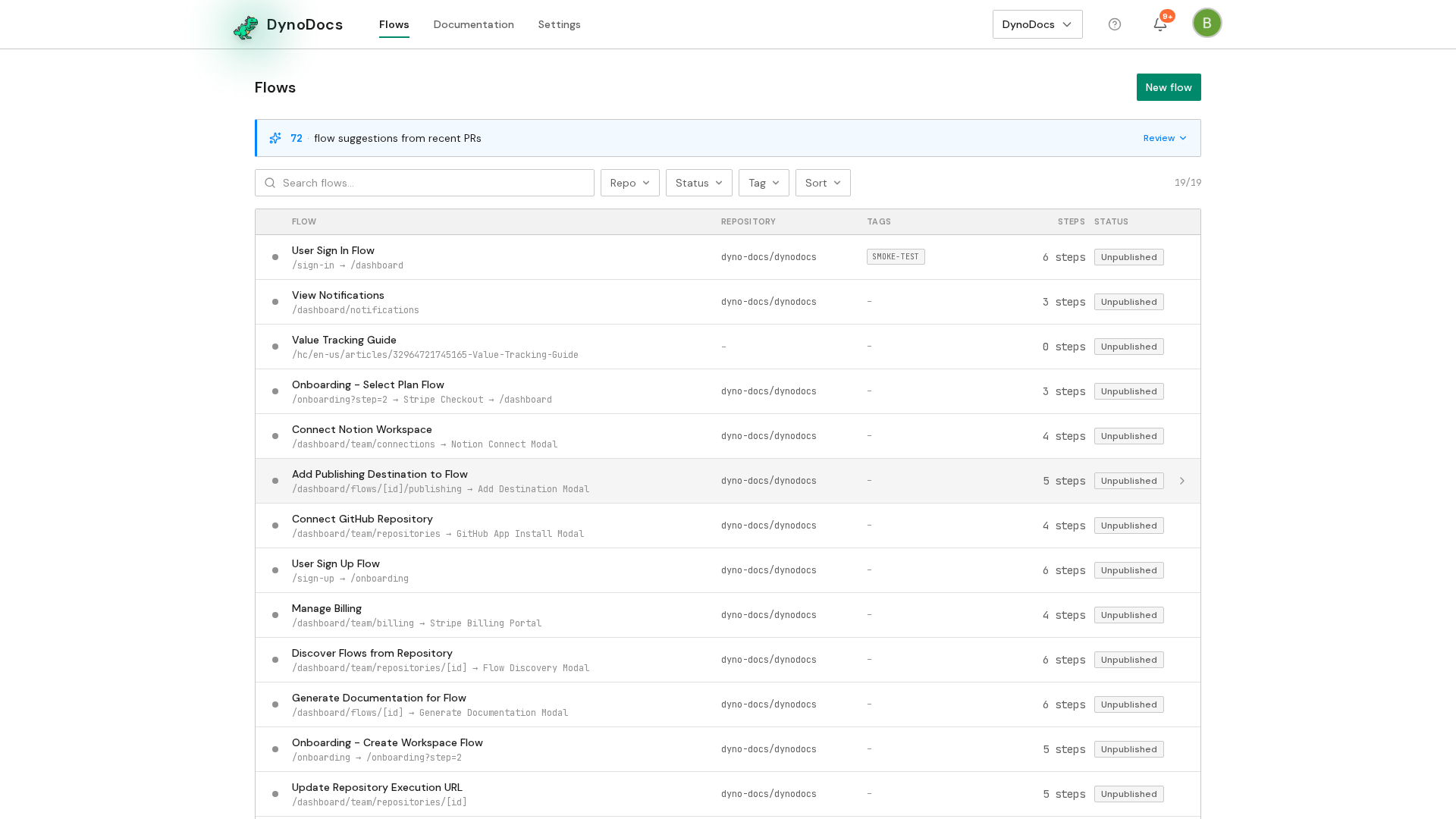
From your dashboard, click Settings in the top navigation.
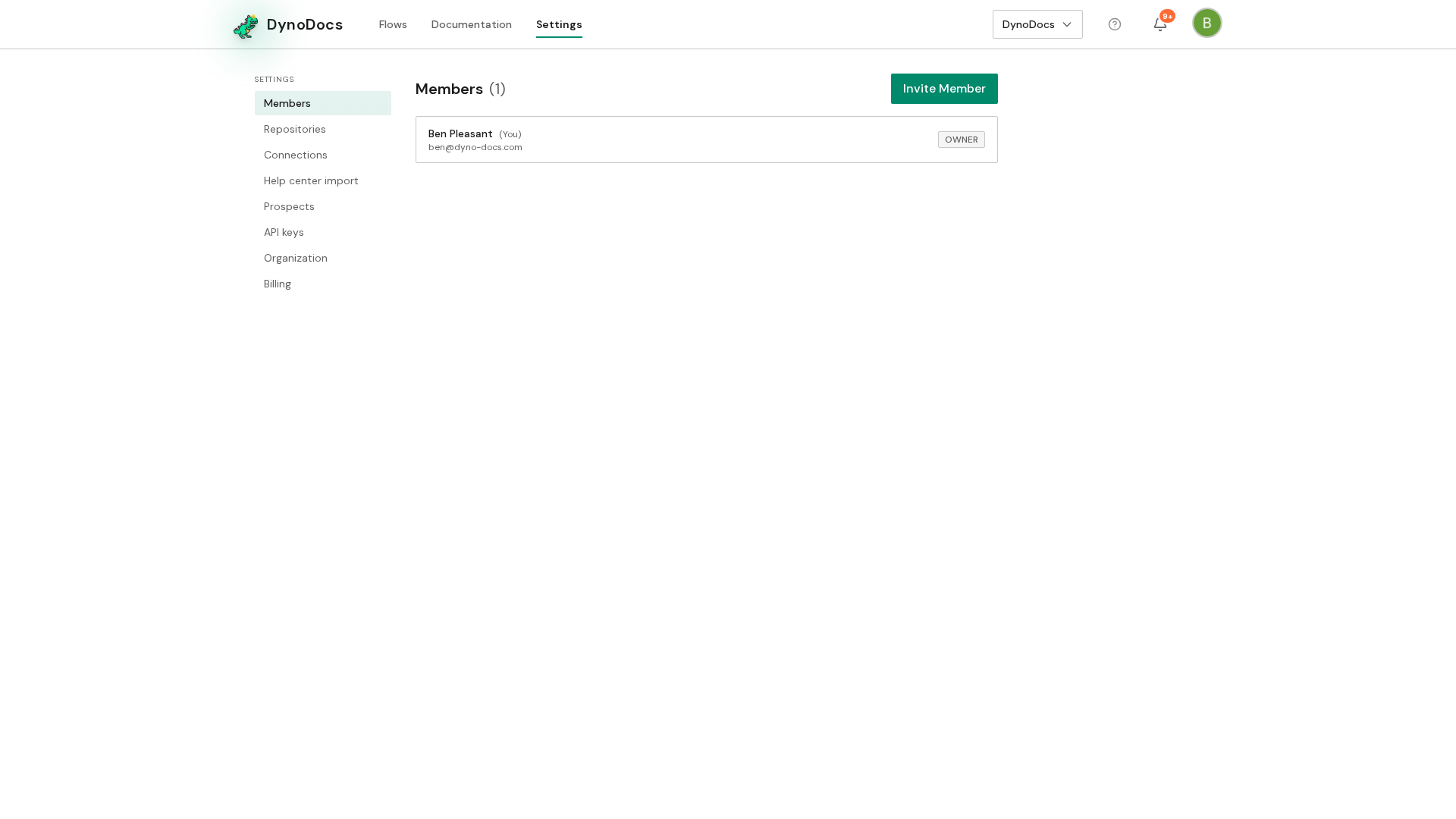
Settings opens on the Members page, with its sections listed down the left. Choose Organization.
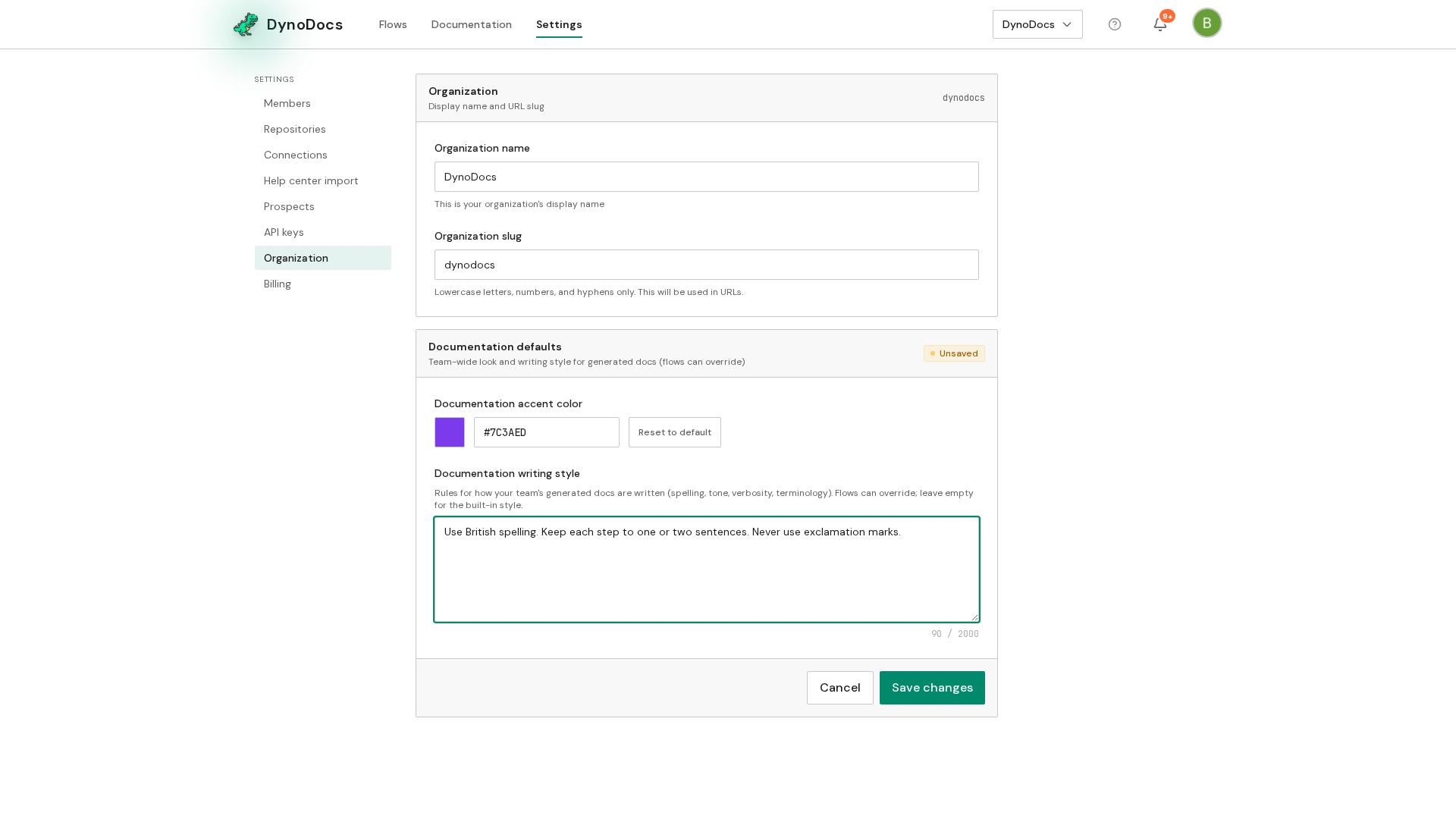
The Organization page opens, with the documentation defaults further down the page. In the Documentation writing style field, write your rules as plain sentences, one per line, covering things like spelling, tone, sentence length and punctuation.
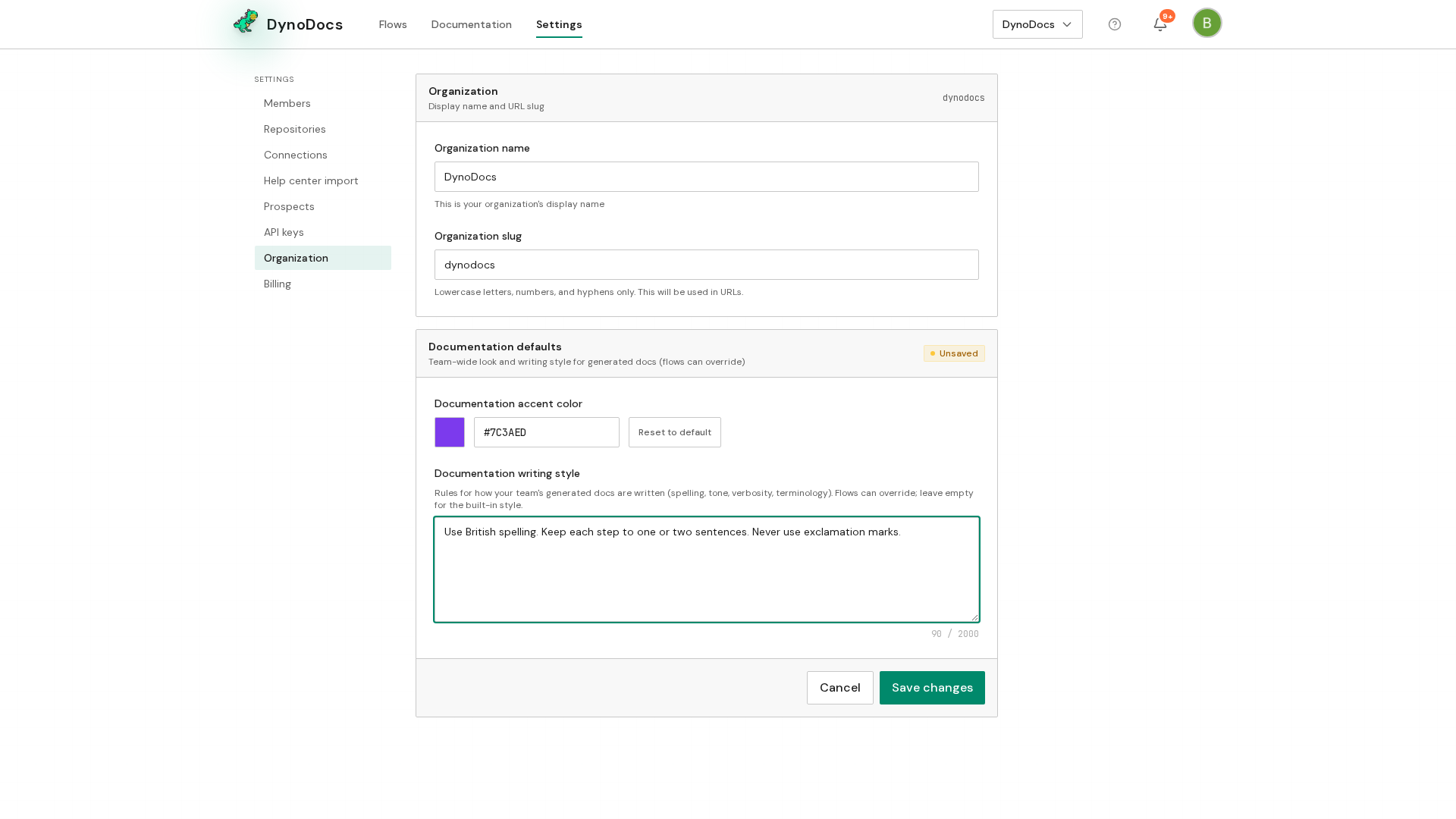
An individual flow can also carry its own style rules, set under its Configuration.
Prerequisites
- Access to Settings, Organization for your DynoDocs organization
Troubleshooting
- You cannot find the writing style field: it sits with the documentation defaults further down the Organization page, so scroll past the settings at the top.
- Your changes are not applied: the bar at the bottom of the section stays visible until you click Save changes.