
From your dashboard, open Settings in the top navigation.
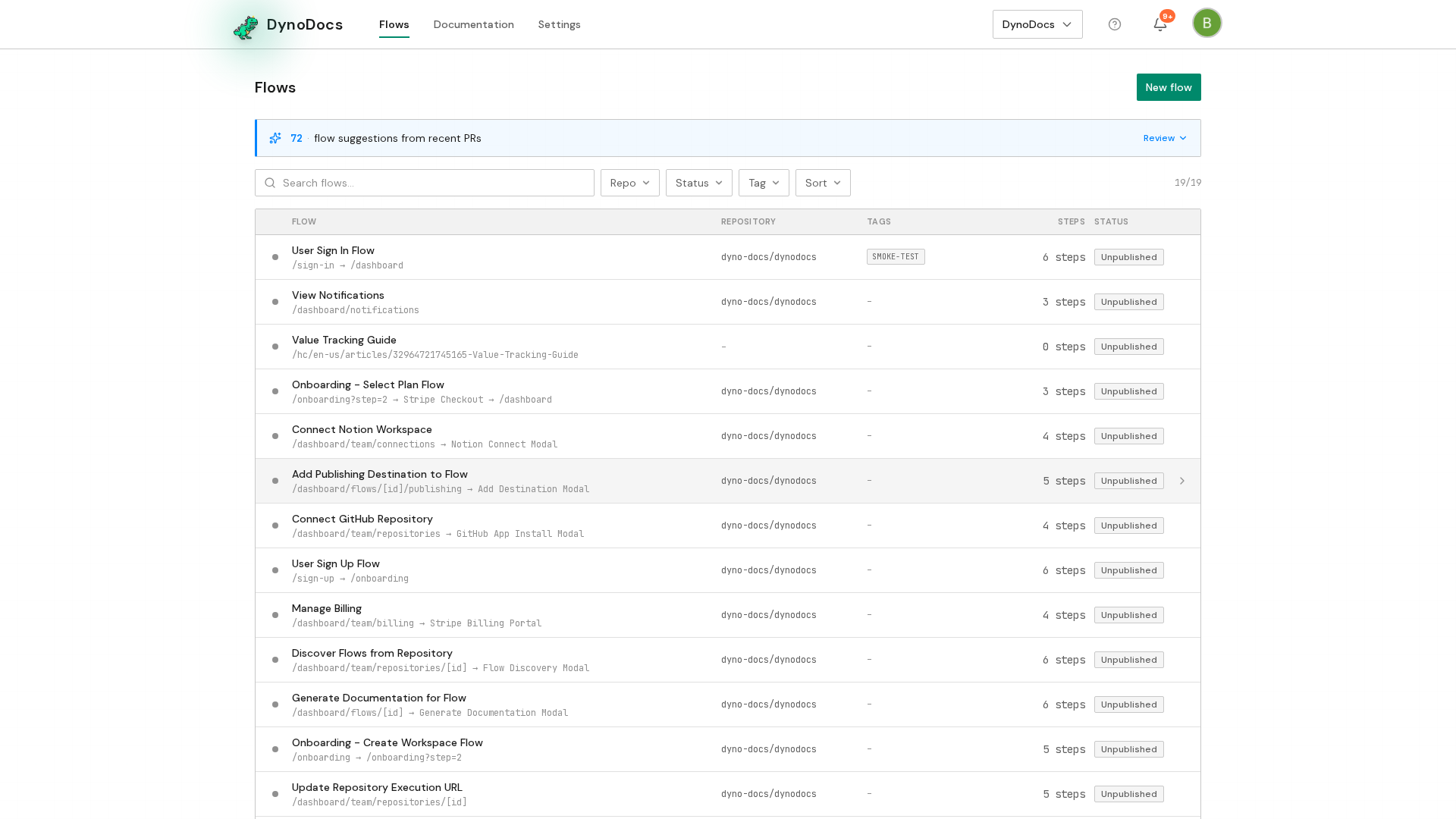
Settings opens on the Members page, with its sections listed down the left. Choose Help center import.
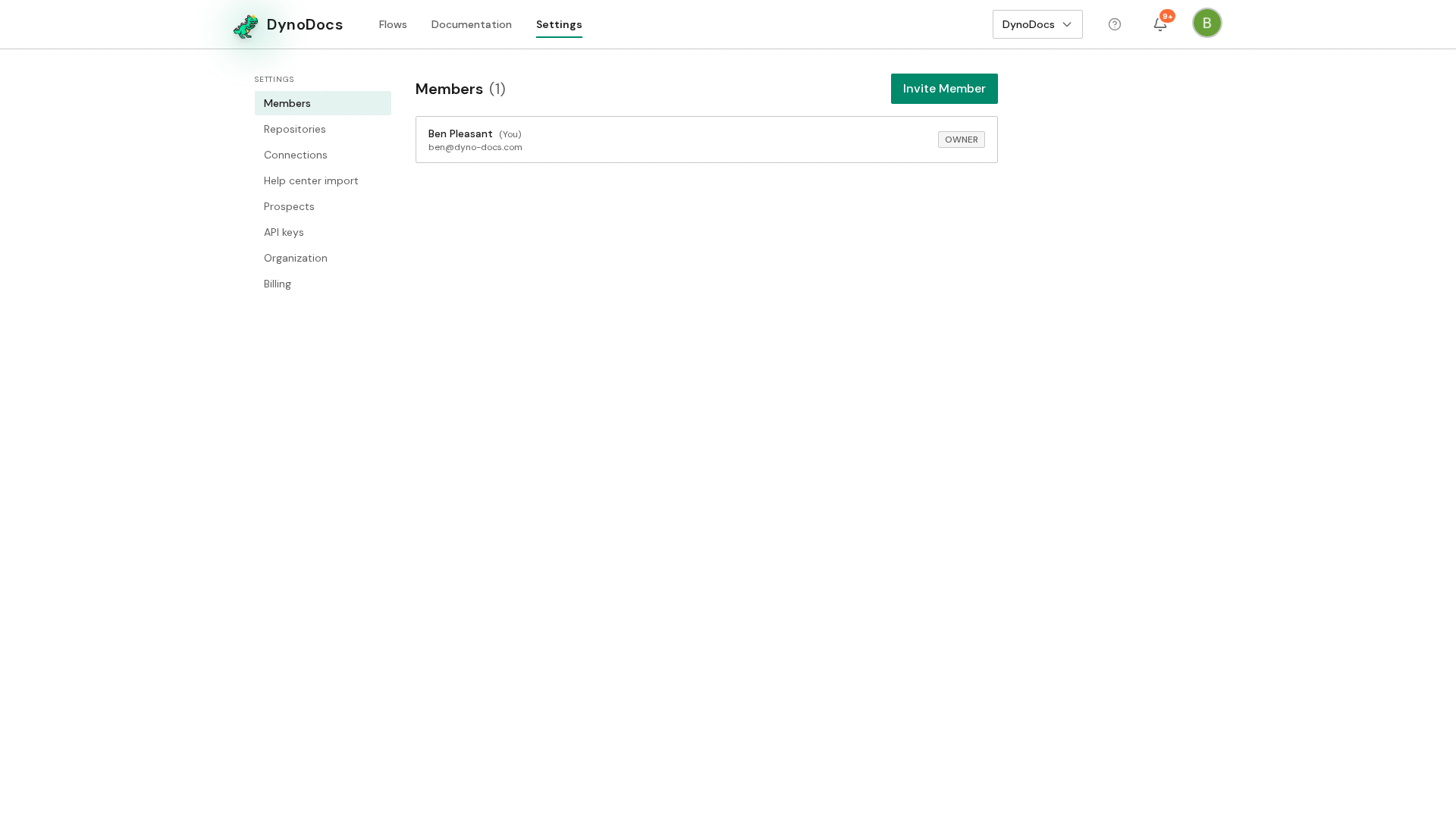
The import page opens with a field for a web address. Enter the URL of your existing help center, or the URL of a single article if that is the only one you want to bring in.
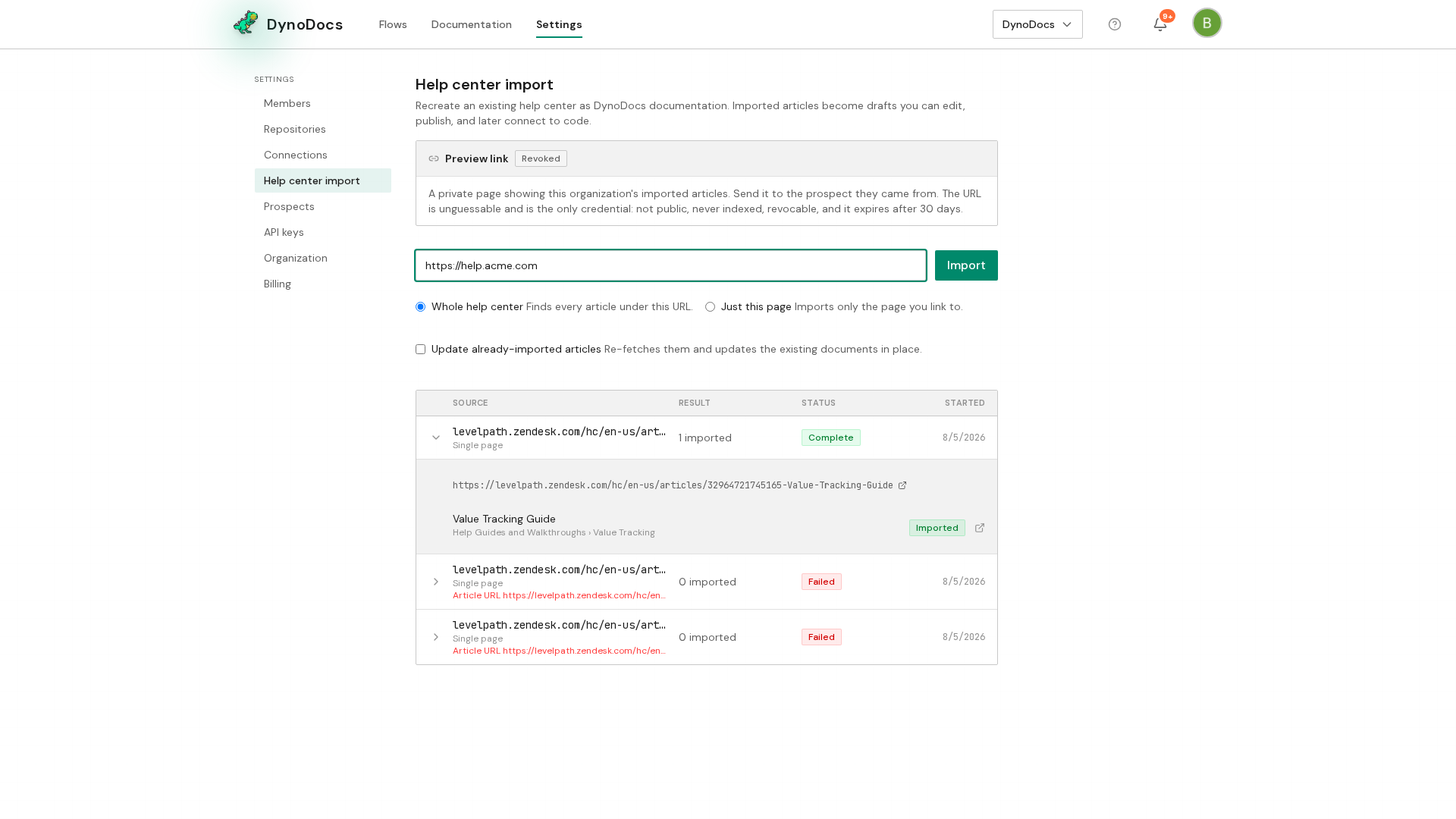
Click Import. DynoDocs crawls the help center and brings each article into your workspace as a guide, where you can connect it to a flow so it can be verified.
Prerequisites
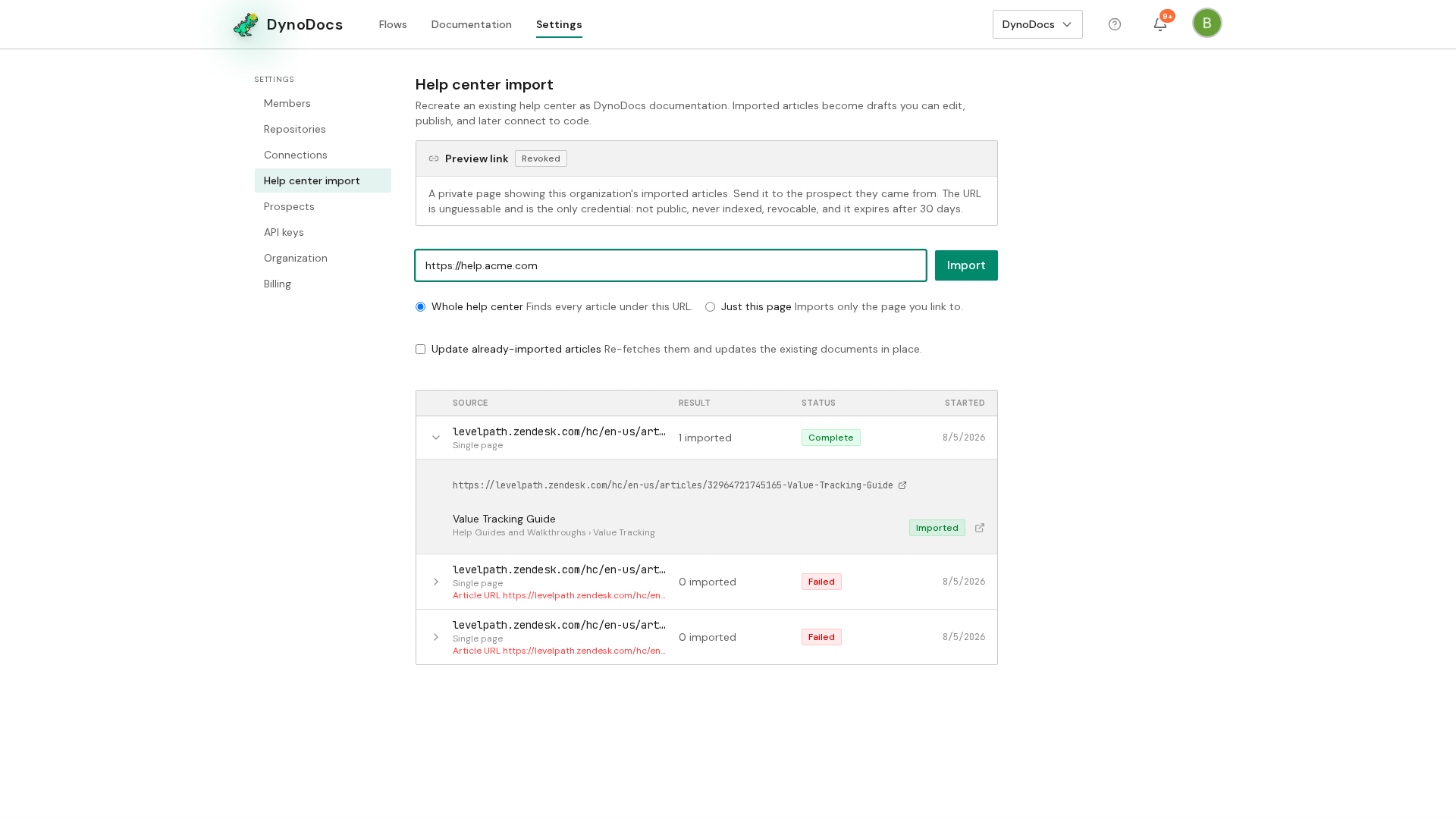
- The web address of the help center, or of the single article, you want to import