
From the dashboard, click Settings in the top navigation.
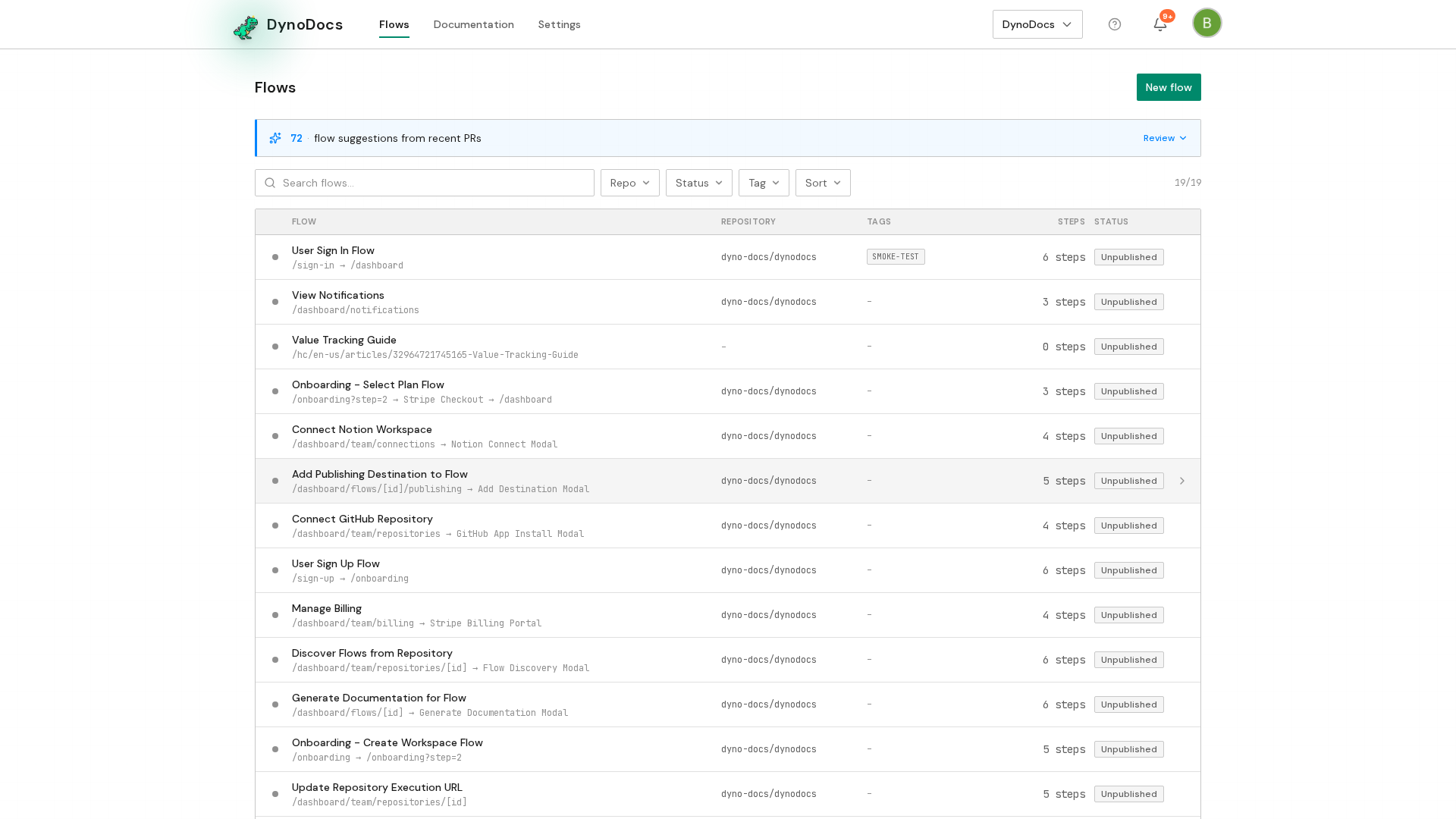
Settings opens on the Members page, with its sections listed down the left. Choose Organization.
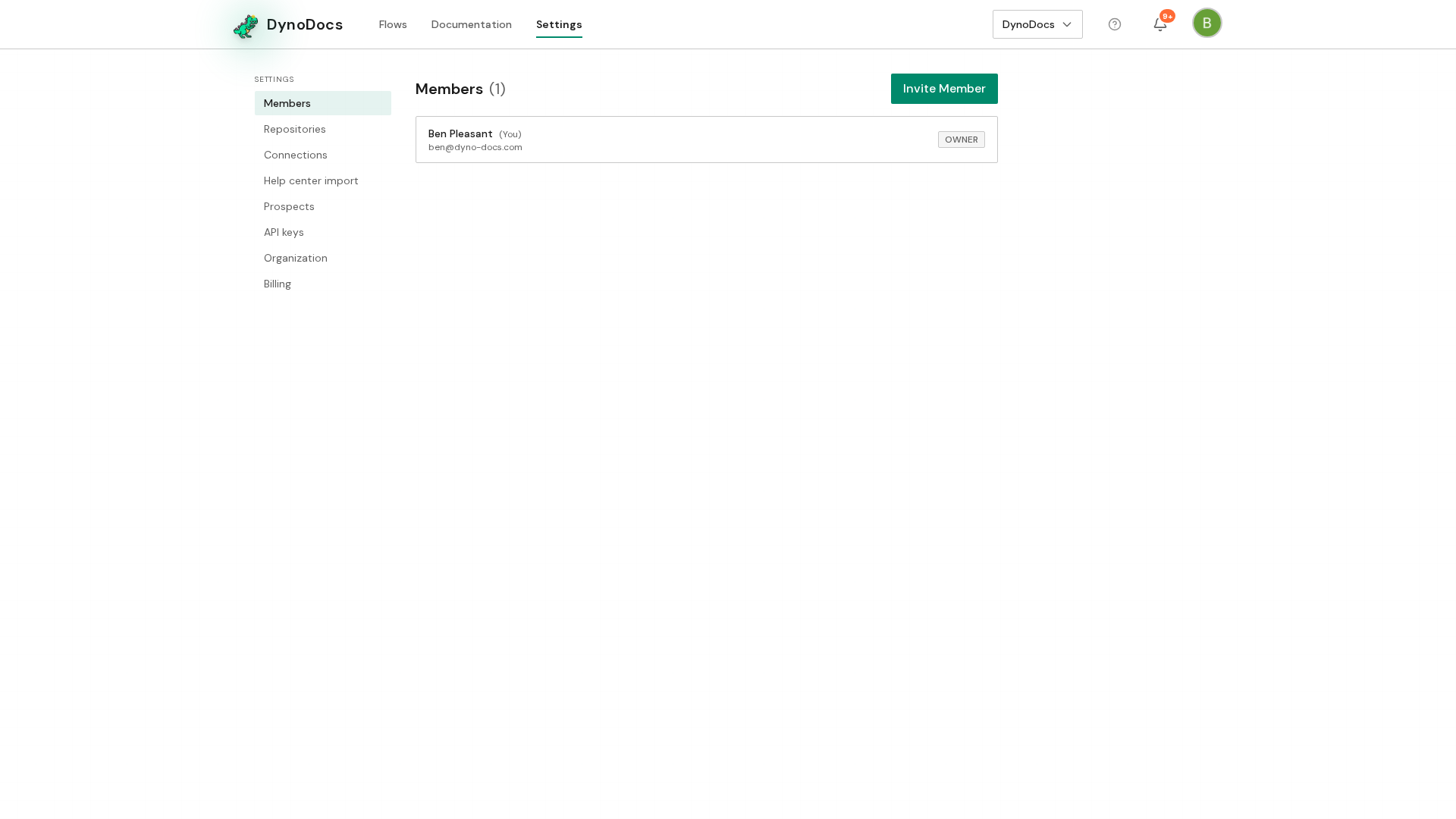
The Organization page opens, with the documentation defaults further down the page. In Documentation accent color, enter the color you want as a hex value, or pick one using the color swatch beside the field. The preview updates as you type.
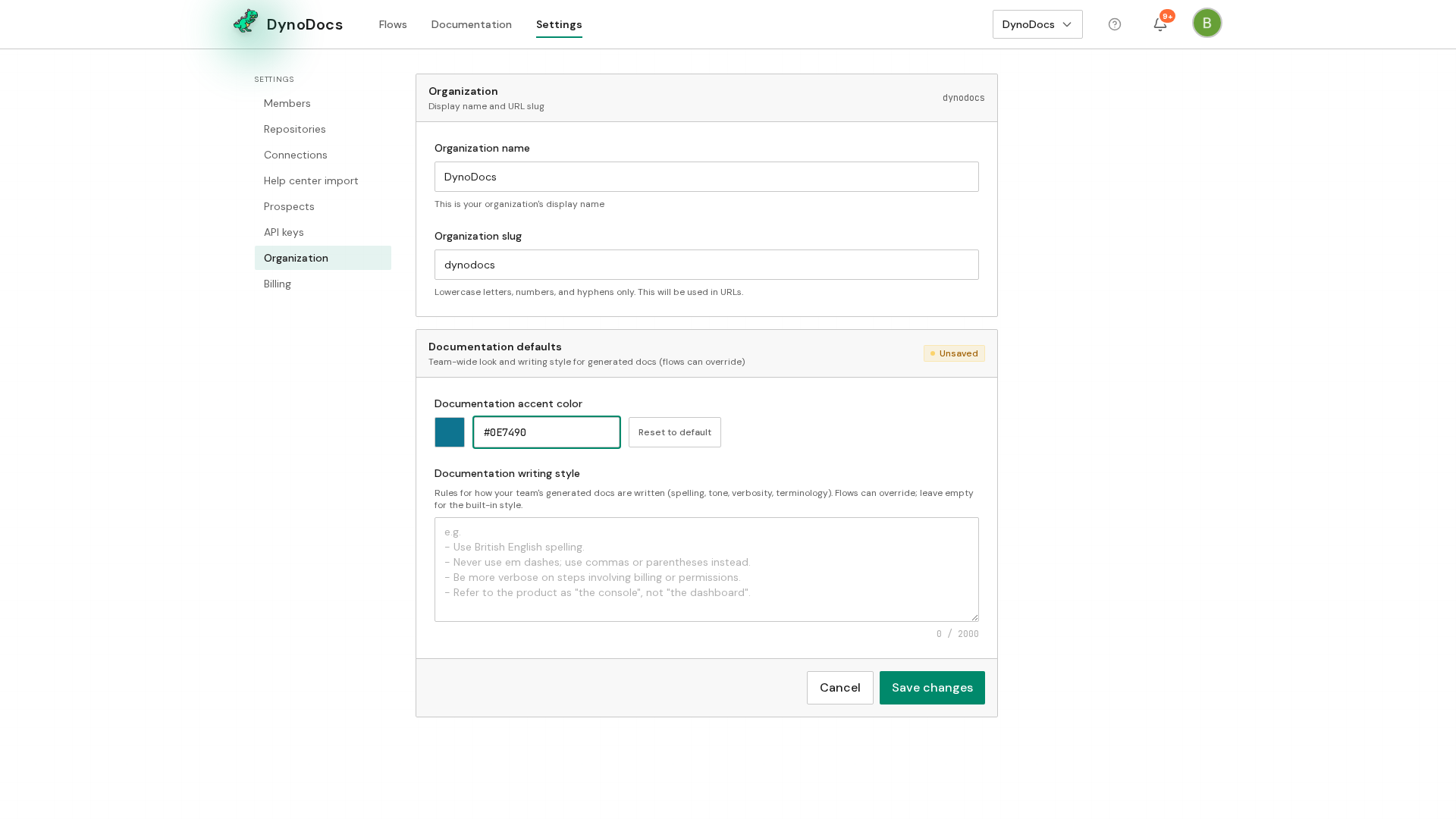
A bar appears at the bottom of the section with Save changes and Cancel. Click Save changes to apply the new accent color.
Prerequisites
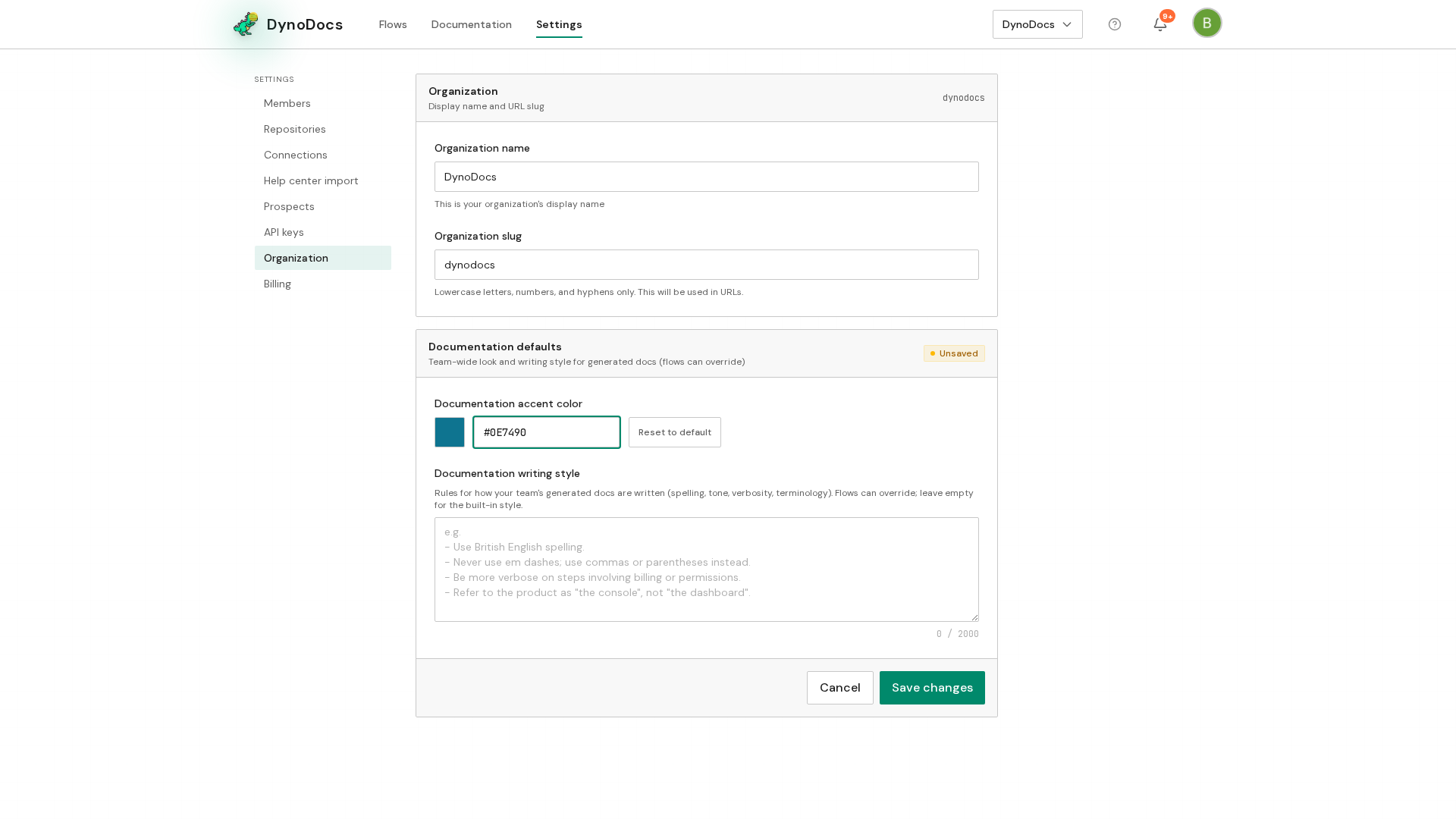
- An admin account that can open Settings, Organization in DynoDocs