
DynoDocs signs you in over two steps rather than one combined form: you enter your email address first, then your password on the next screen. Once you are through, you land on the dashboard where your flows live.
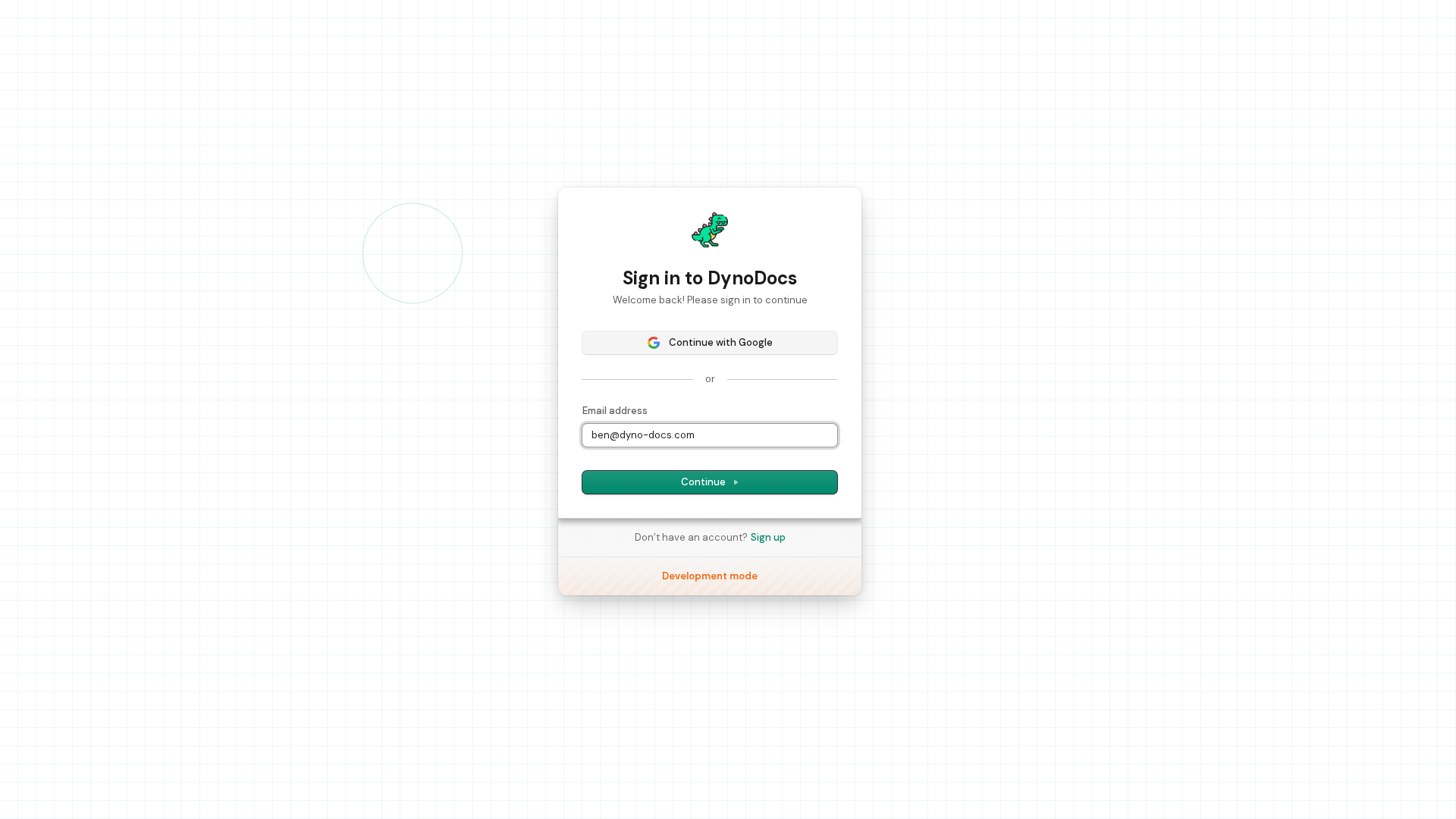
In the Email address field, type the email address associated with your DynoDocs account.
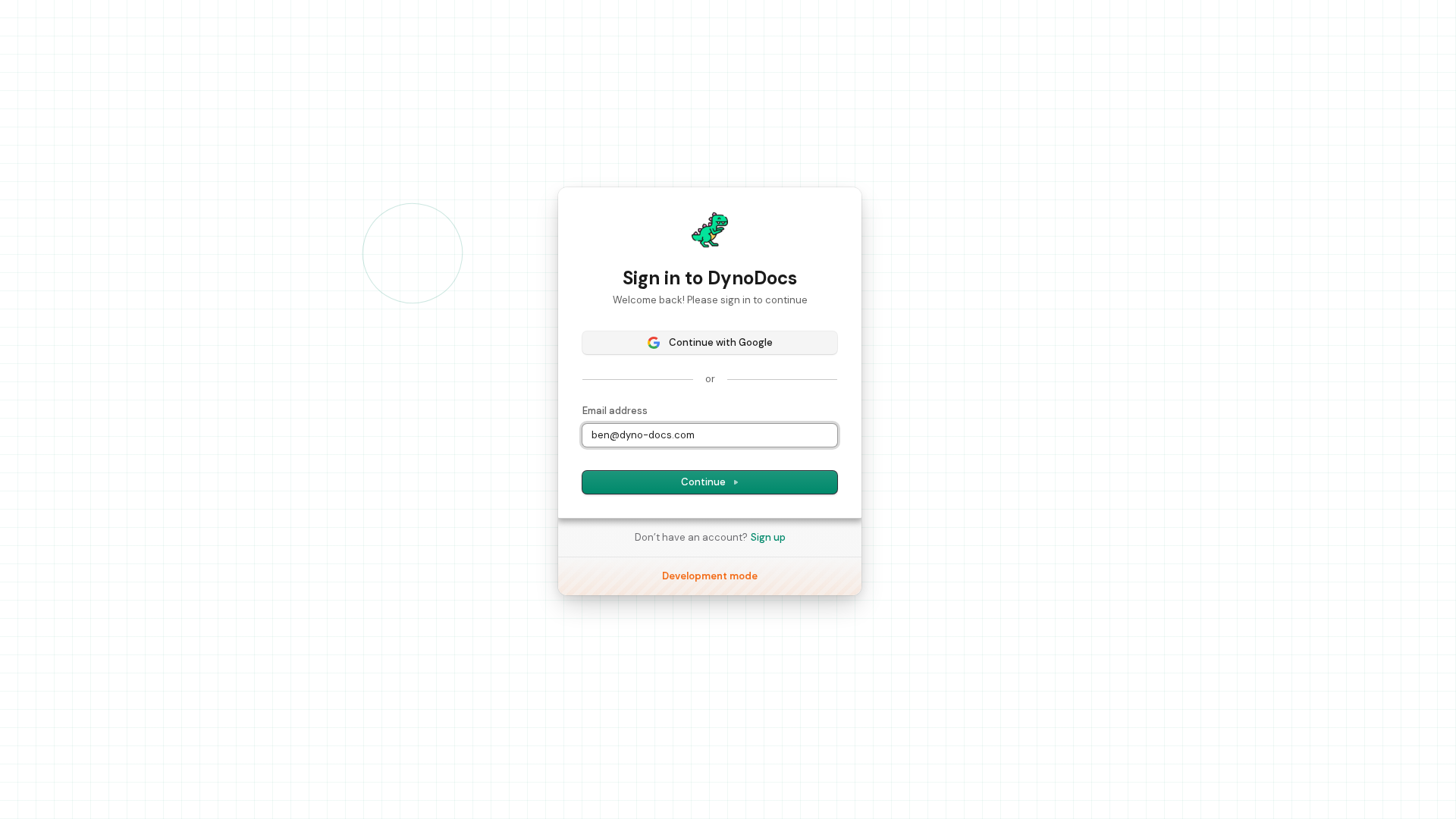
Click Continue to move on to the password step.
On the next screen, type your password into the Password field.
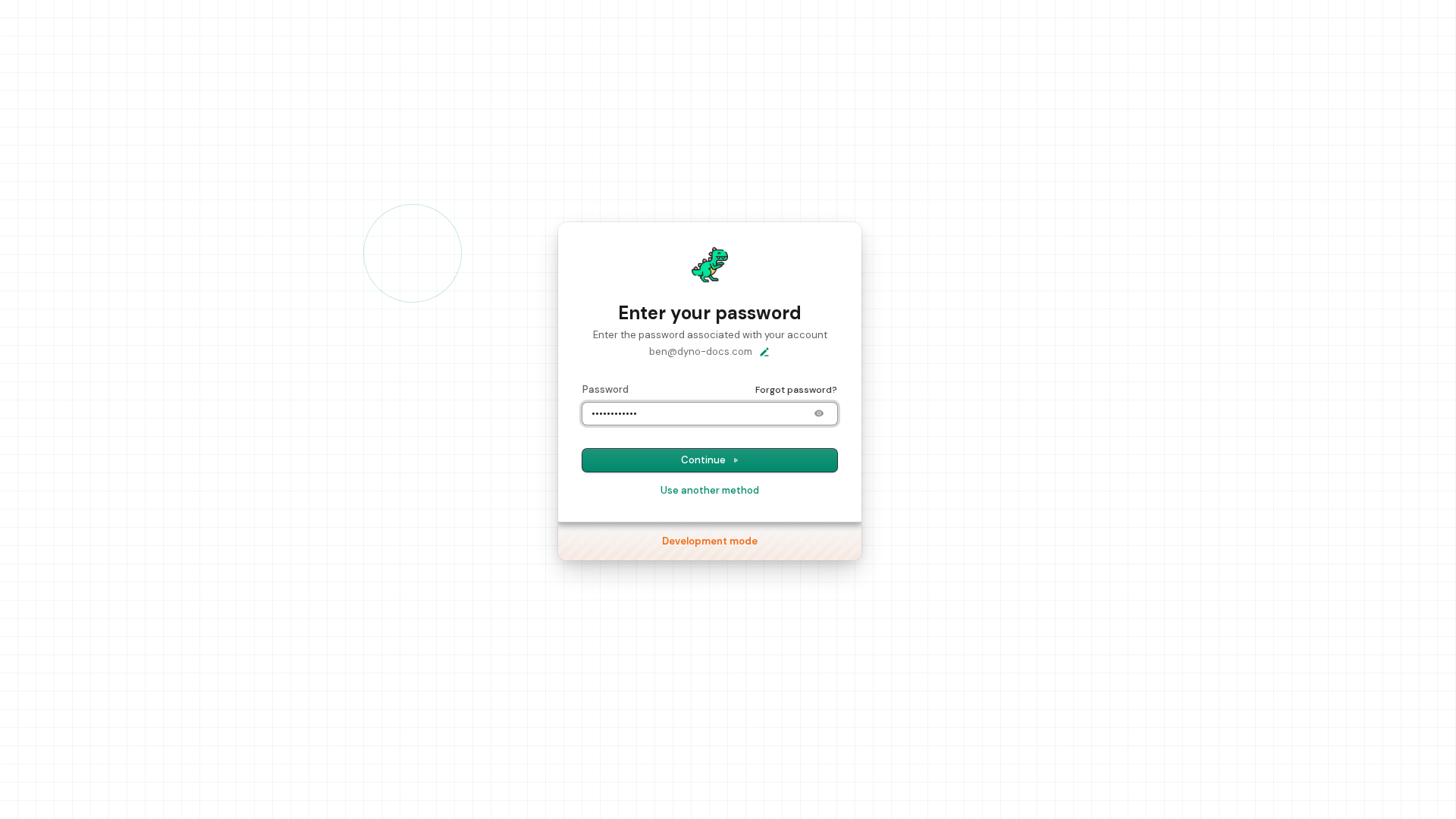
Click Continue to sign in.
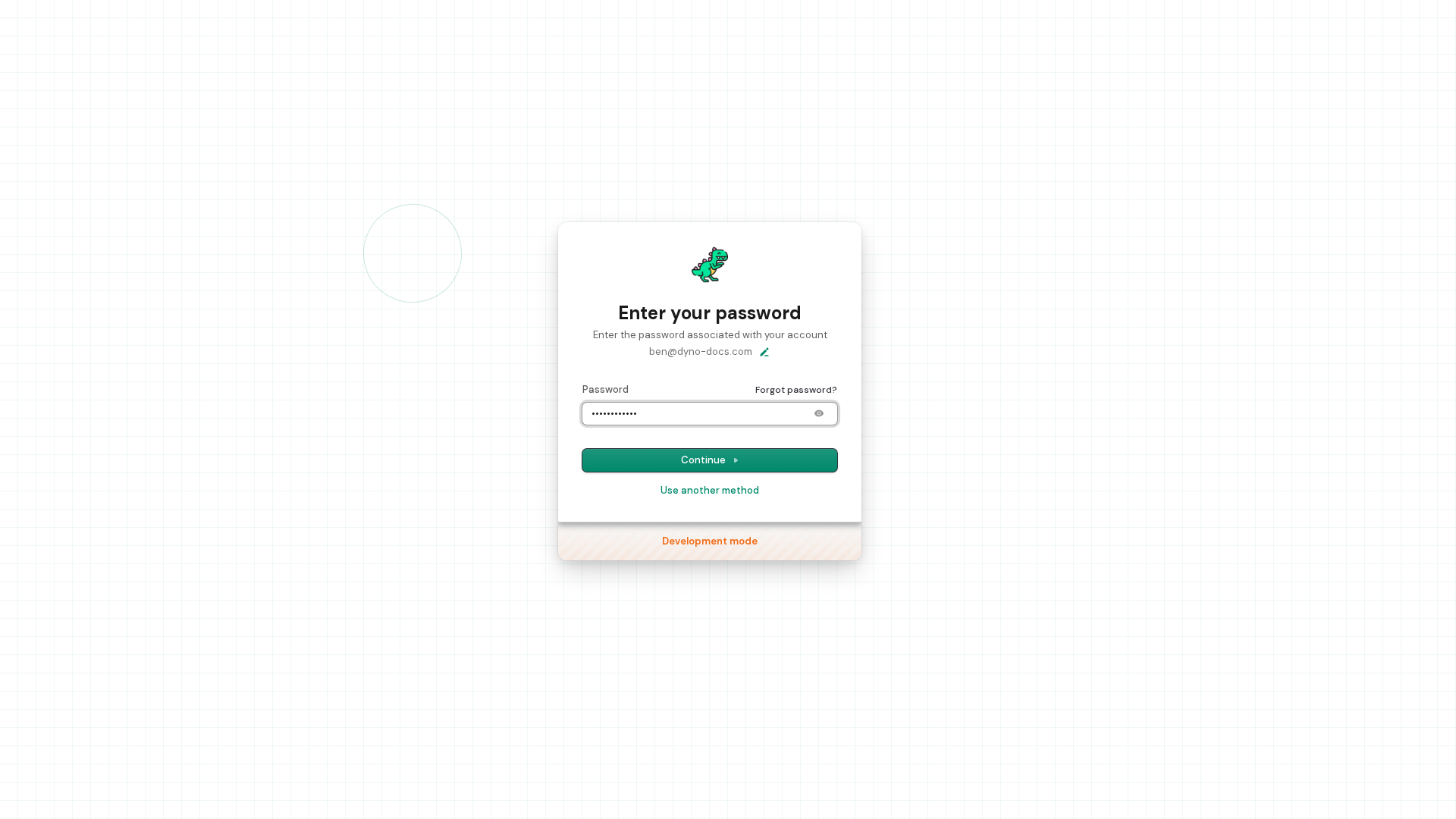
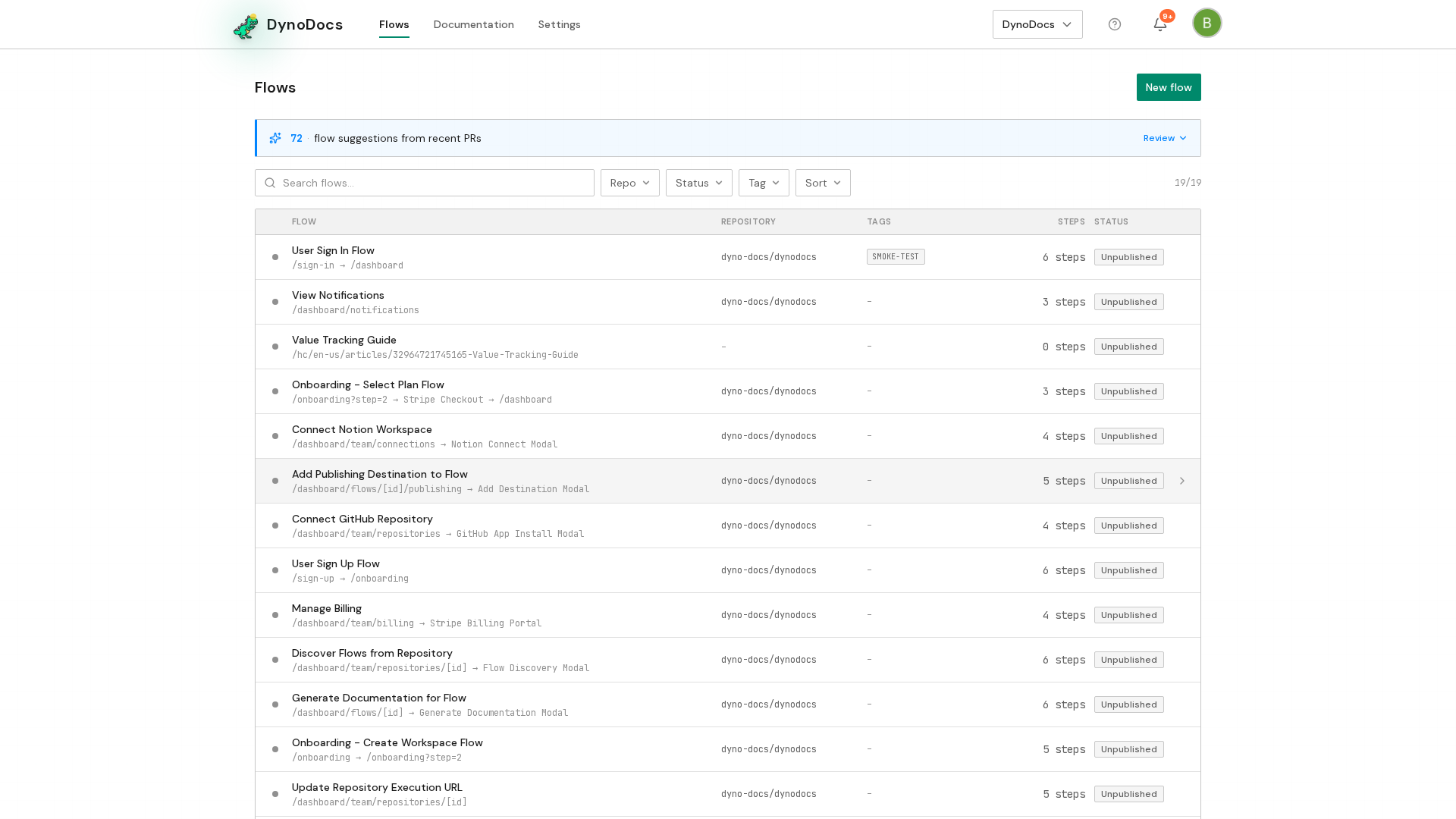
Give the dashboard a moment to finish loading. When sign-in has worked, the DynoDocs dashboard appears with your Flows listed.
Prerequisites
- A DynoDocs account, with the email address and password you signed up with.