
Sharing and exporting both start from the same place: the actions menu on the guide itself.
From your DynoDocs dashboard, click Documentation in the top navigation.
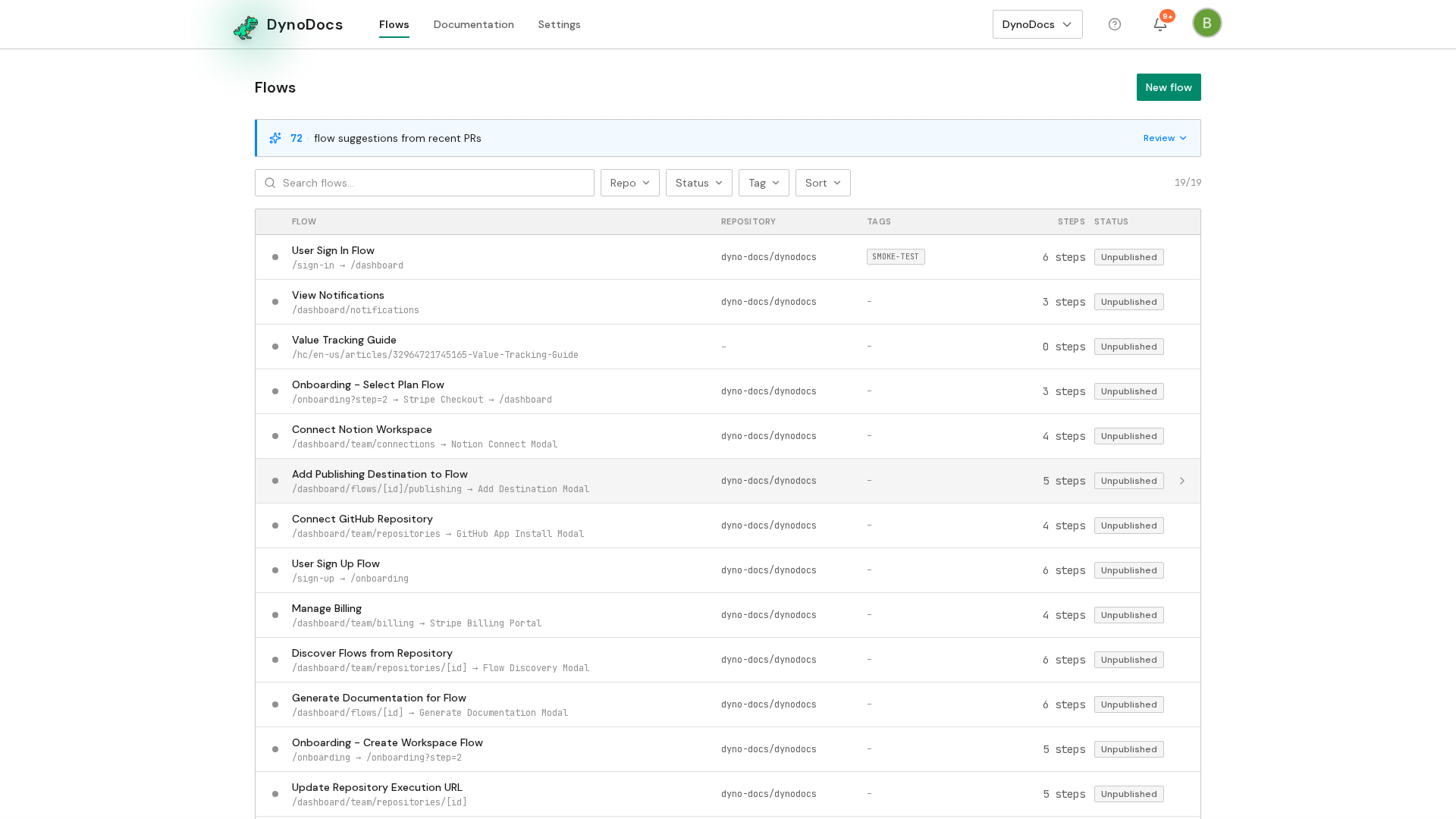
Every guide in your workspace is listed here. Click the title of the guide you want to share or export.
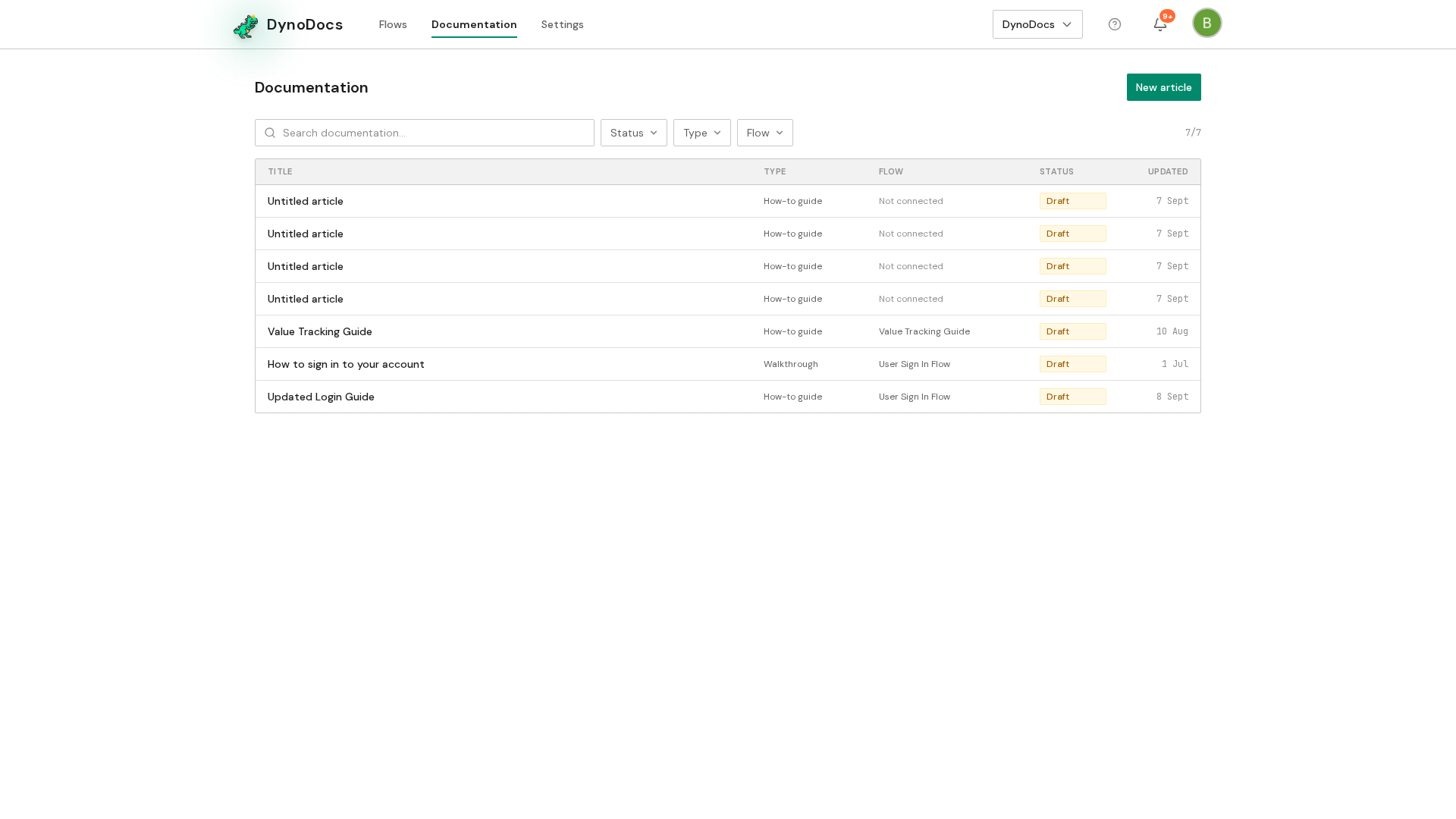
The guide opens in the editor. Click the actions menu, the icon button at the top right of the guide.
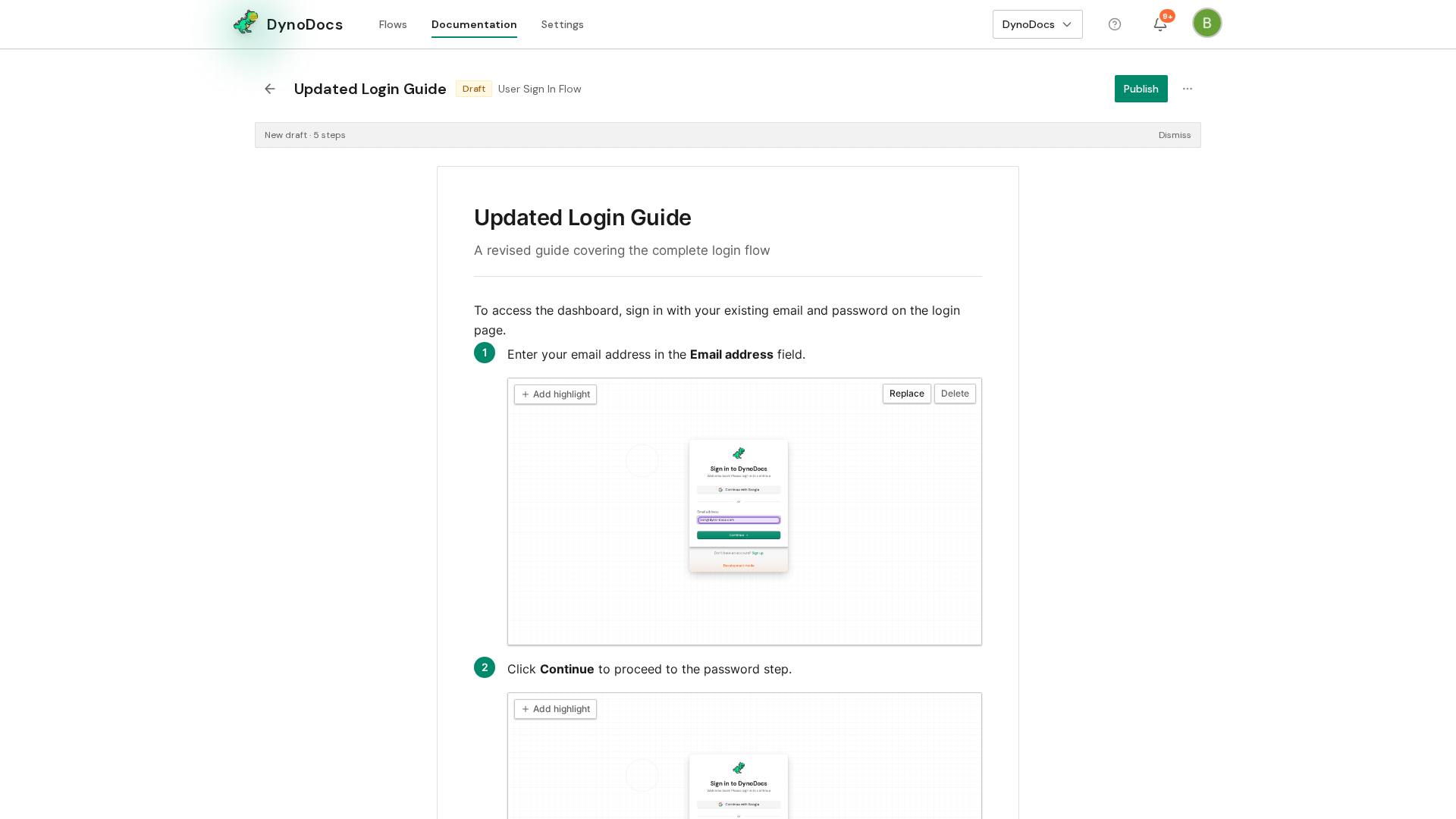
Choose Share from the menu.
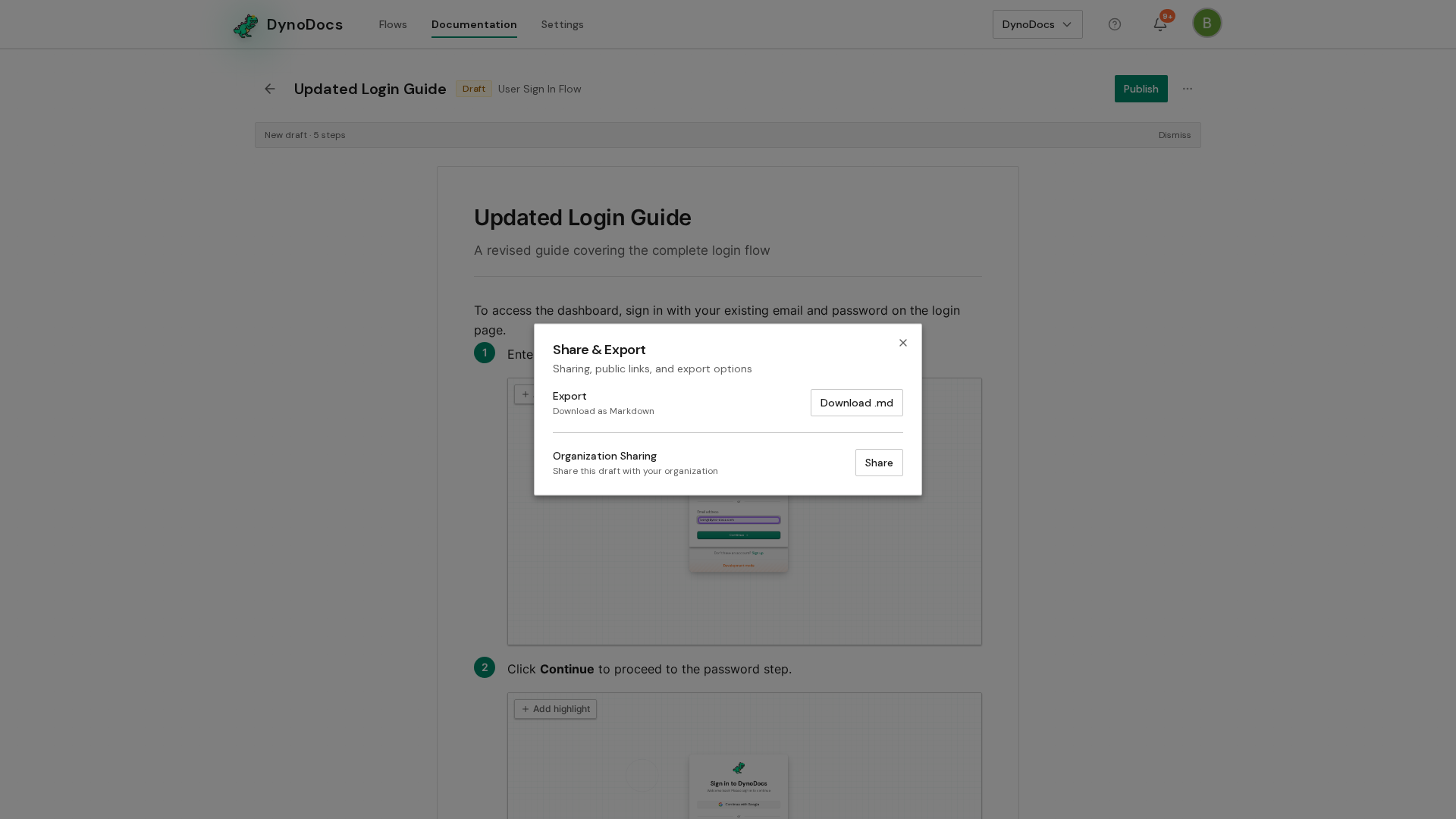
The Share & Export dialog opens. A draft can be shared with your organization so teammates can review it, while a published guide also offers a public link and an embed snippet for your own site. To save a copy of the guide as a Markdown file you can use anywhere, click Download .md.
Prerequisites
- A guide in your DynoDocs workspace that you want to share or export.
Troubleshooting
- No public link or embed code in the dialog: those options appear for a published guide, so publish the draft first.