
Every flow in DynoDocs keeps its own Executions tab, where its past runs are listed. A run you start here happens in the background, so you can carry on working while it progresses and get notified once it finishes.
Open the flow's Executions tab
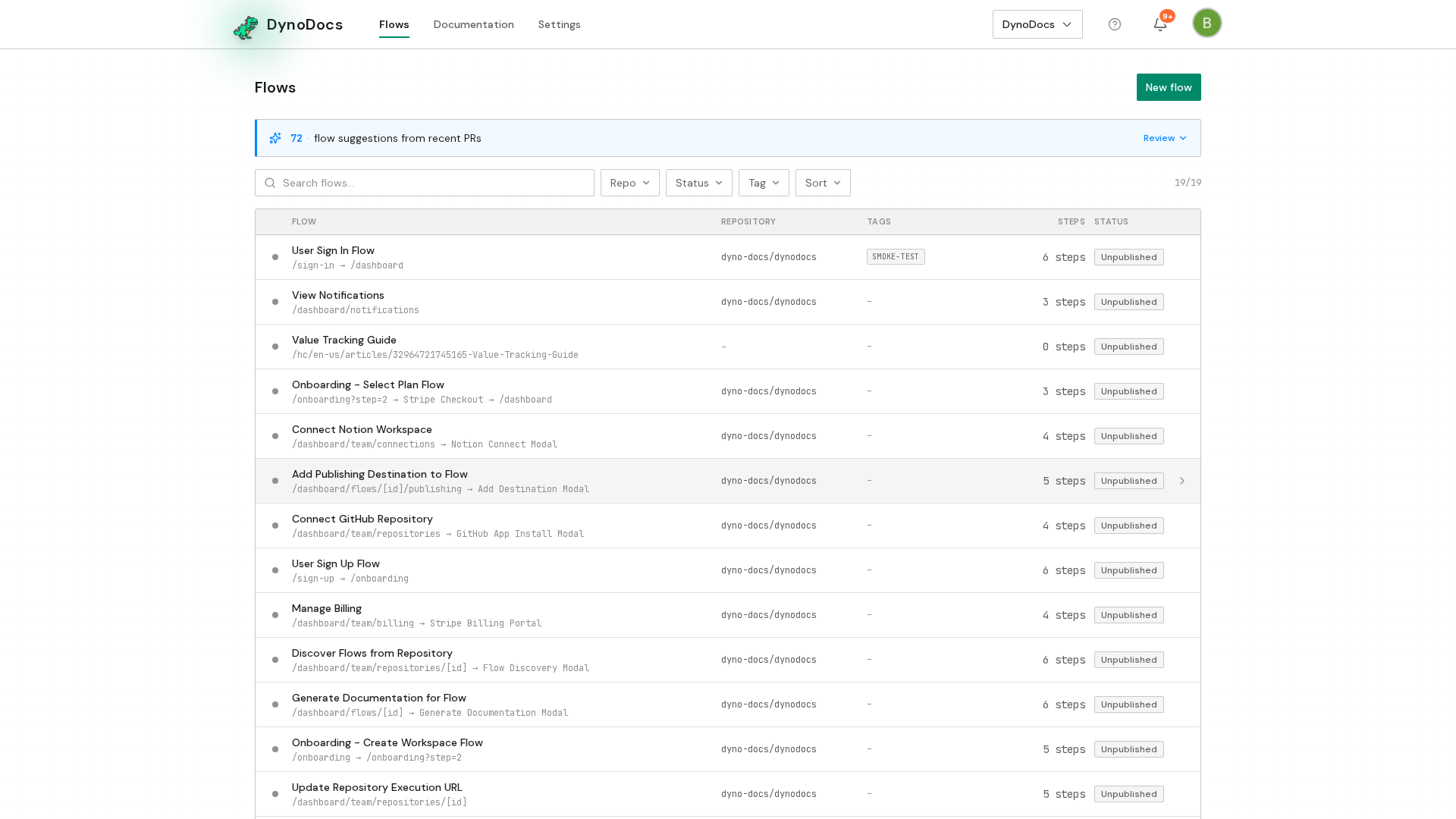
Your flows are listed on the flows page. Open the flow you want to run.
The flow opens on its guide, with Executions, Configuration and Publishing alongside it. Open the Executions tab, which lists every run of this flow.
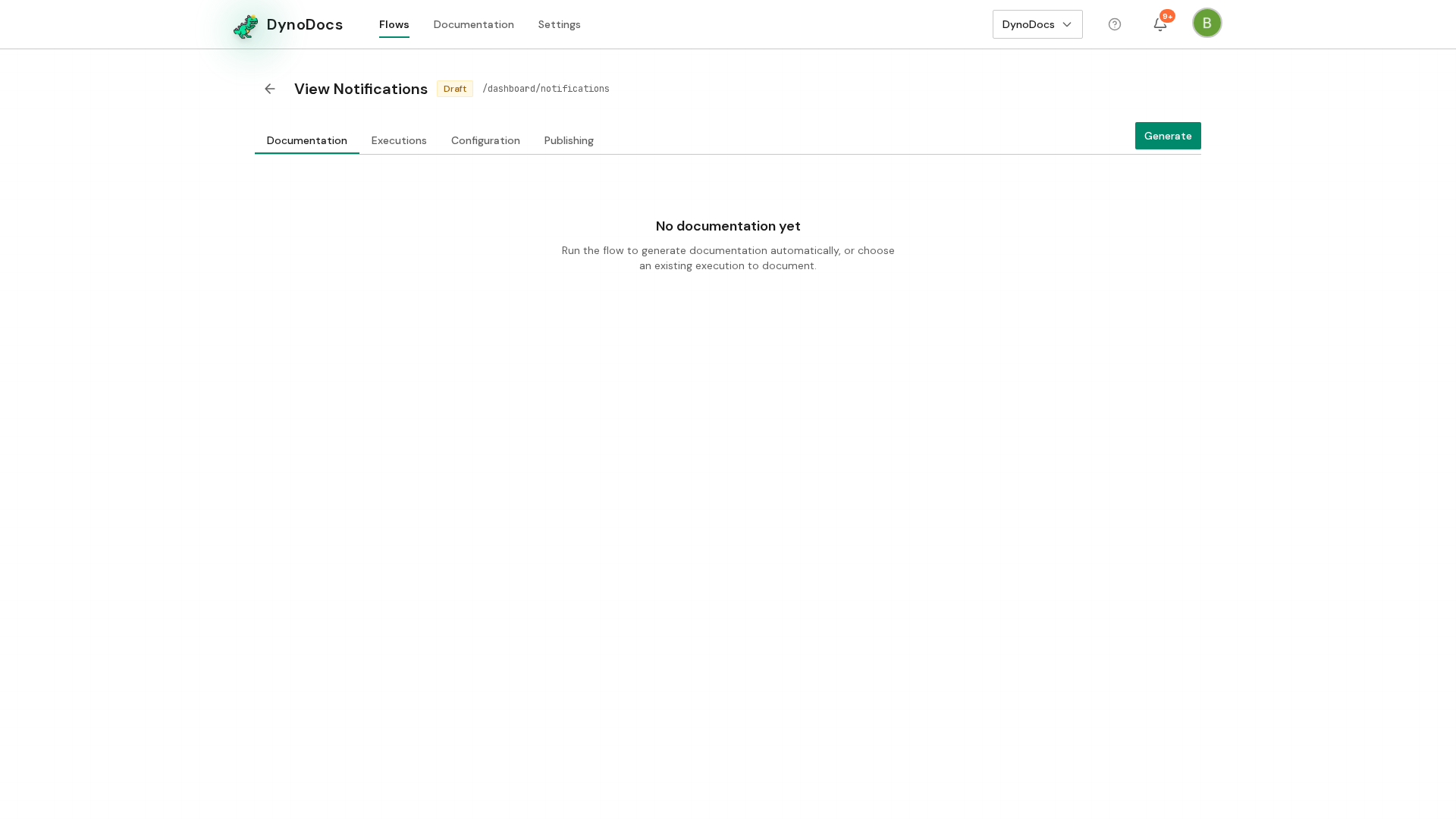
Start the run
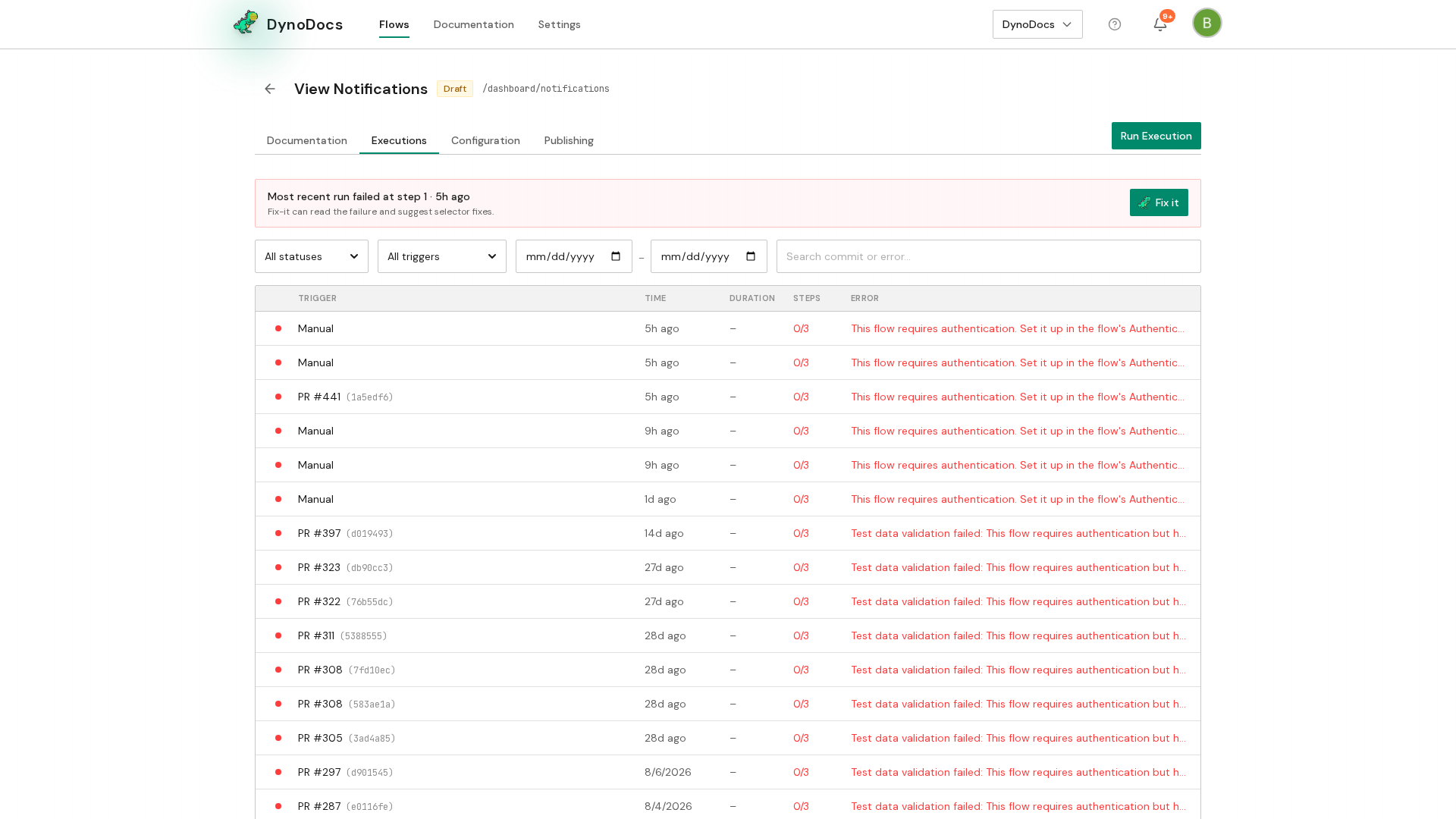
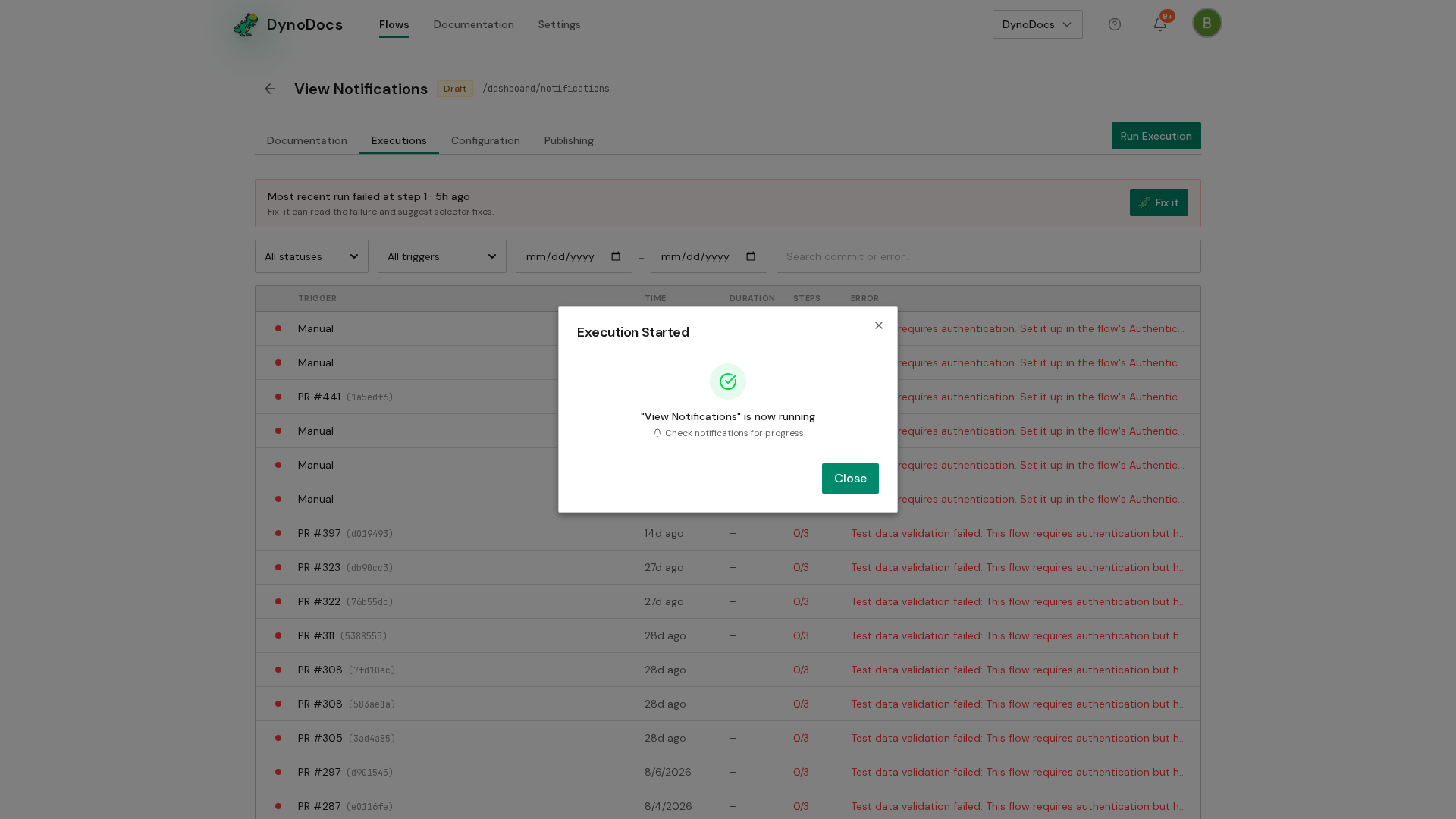
The flow's past runs are listed here, newest first. Click Run Execution to begin a new one.
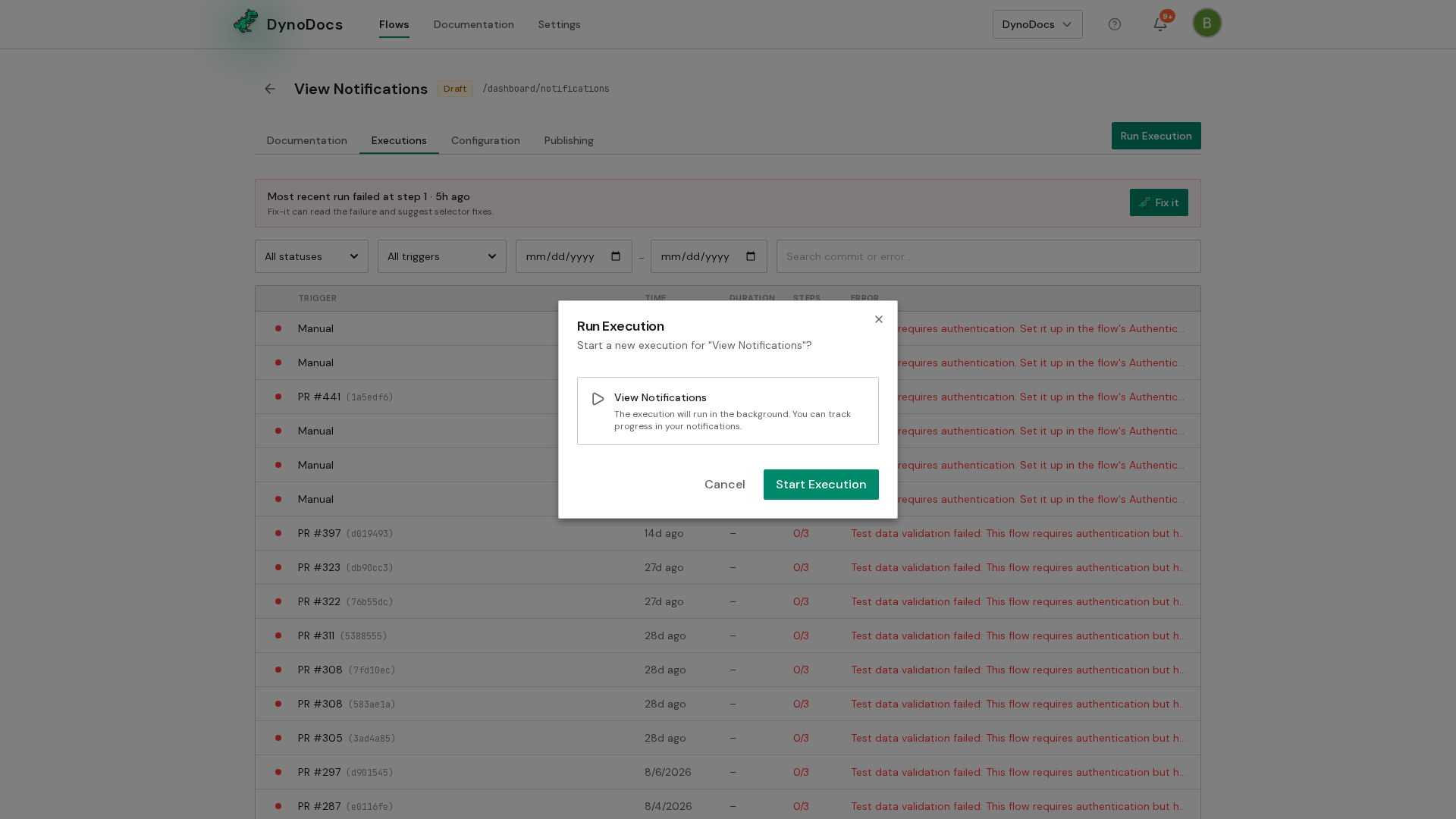
A dialog opens confirming which flow will run. Check that it is the flow you want, then click Start Execution.
The dialog confirms with Execution Started. The run continues in the background and appears in the list of runs as it progresses, and you are notified when it finishes.
Prerequisites
- A saved flow in your DynoDocs organization that you want to run.