
Your flows are listed on the Flows page. Open the flow you want to document.
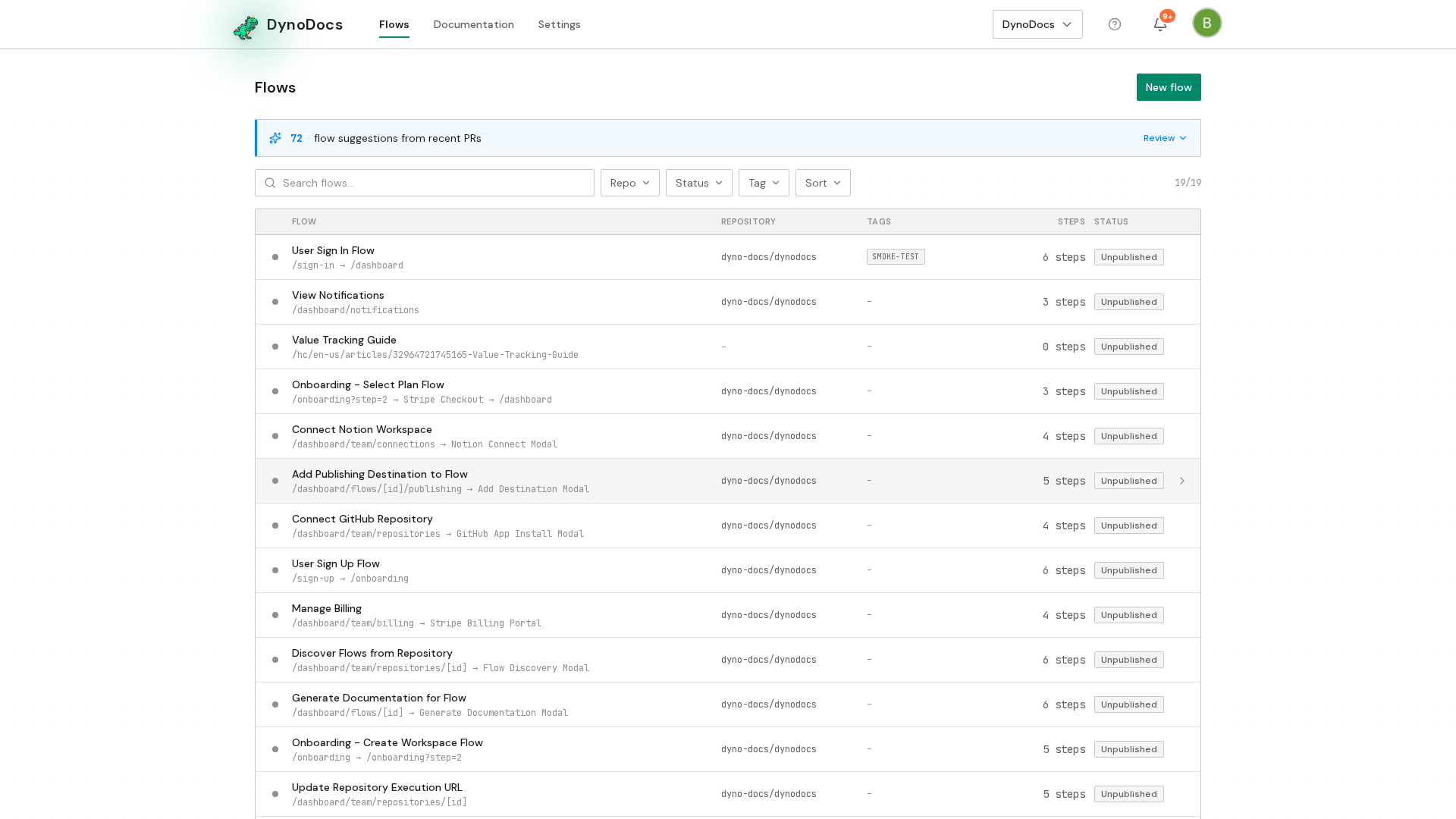
The flow opens on its guides, with Executions, Configuration and Publishing alongside. Click Generate.
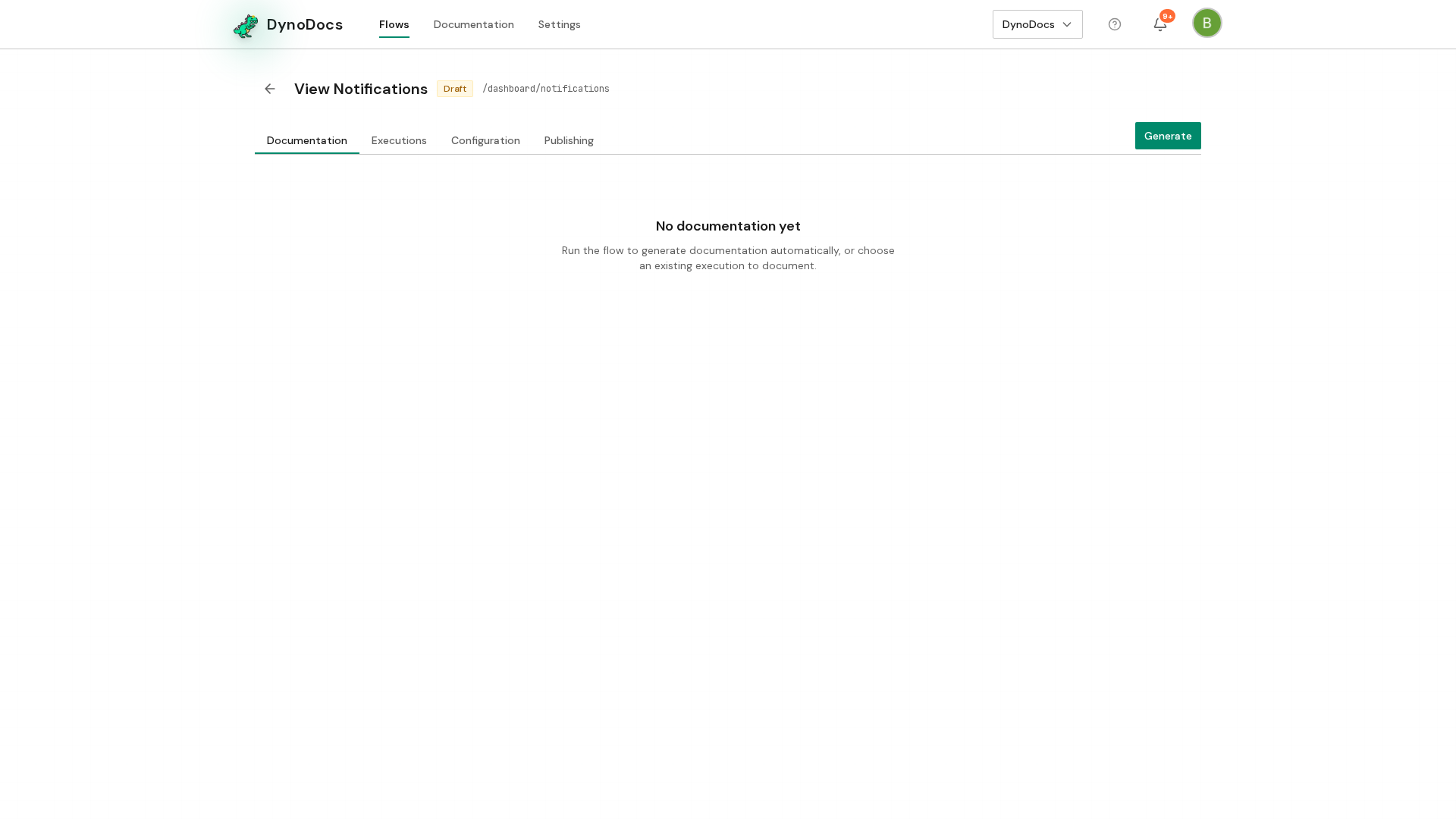
Choose what to generate
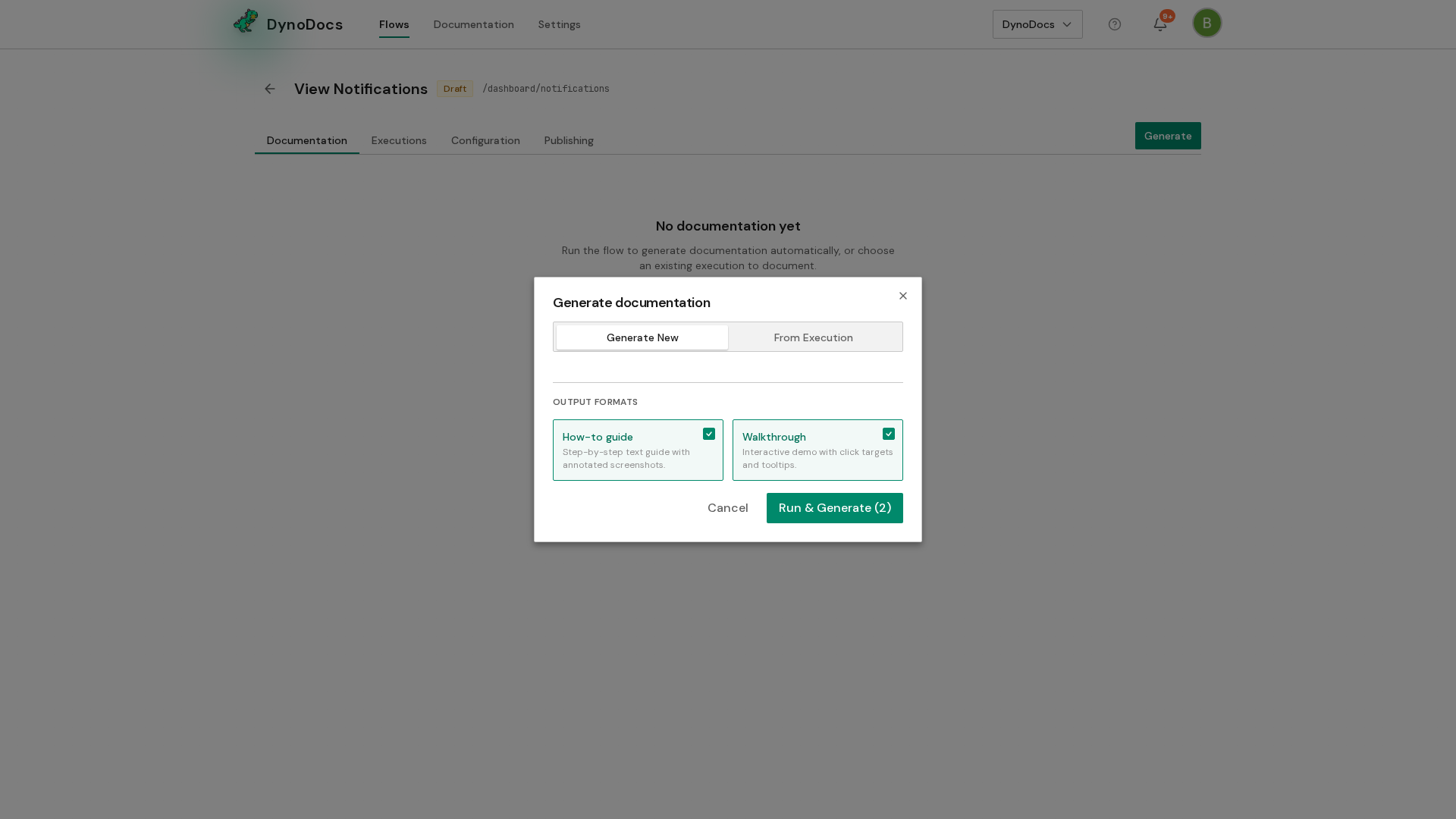
The Generate documentation dialog offers to run the flow now and write the guides from that run, or to write them from a run that already happened. Both formats, the how-to guide and the interactive tour, are selected by default, so clear one if you only want the other. Click Run & Generate to start. The flow runs against your application, and a draft of each selected format appears under the flow's guides for you to review and publish.
Note
The number shown on Run & Generate reflects how many formats you have selected.
Prerequisites
- A flow already saved in your DynoDocs organization
Troubleshooting
- You only want one format: clear the format you don't need in the Generate documentation dialog before you generate, since both are selected by default.
- You don't want to run the flow again: choose the option to write the guides from a run that already happened instead of running it now.