
Connecting Notion makes it available as a publishing destination for your guides. The connection is authorized on Notion's side, where you choose which workspace and which pages DynoDocs may write to.
Open your connections settings
From your dashboard, click Settings in the top navigation.
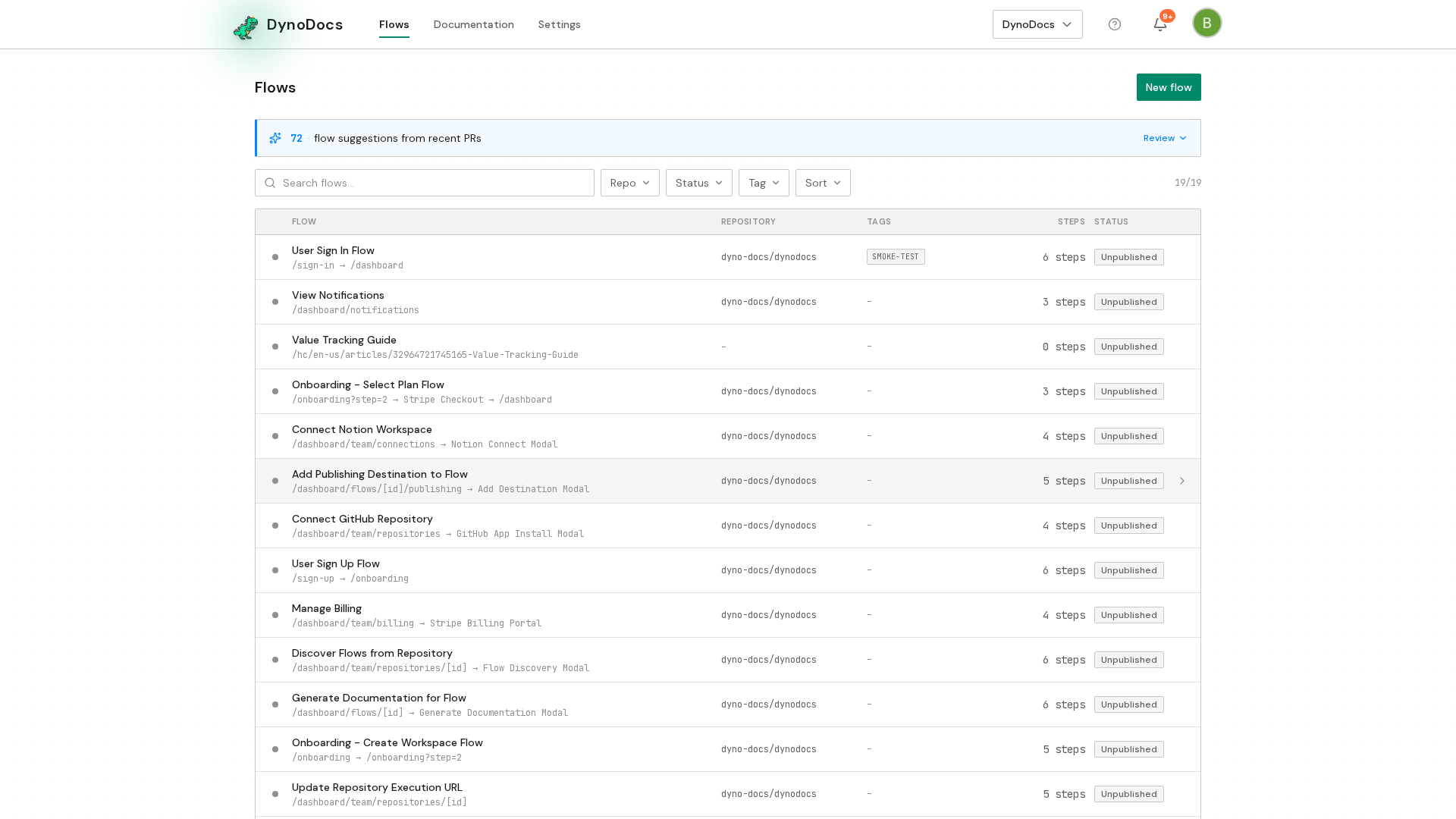
Settings opens on the Members page, with its sections listed down the left. Choose Connections.
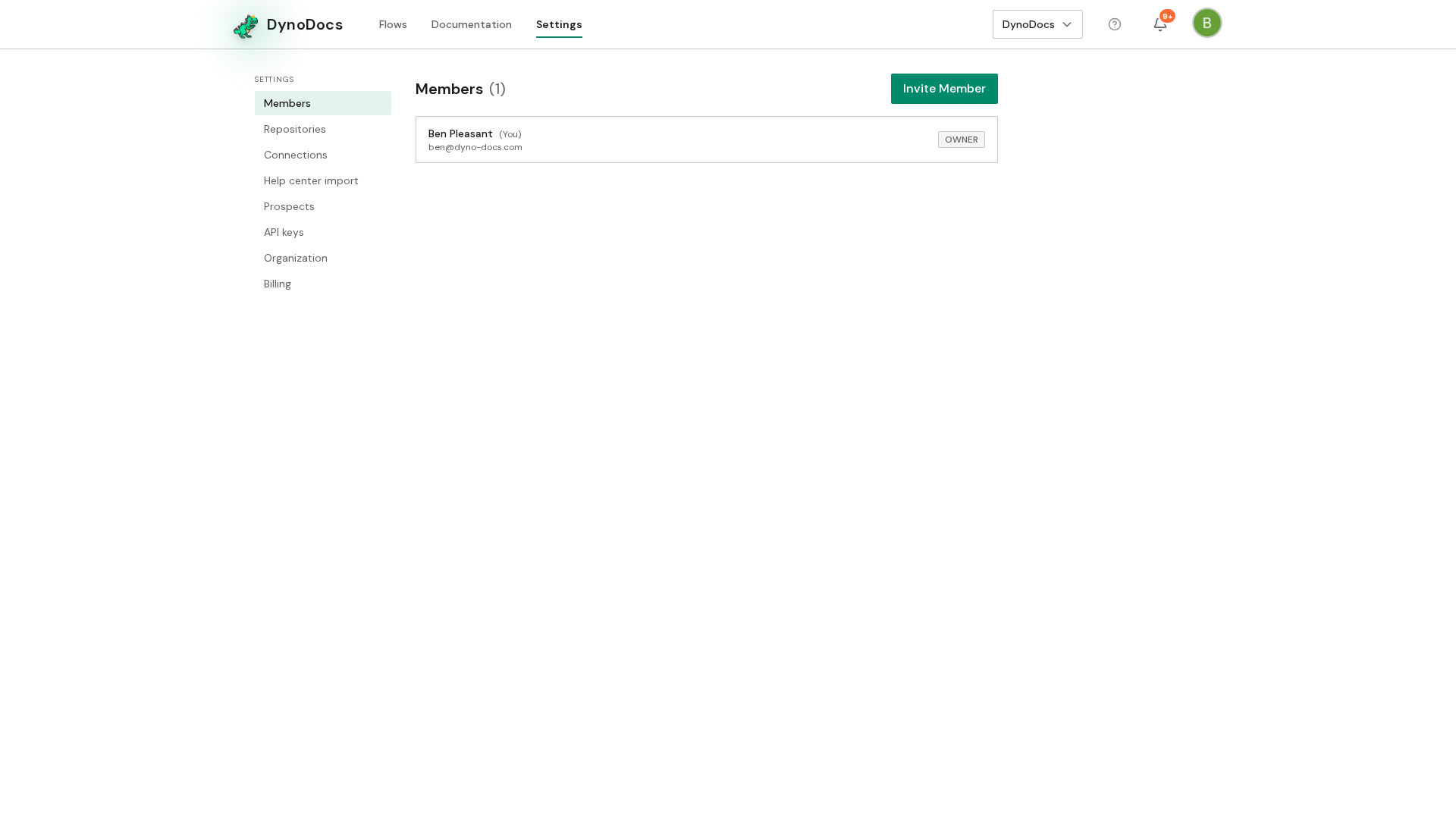
Connect the Notion workspace
Your connected services are listed here. Under Notion, click Connect, or Add Workspace if a workspace is already connected.
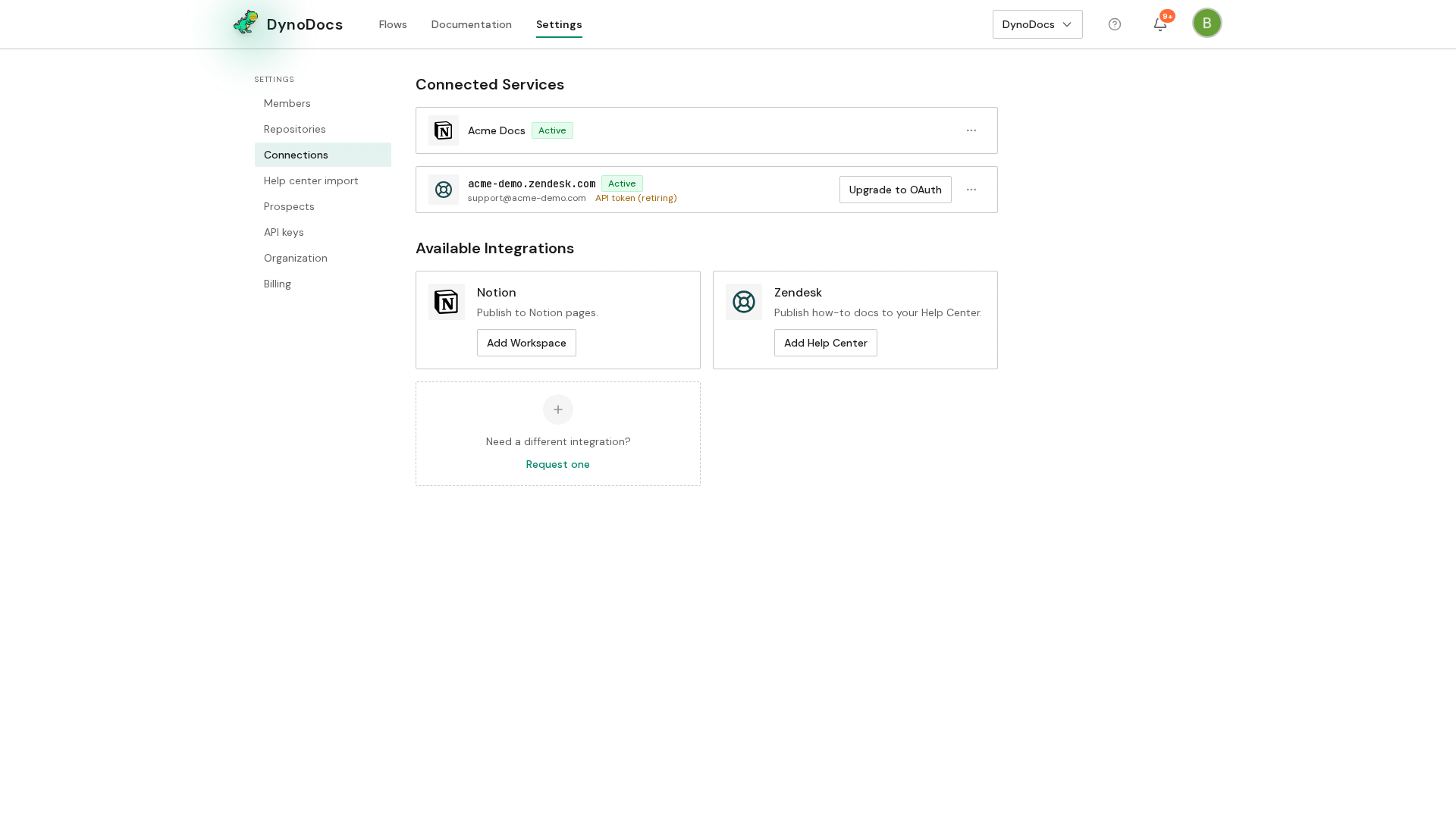
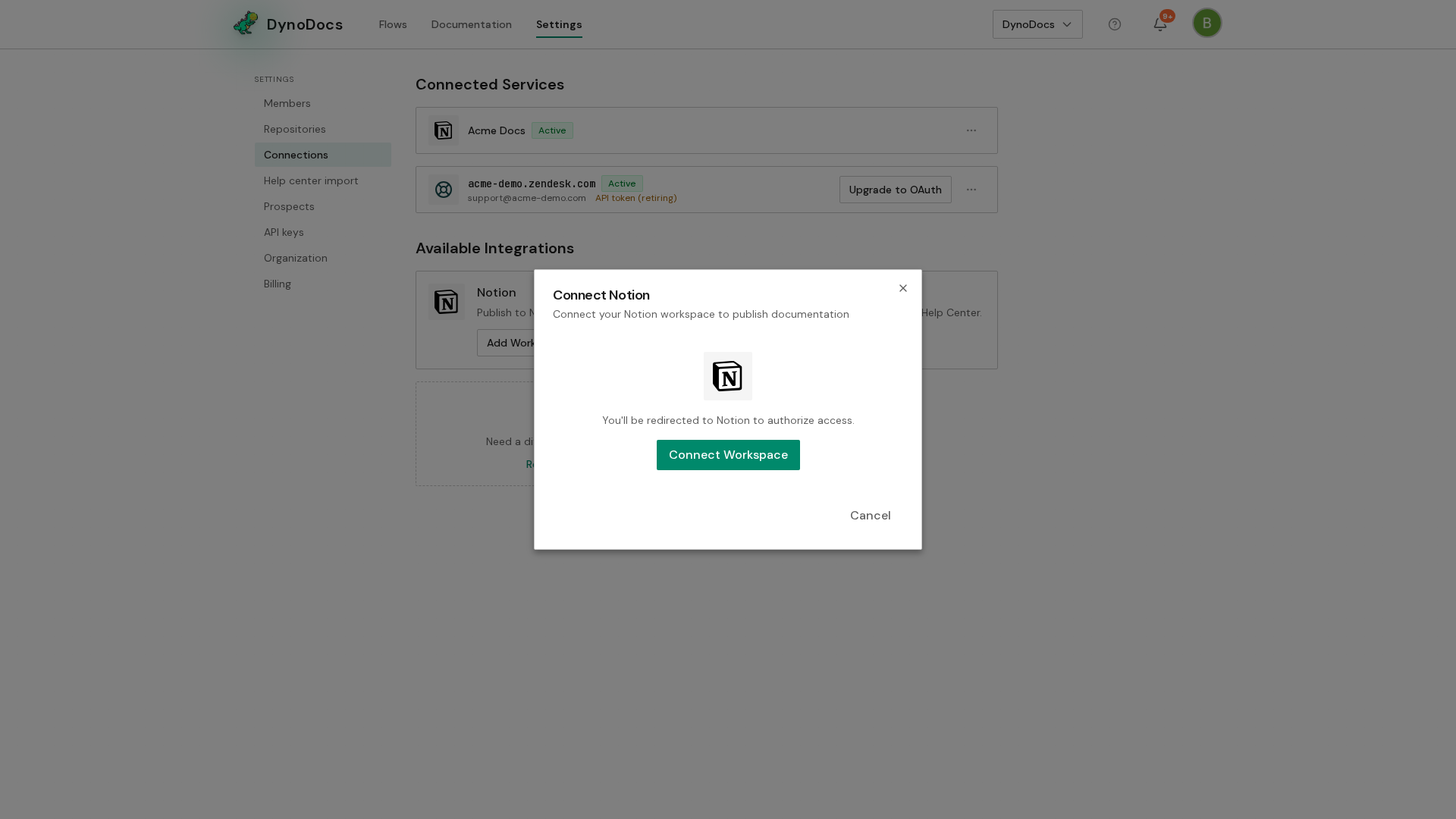
The Connect Notion dialog explains that Notion will ask you to authorize DynoDocs. Click Connect Workspace to start the authorization in Notion, where you choose the workspace and the pages DynoDocs may publish to.
Prerequisites
- Access to your organization's Settings in DynoDocs
- A Notion account that can authorize apps for the workspace you want to connect