
Connecting a repository is what lets DynoDocs work against your code. You need an admin or owner role to do this, since only those roles see the Connect repository button, and the DynoDocs GitHub App has to be installed on the GitHub account that owns the repository.
Open your repository settings
From your dashboard, open Settings in the top navigation.
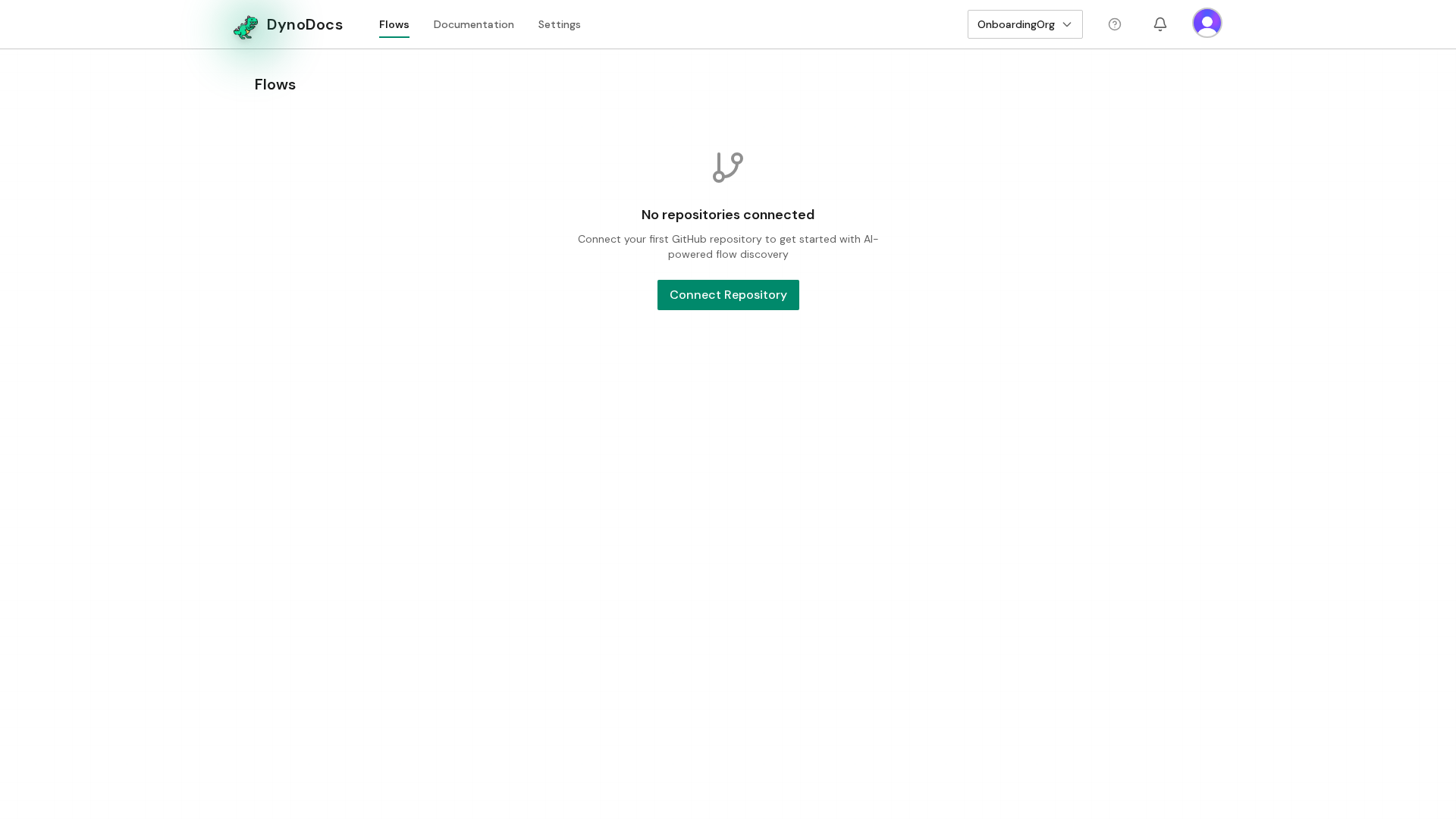
Settings opens on the Members page, with its sections listed down the left. Choose Repositories.
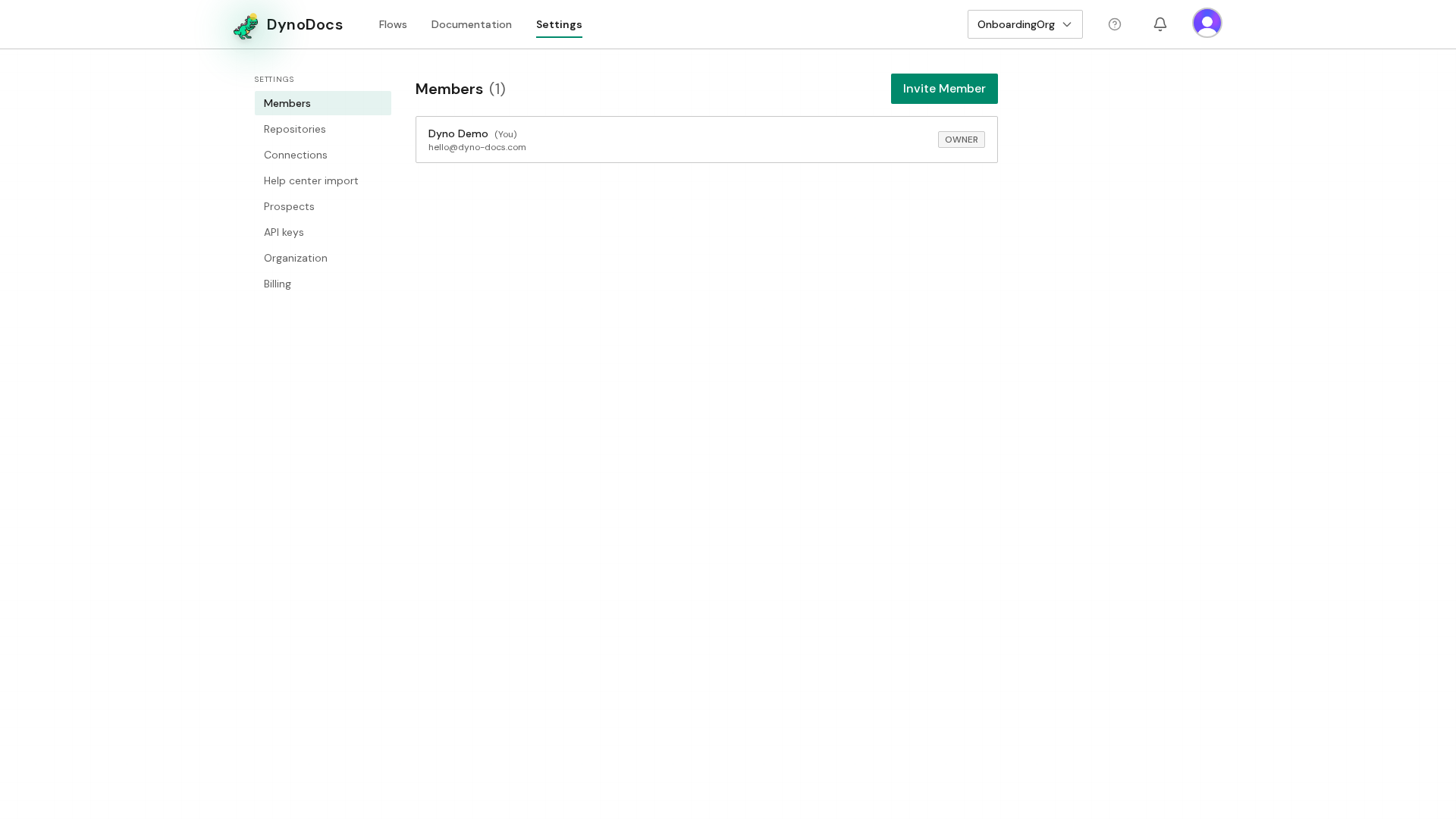
Start connecting a repository
Your connected repositories are listed here. Click Connect repository.
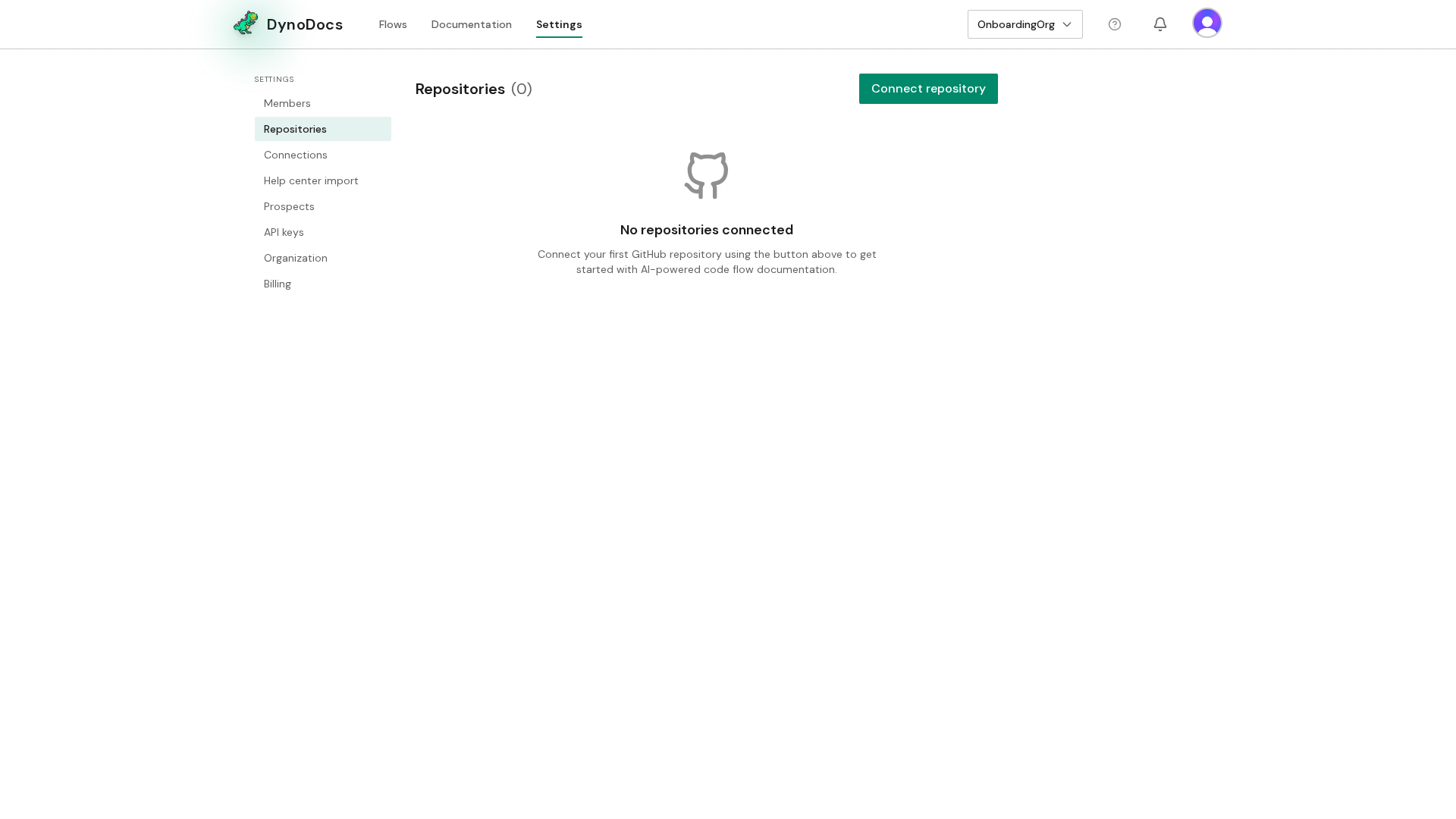
Install the DynoDocs GitHub App
A dialog opens. If the DynoDocs GitHub App is not installed on your GitHub account yet, the dialog offers to install it. Click Install GitHub App. GitHub opens so you can choose which account and repositories to grant access to, then brings you back to DynoDocs to pick the repository and confirm.
Prerequisites
- An admin or owner role in your DynoDocs organization, so the Repositories page shows the Connect repository button
- Access to the GitHub account that owns the repository, so you can install the DynoDocs GitHub App and grant it access
Troubleshooting
- No Connect repository button on the Repositories page: the button is shown to admins and owners, so ask someone with one of those roles to connect the repository.
- The dialog asks you to install the GitHub App: the DynoDocs GitHub App is not yet installed on that GitHub account. Click Install GitHub App and grant access to the account and repositories you want DynoDocs to work with.