
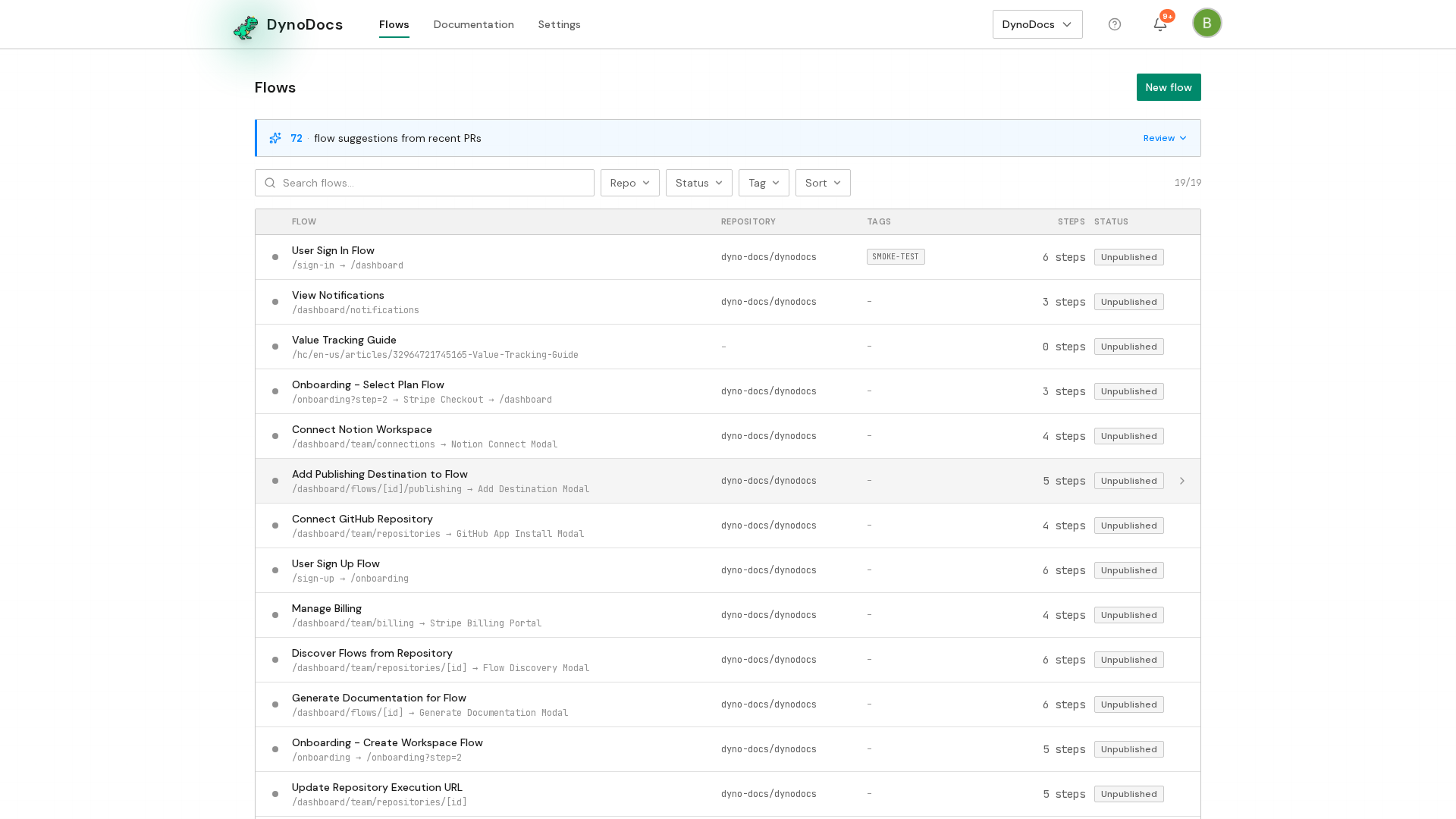
From your dashboard, open Documentation in the top navigation.
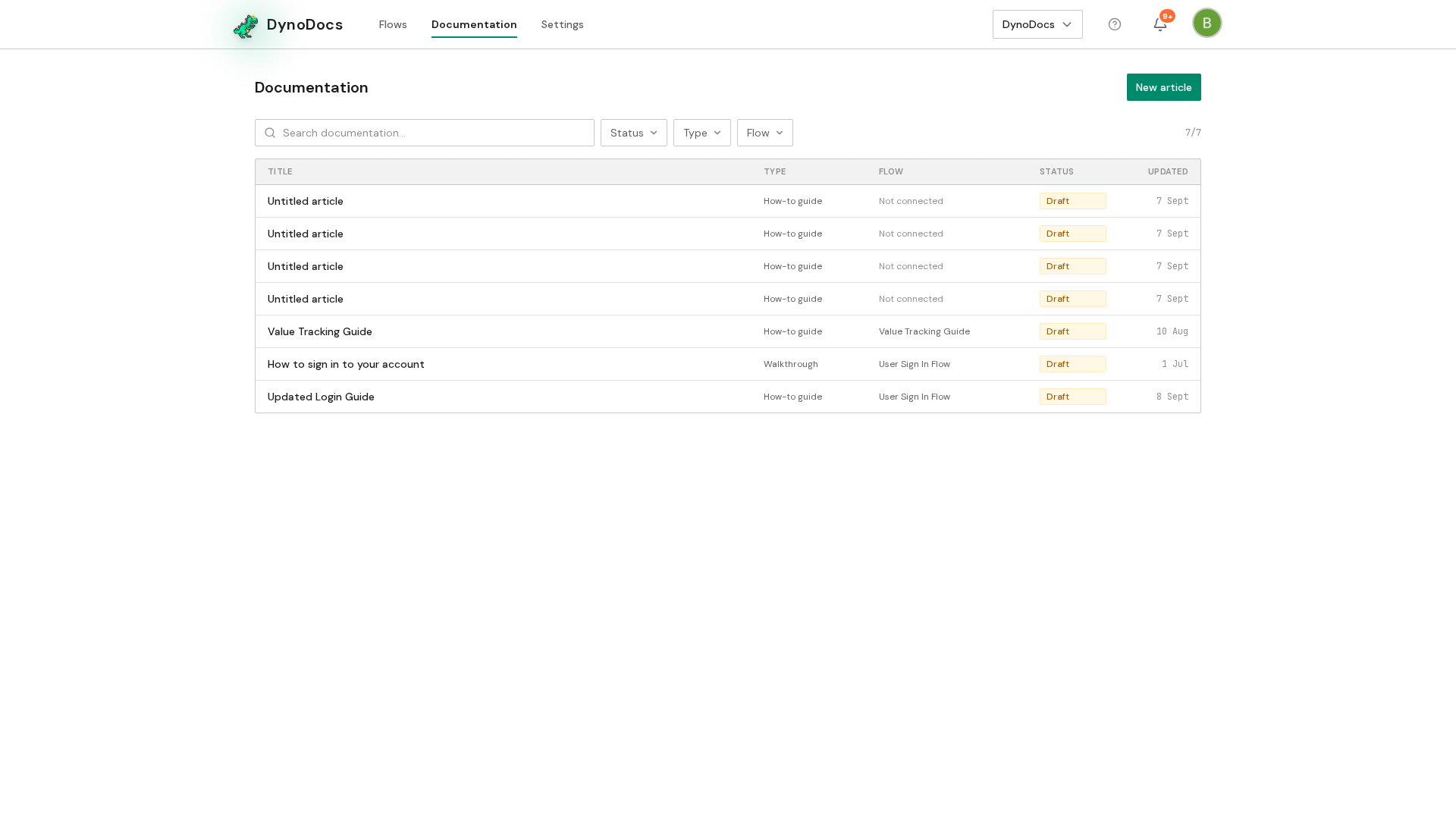
The Documentation page lists every guide in your workspace. Click the guide you want to publish.
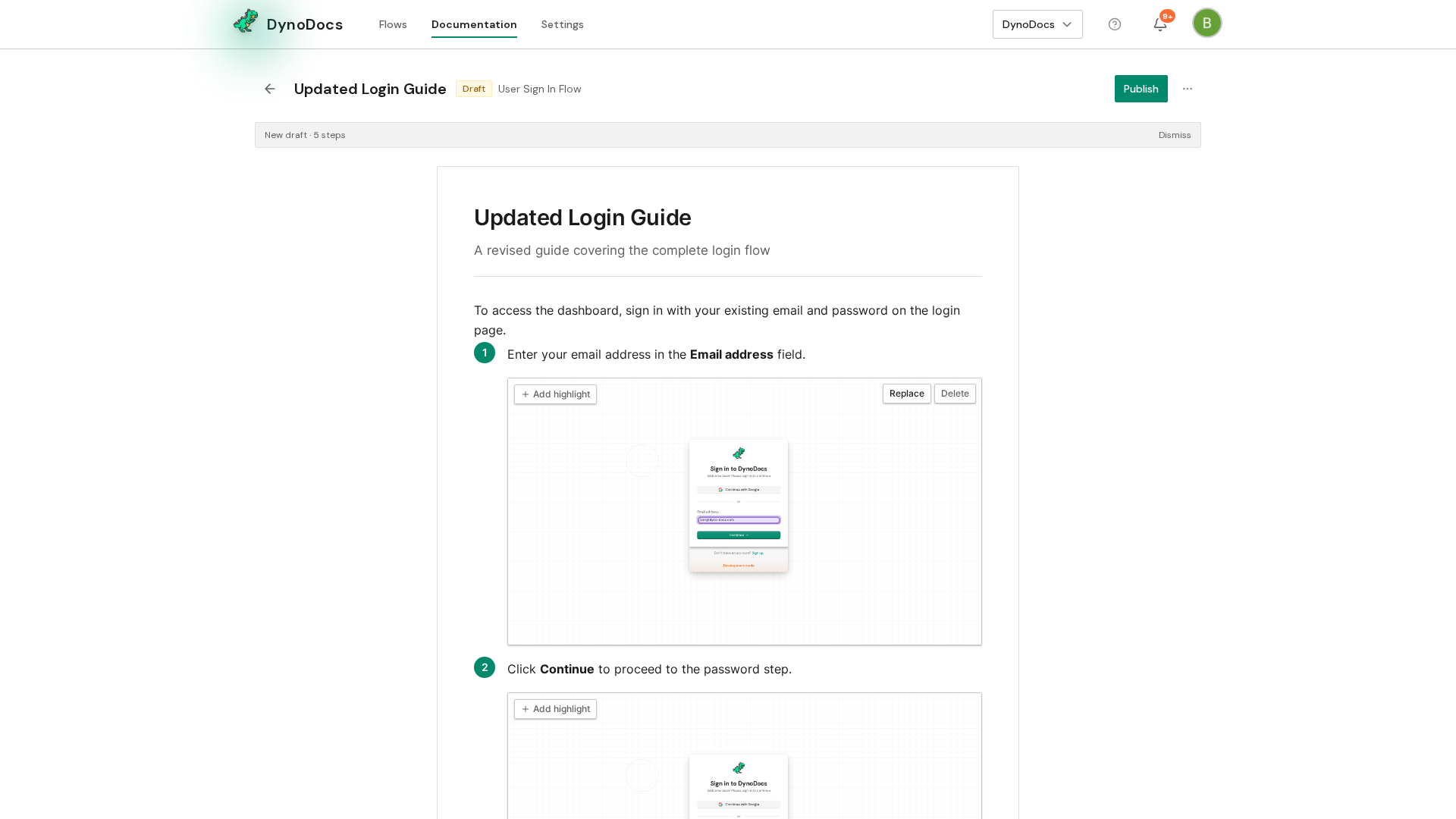
The guide opens in the editor. Because it is still a draft, a Publish button appears in the header. Click it.
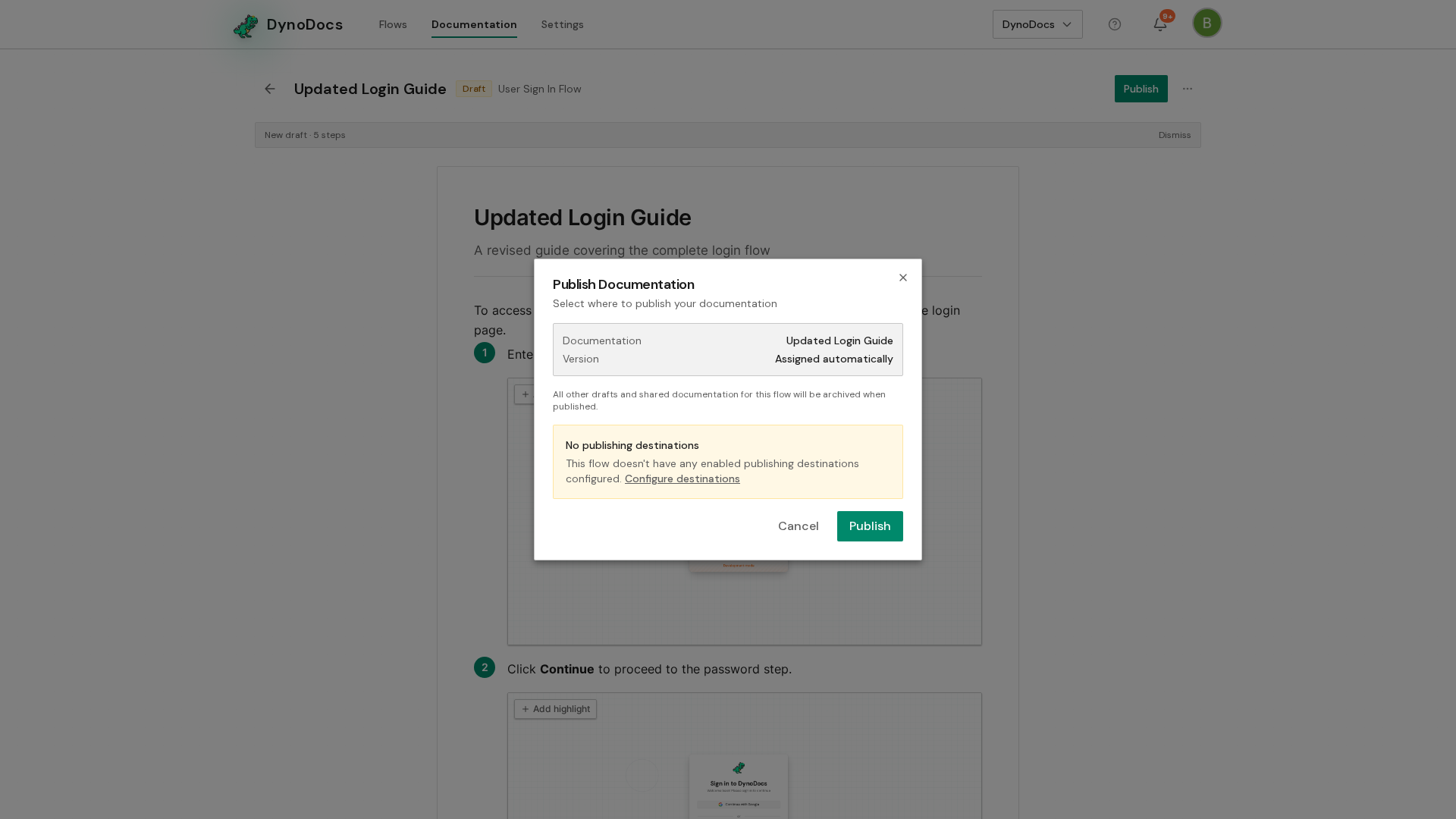
The Publish Documentation dialog confirms what will happen: this draft replaces the current published version, and any destinations you tick receive it too. Tick the destinations you want, then click Publish.
Prerequisites
- A guide that is still a draft, so its editor shows the Publish button
Troubleshooting
- No Publish button in the guide's header: the guide is not a draft, so there is nothing new to publish.