
From your dashboard, open Settings in the top navigation.
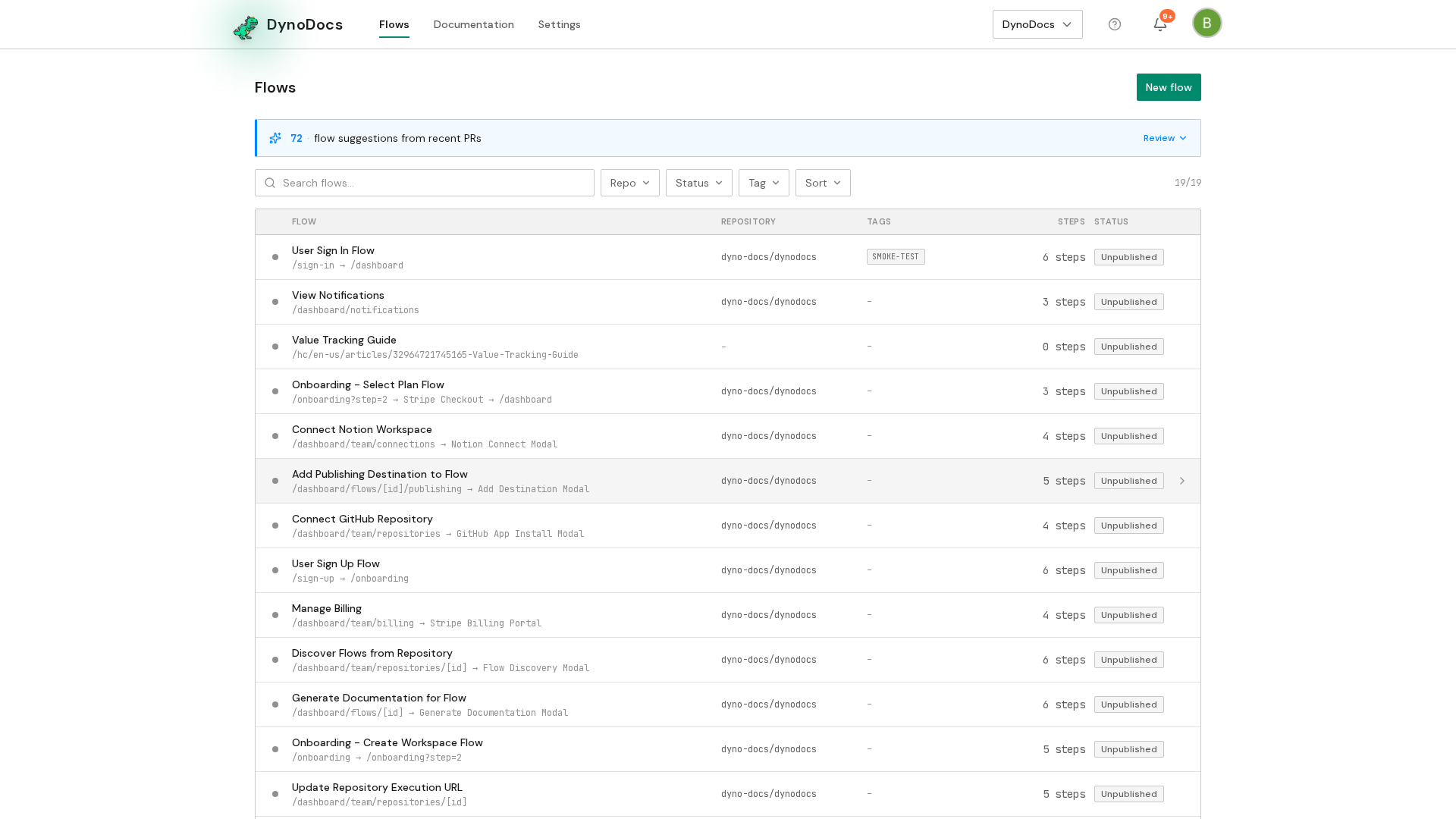
Settings opens on the Members page, with its sections listed down the left. Choose Connections.
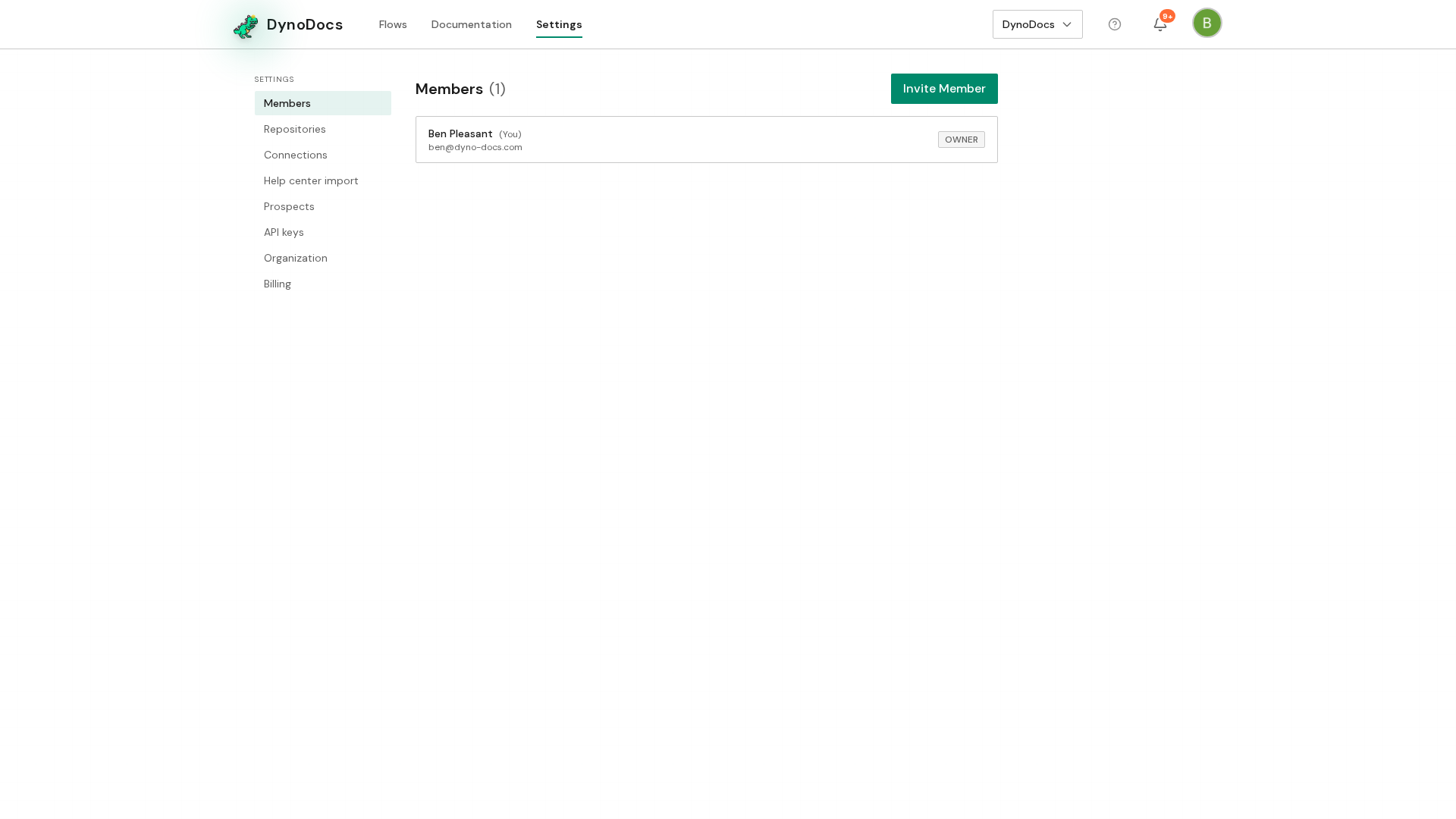
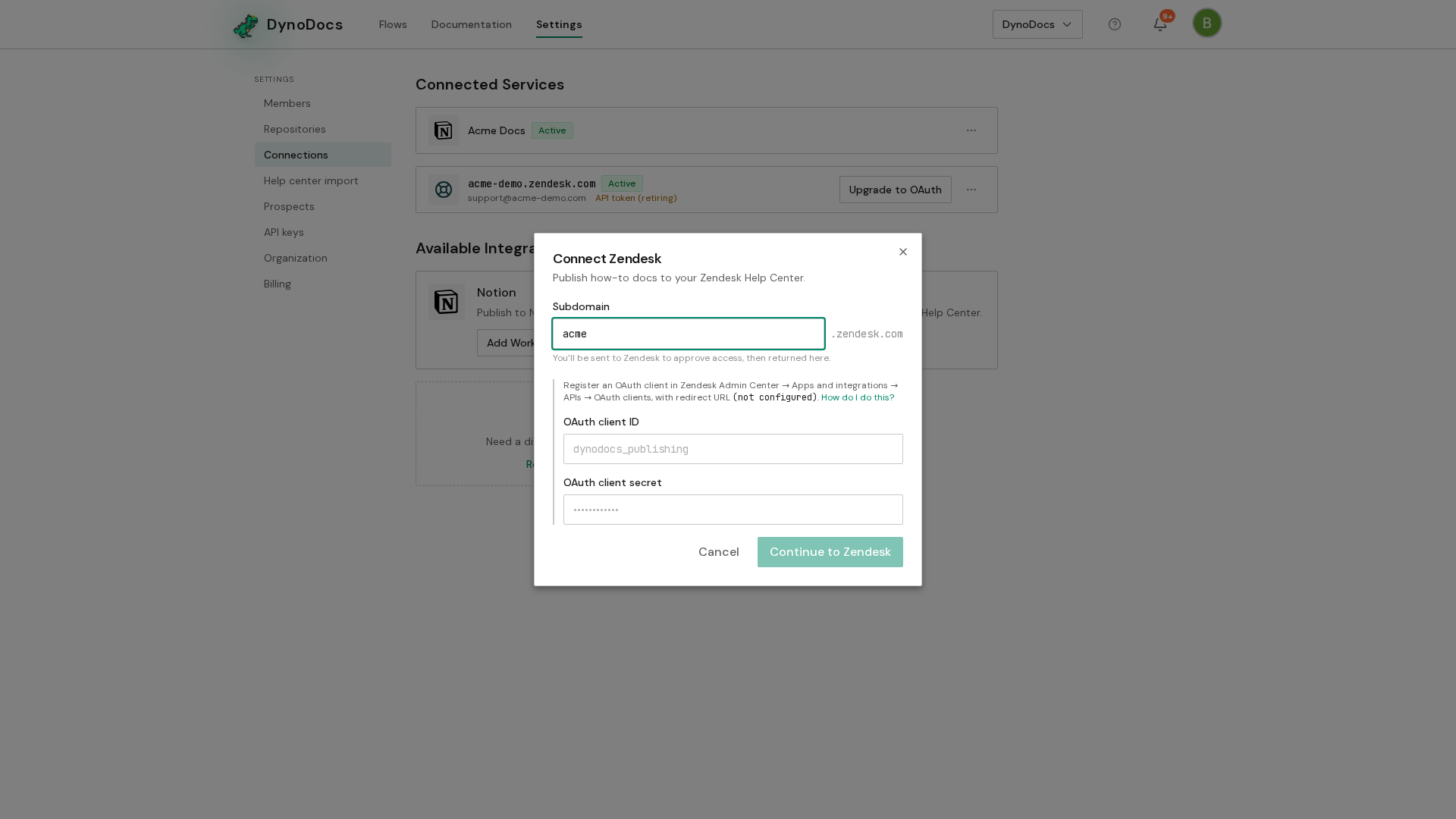
Your connected services are listed here. Under Zendesk, click Add Help Center.
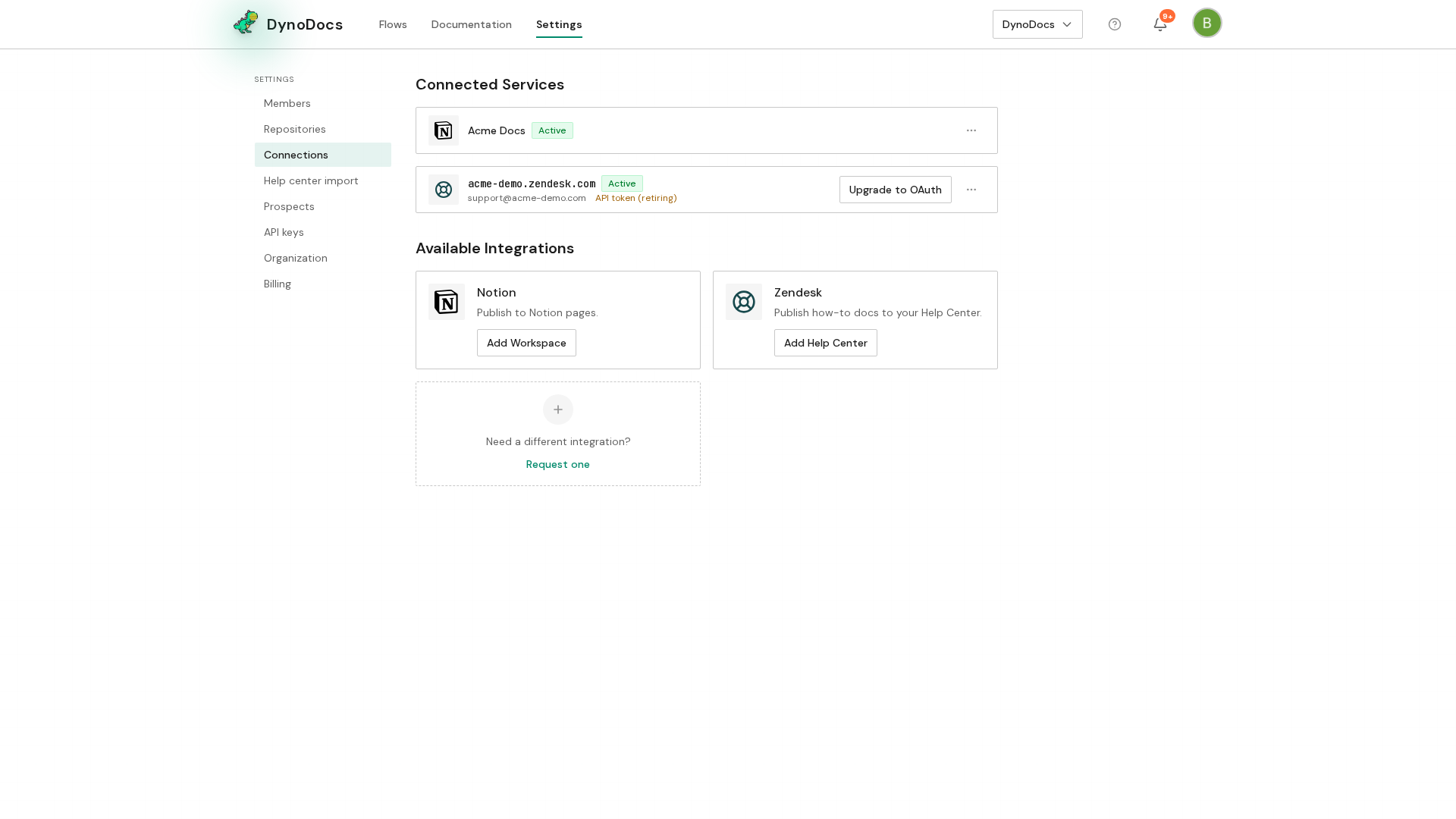
A dialog titled Connect Zendesk asks for your Zendesk subdomain. Enter the part of your help center's web address that comes before .zendesk.com.
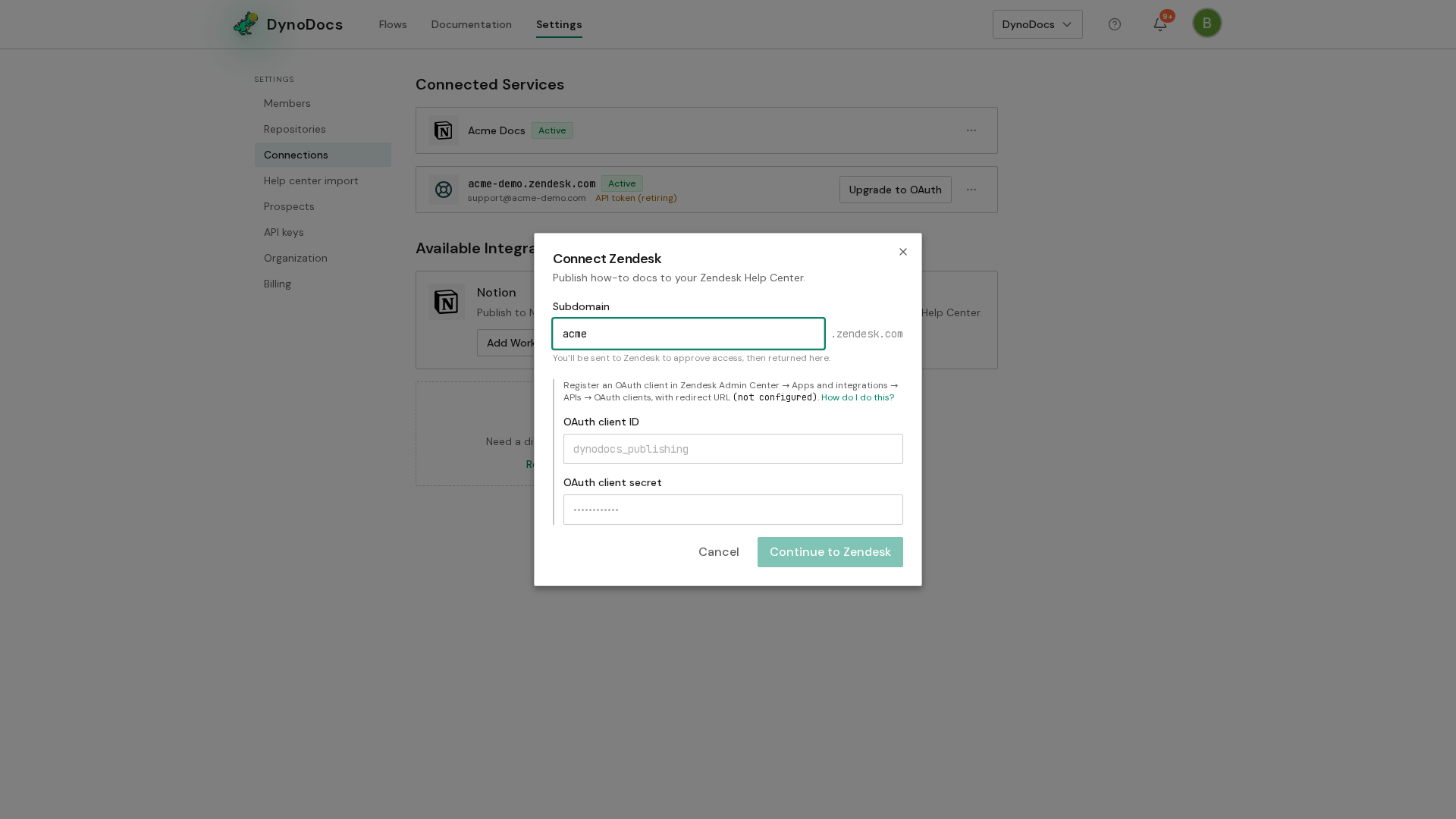
Click Continue to Zendesk to sign in to Zendesk and authorize DynoDocs.
Prerequisites
- Admin access to your DynoDocs organization settings
- The subdomain of the Zendesk help center you want to connect, and permission to authorize apps in that Zendesk account
Troubleshooting
- The subdomain field will not accept your full help center URL: enter only the part before .zendesk.com, not the whole web address.