
Discovery is the quickest way to fill a newly connected repository with flows instead of writing each one by hand. A repository that has not been analyzed yet offers a Discover flows button, and once you start it you end up with proposed flows waiting for your review.
Open the repository in Settings
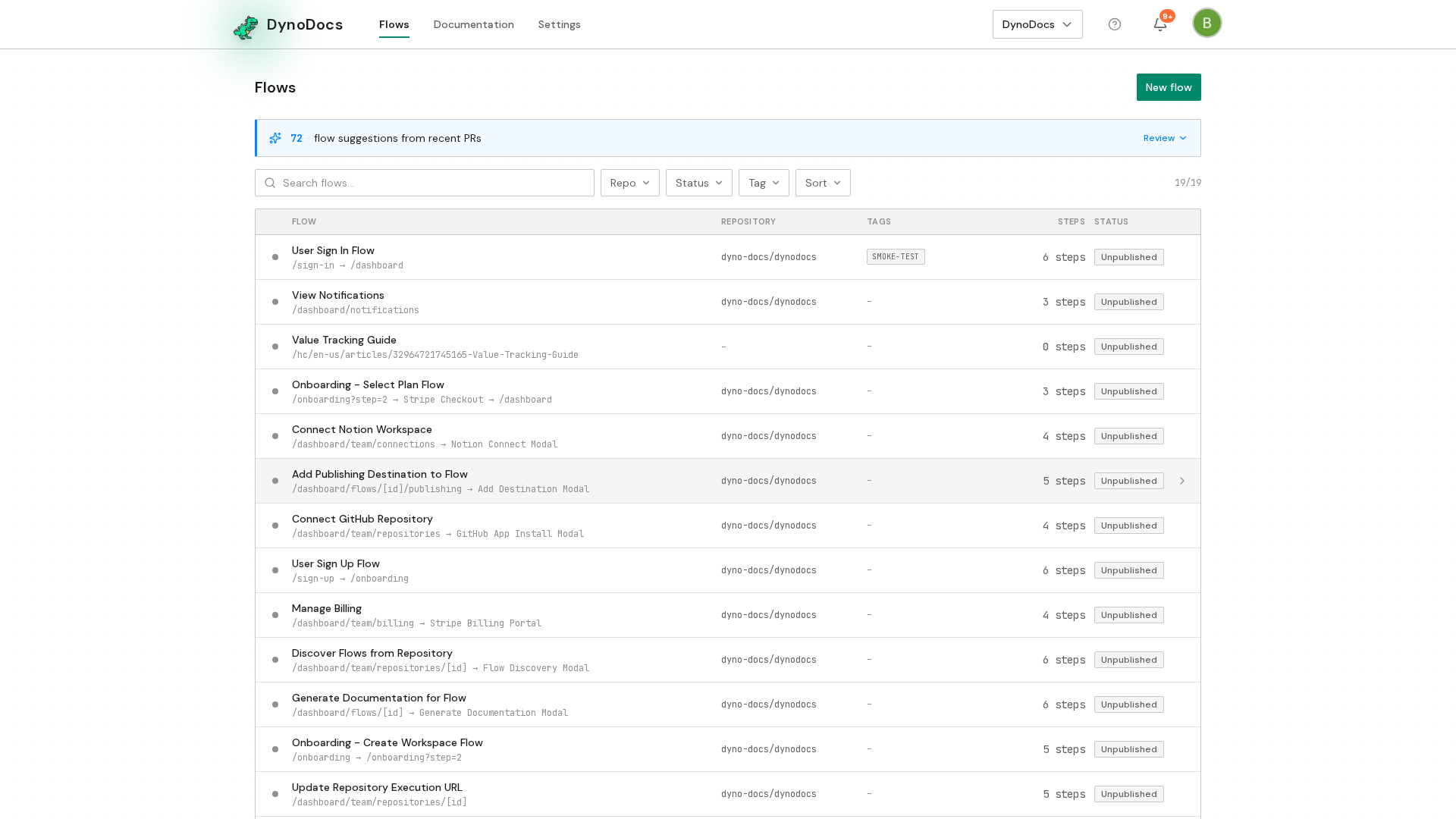
From your dashboard, click Settings in the top navigation.
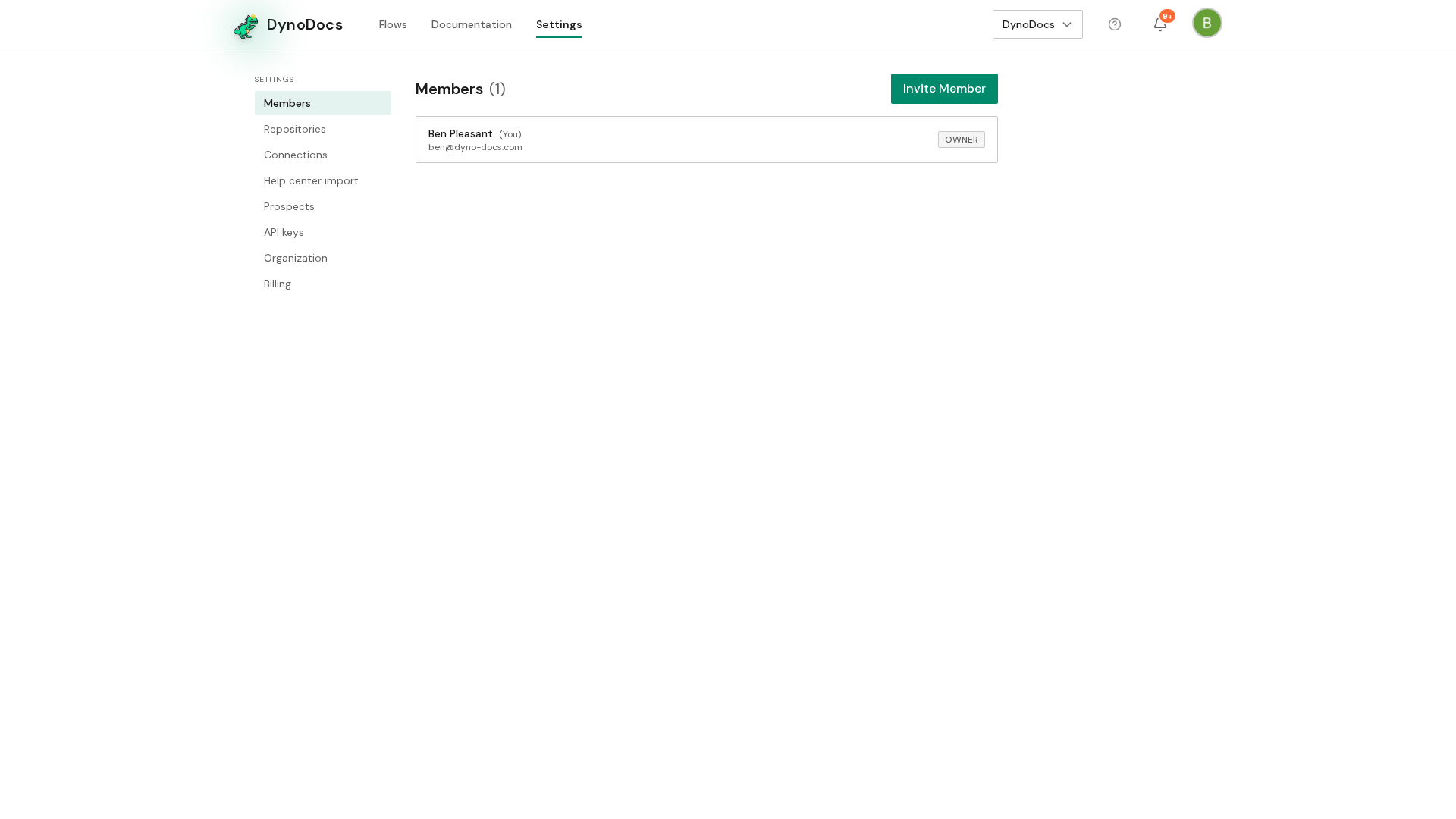
Settings opens on the Members page, with its sections listed down the left. Choose Repositories.
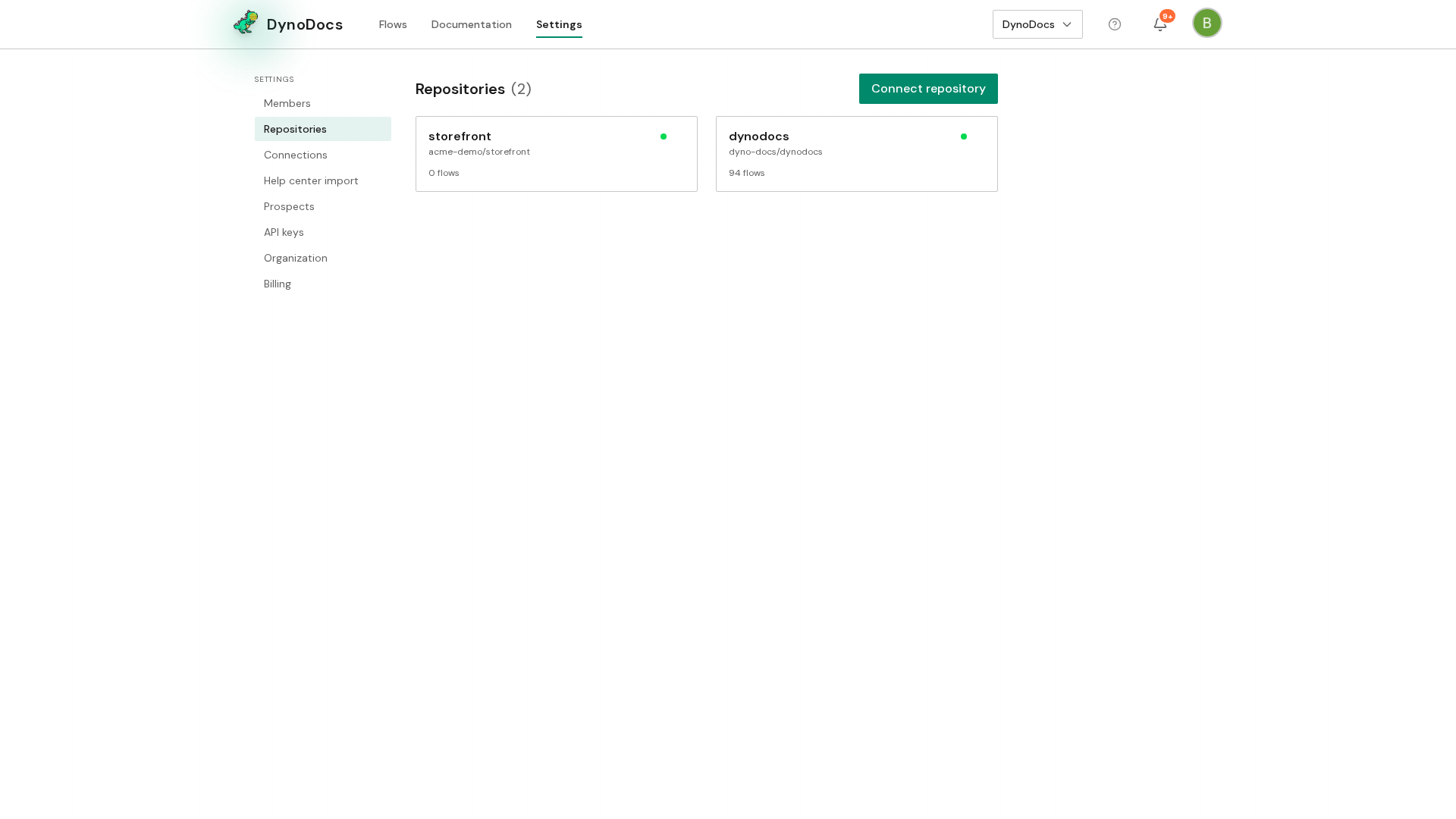
Your connected repositories are listed here. Click the one you want DynoDocs to explore.
Start discovery
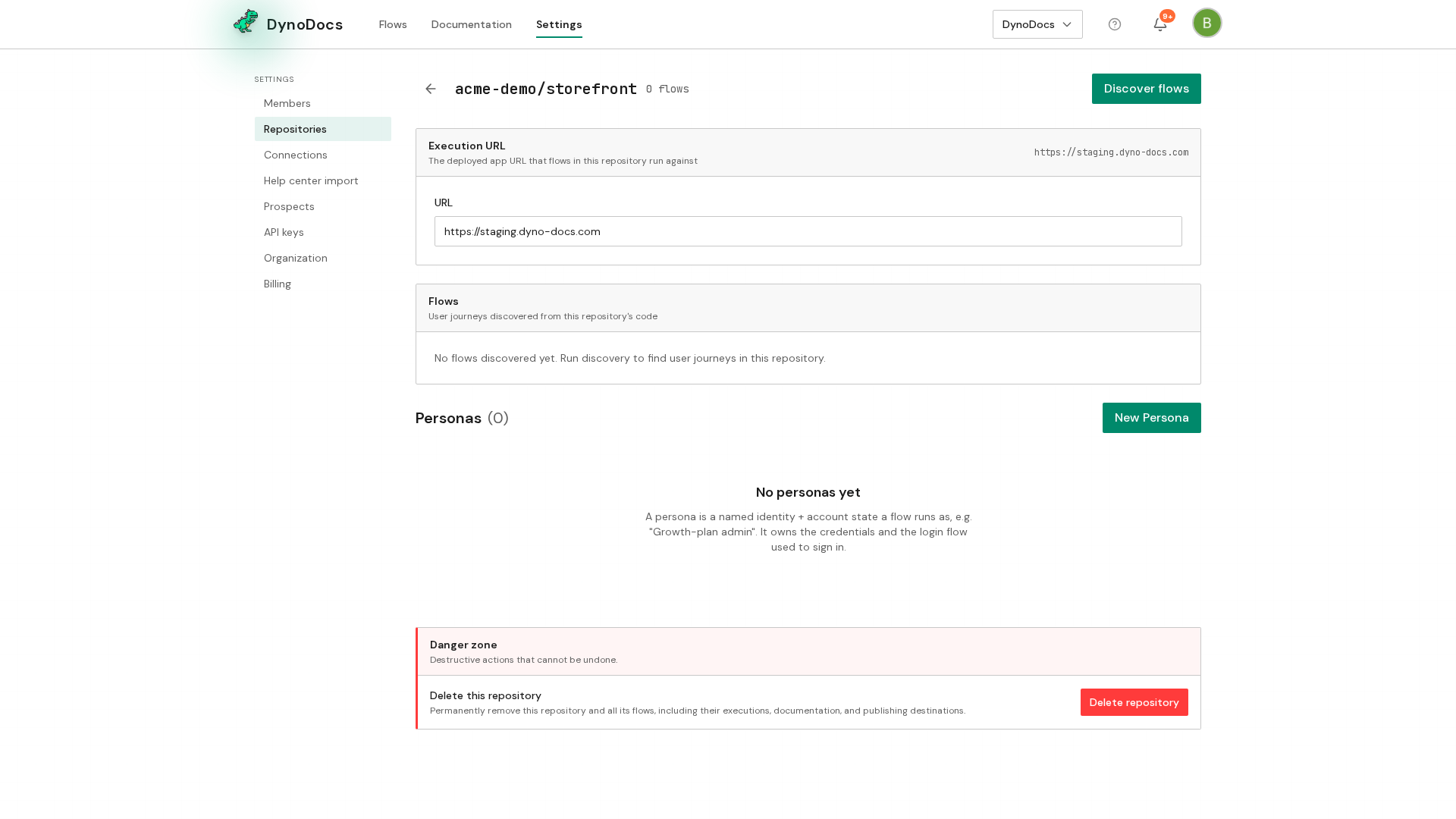
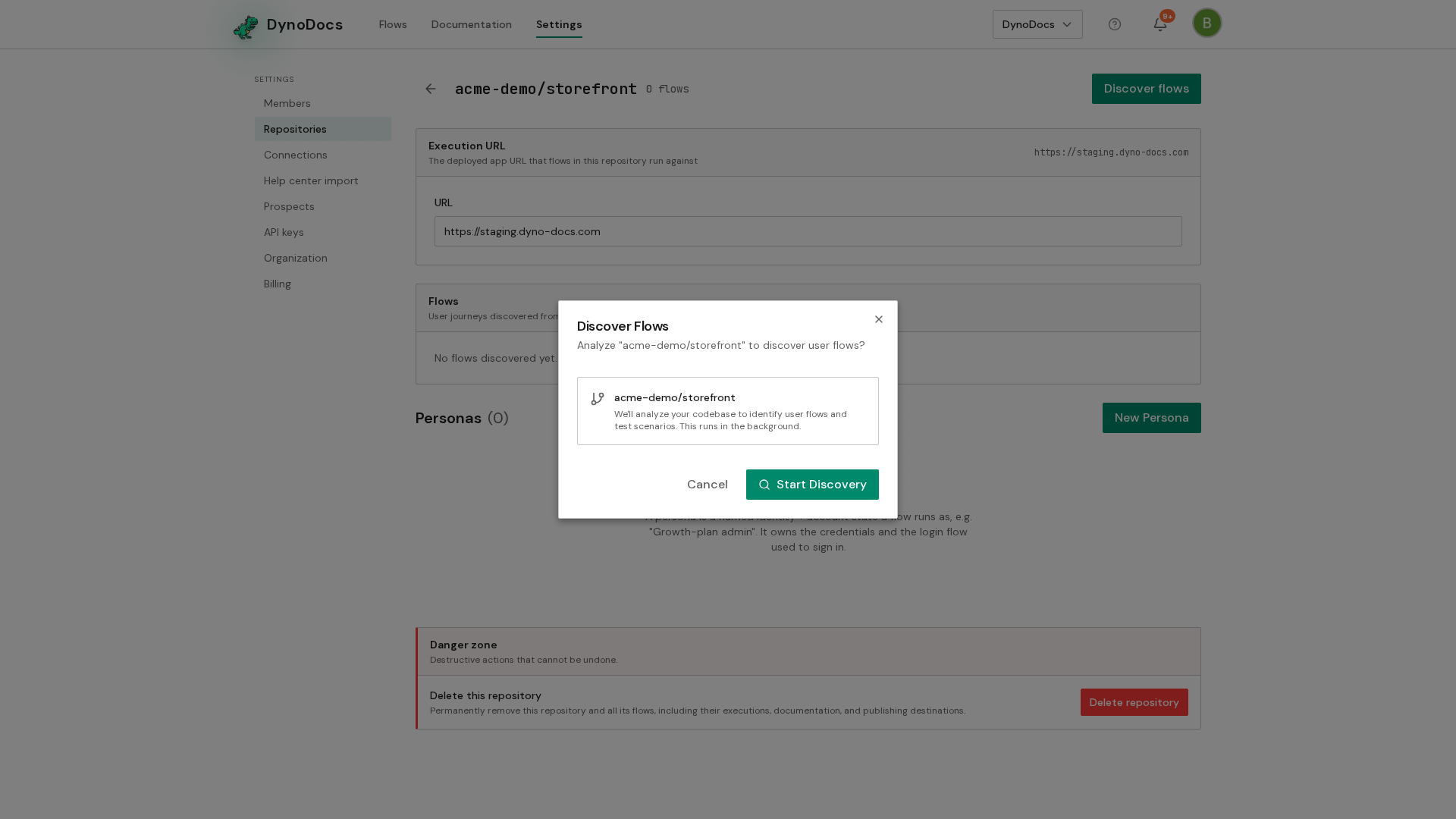
The repository page opens. Because this repository has not been analyzed yet, it offers Discover flows. Click it.
A dialog explains that DynoDocs will read the repository's code to propose user flows. Click Start Discovery to begin. The analysis runs in the background, and the proposed flows appear on your dashboard as suggestions you can approve or dismiss.
Prerequisites
- At least one repository connected to DynoDocs
- Access to Settings for your organization
Troubleshooting
- No Discover flows button on the repository page: the button is offered on a repository that has not been analyzed yet.
- Nothing appears straight away: discovery runs in the background, and the proposed flows show up on your dashboard as suggestions once it finishes.