
The Execution URL is the web address DynoDocs opens when it runs a flow, takes screenshots and creates your guides. Point it at a staging, preview or QA deployment rather than production, so runs never change real customer data.
Open the repository's settings
From your dashboard, click Settings in the top navigation.
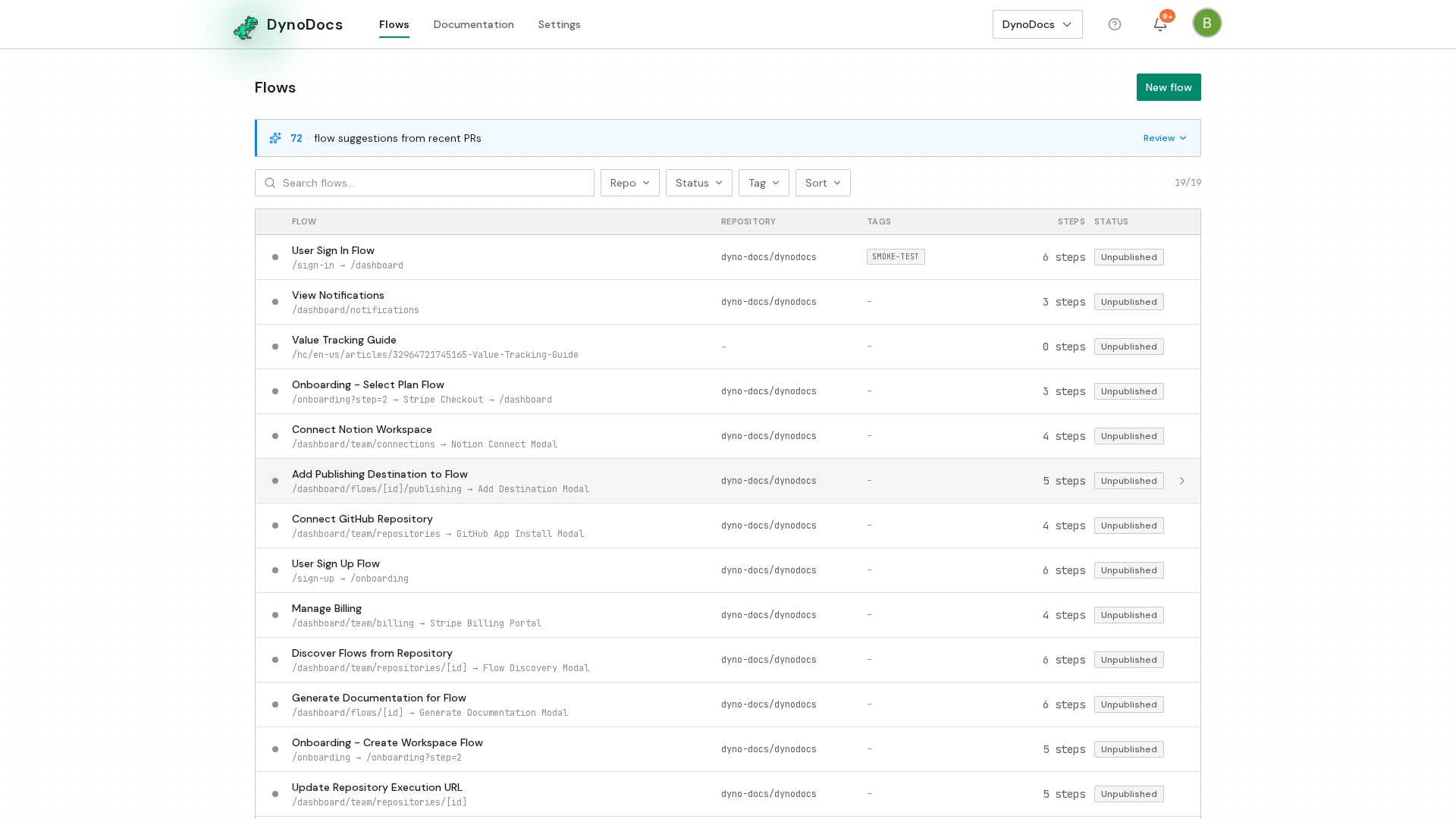
Settings opens on the Members page, with its sections listed down the left. Choose Repositories.
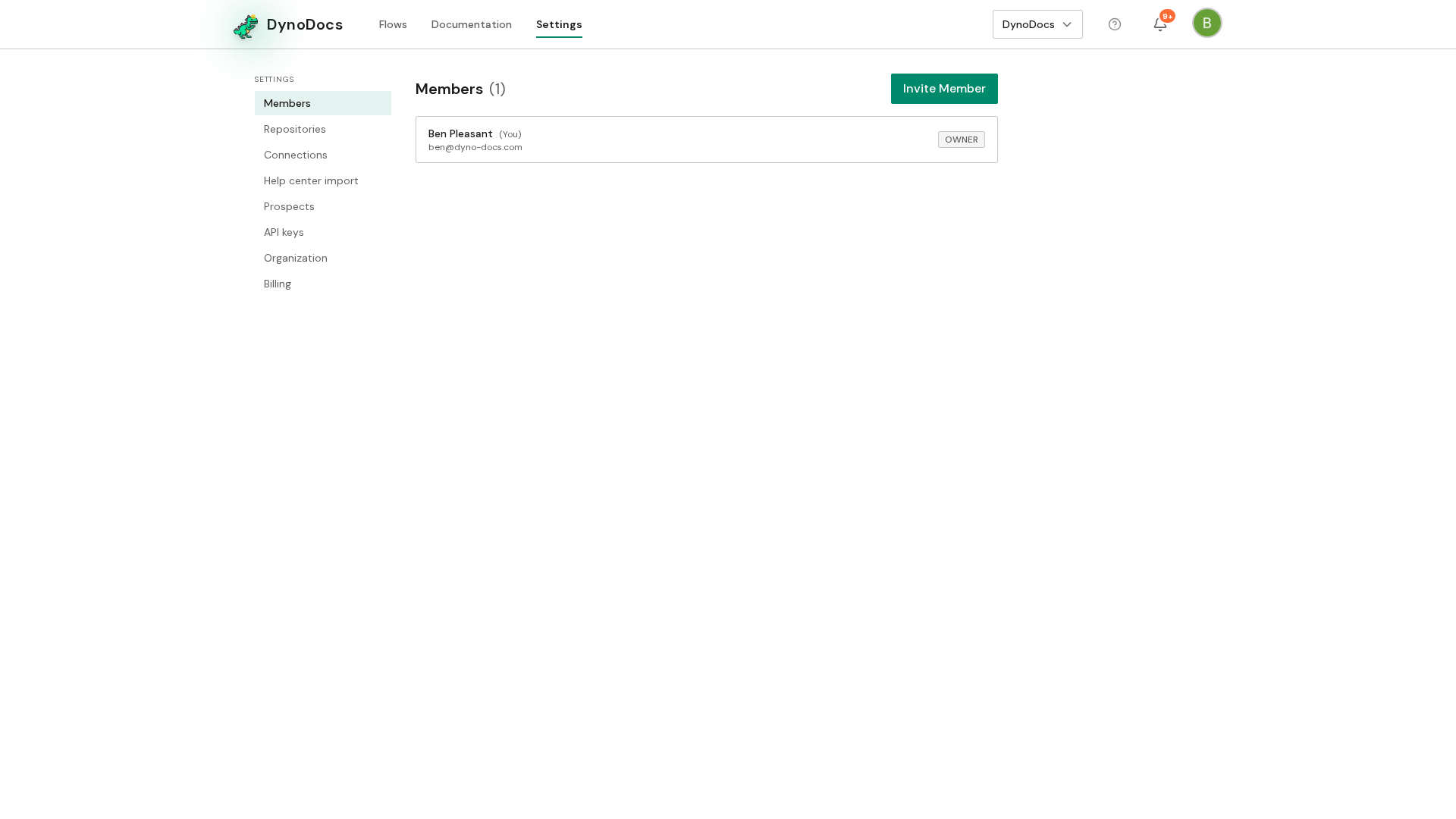
Your connected repositories are listed. Click the repository whose application you want DynoDocs to run against.
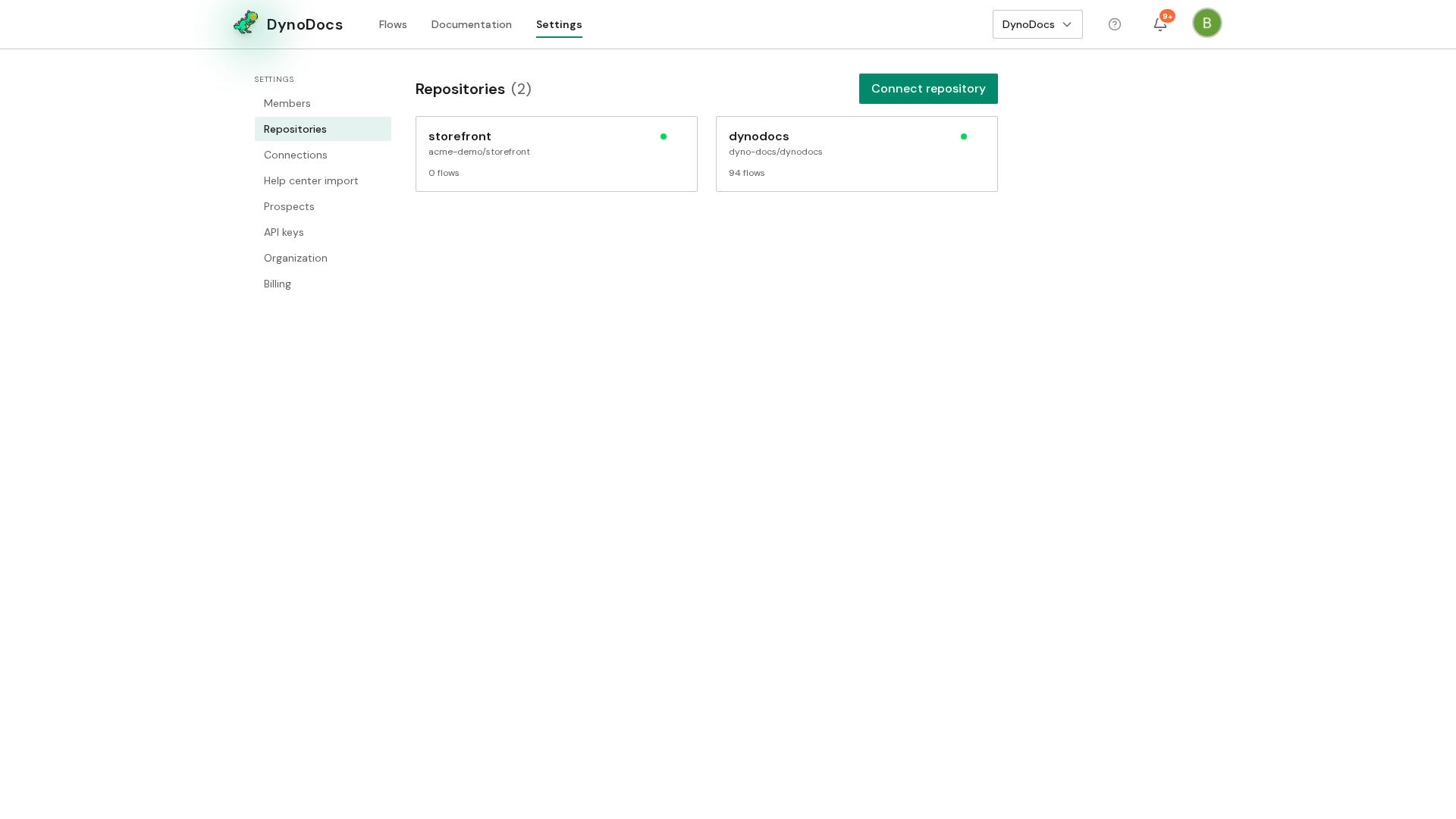
Enter and save the execution URL
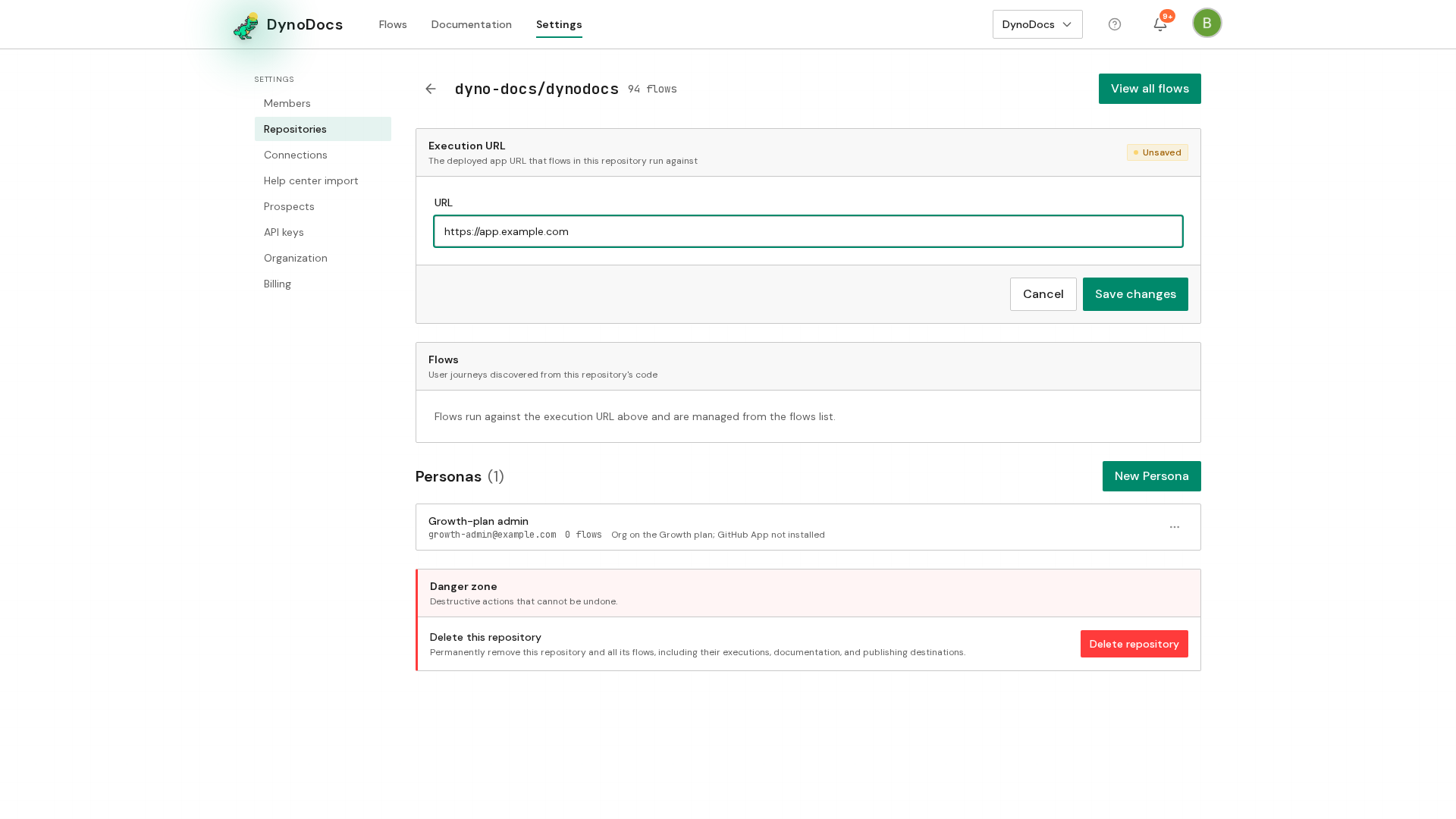
The repository page opens with Execution URL as its first section. In the URL field, enter the web address of your staging, preview or QA deployment.
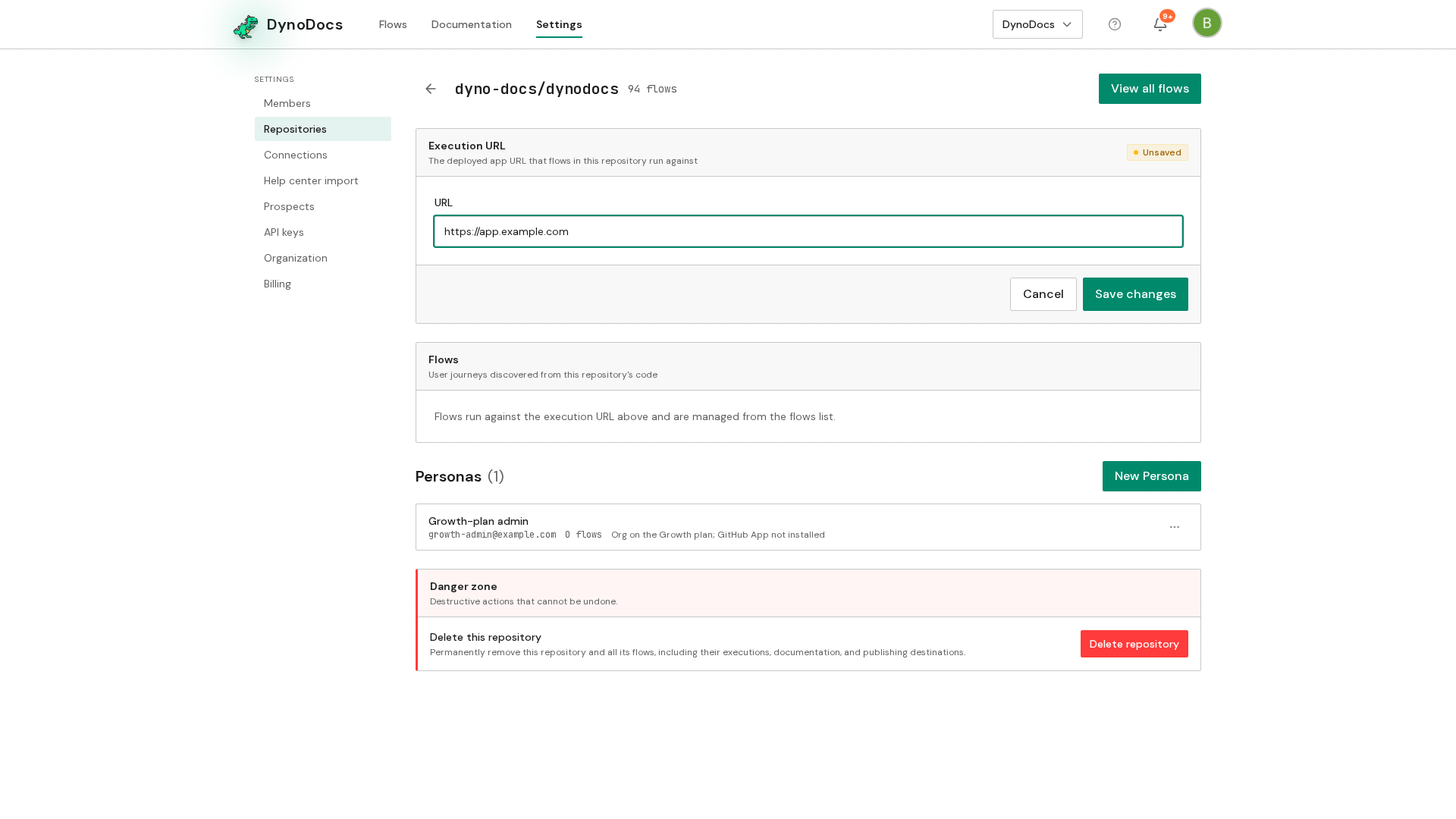
A bar appears at the bottom of the section with Save changes and Cancel. Click Save changes.
Note
From its next run, every flow in the repository opens your application at this address, unless a flow sets its own address under Configuration.
Prerequisites
- An admin account in your DynoDocs organization
- A repository already connected in Settings, Repositories
- The web address of a staging, preview or QA deployment of your application
Troubleshooting
- Save changes is not showing: the bar with Save changes and Cancel appears only after you change the URL field, so make an edit first.
- A flow still opens a different address: that flow may set its own Execution URL under Configuration, which takes precedence over the repository's.