
Publishing destinations live on each flow's Publishing tab, so you add Notion per flow rather than once for the whole organization. Before you start, your organization needs a Notion workspace that an admin has already connected under Settings, Connections. If no connection exists, the workspace list in this flow will be empty.
Open the flow's Publishing tab
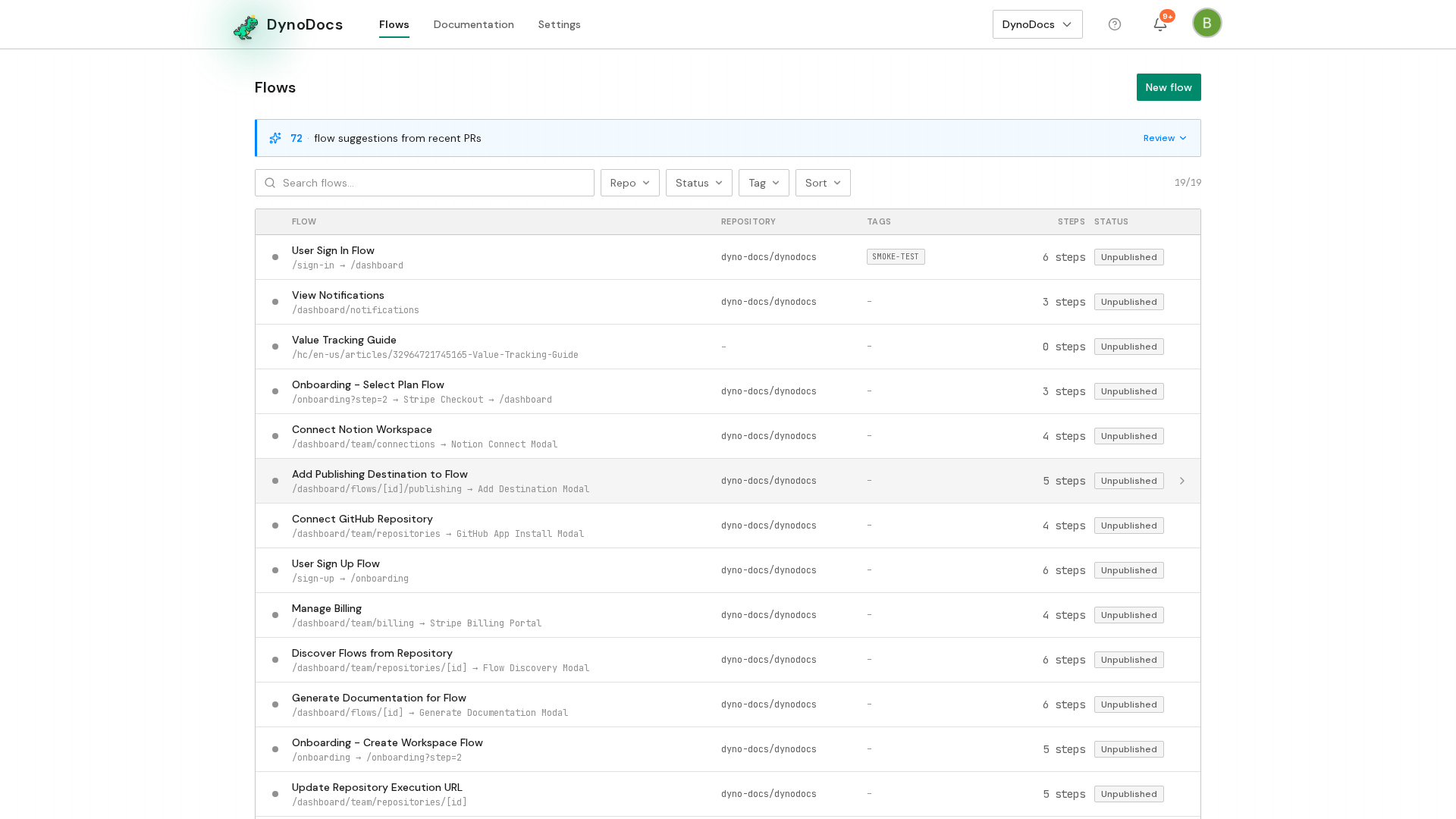
Your flows are listed on the flows page. Click the flow whose guides you want to publish to Notion.
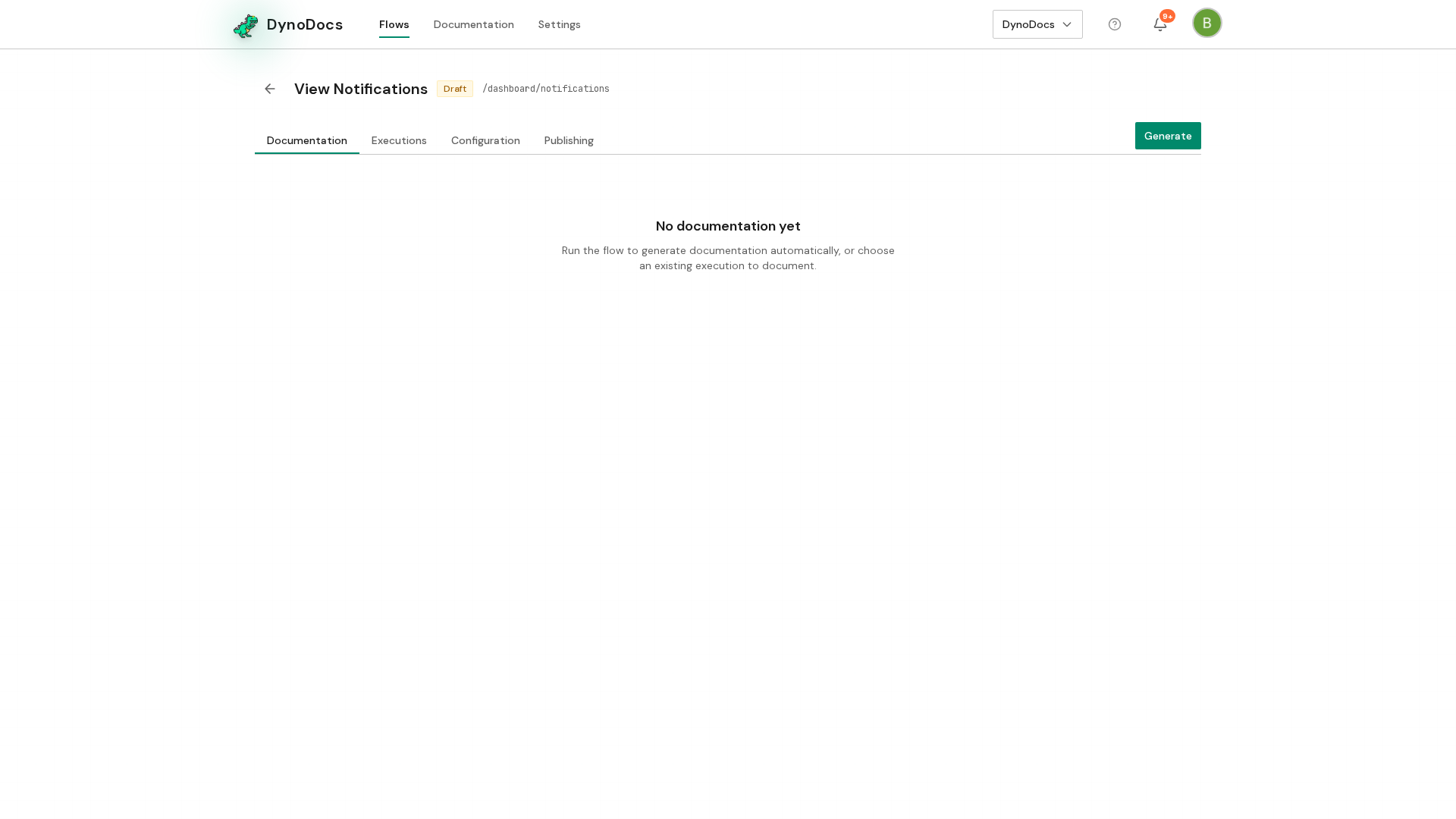
The flow opens. Select the Publishing tab, which lists where this flow's guides are published.
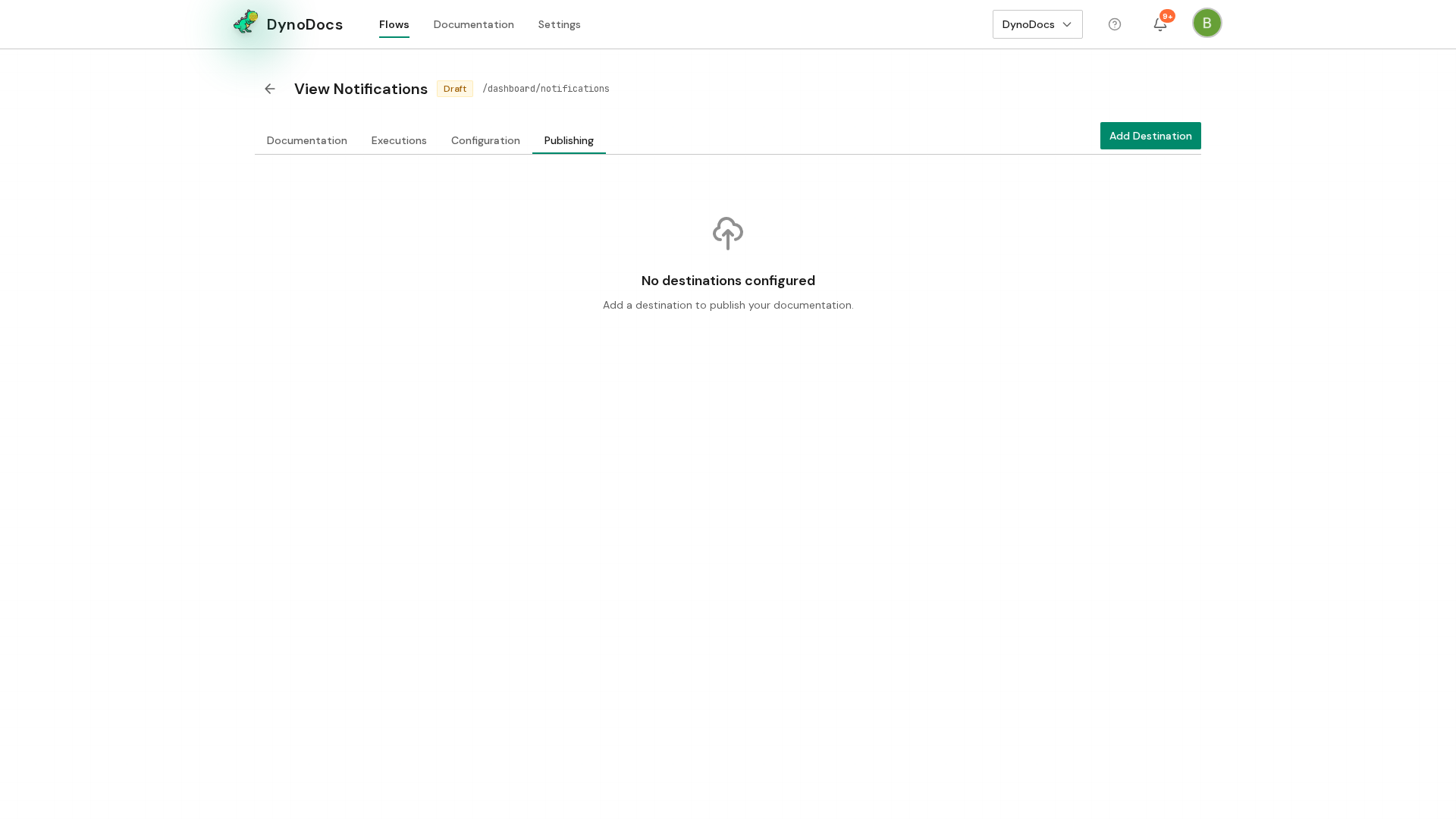
Add Notion as a destination
The Publishing tab opens and shows an Add Destination button. Click it to start setting up a new destination.
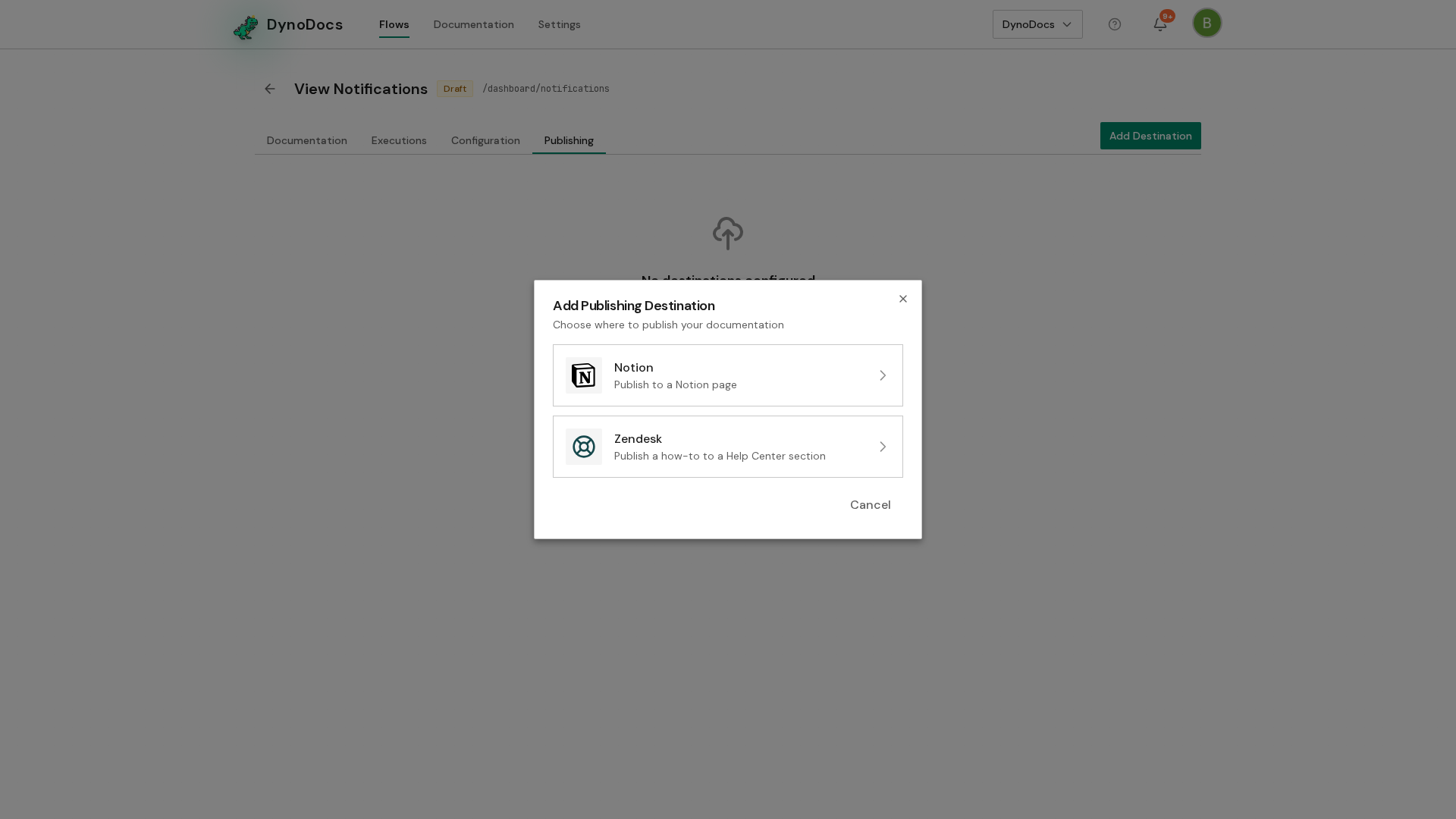
The Add Publishing Destination dialog asks where you want to publish. Choose Notion, the option described as Publish to a Notion page.
Choose a workspace and finish setup
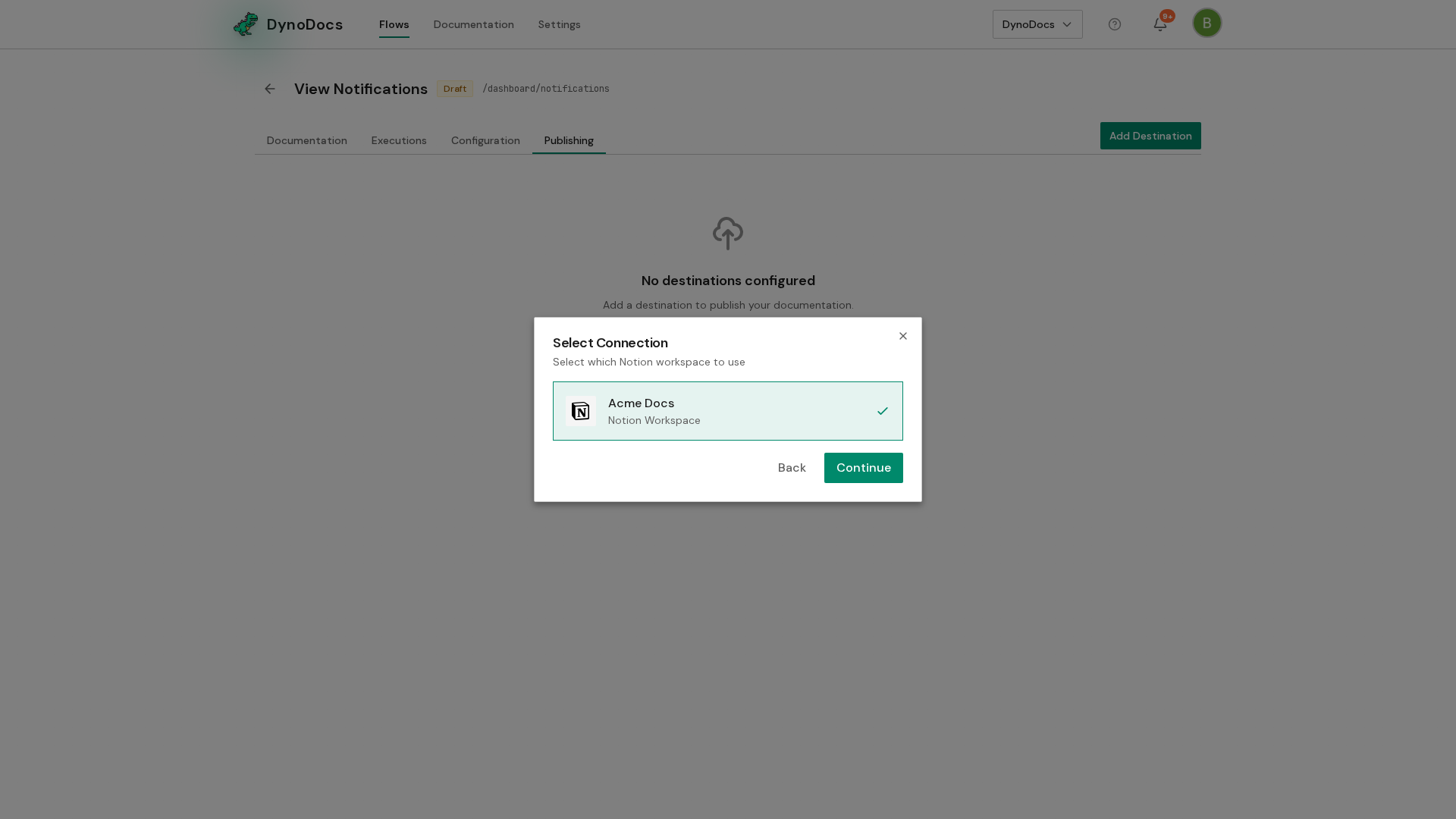
The dialog moves to Select Connection and lists the Notion workspaces your organization has connected. Select the workspace you want to publish into, then click Continue.
Note
The screens after this let you search for the page to publish under and choose whether each guide becomes its own sub-page, and Add Destination finishes the setup.
Prerequisites
- A Notion workspace connected to your organization by an admin under Settings, Connections
- A flow whose guides you want to publish
Troubleshooting
- No workspaces listed under Select Connection: an admin needs to connect a Notion workspace under Settings, Connections before you can add the destination.