
Open your organization's API keys
From your dashboard, click Settings in the top navigation.
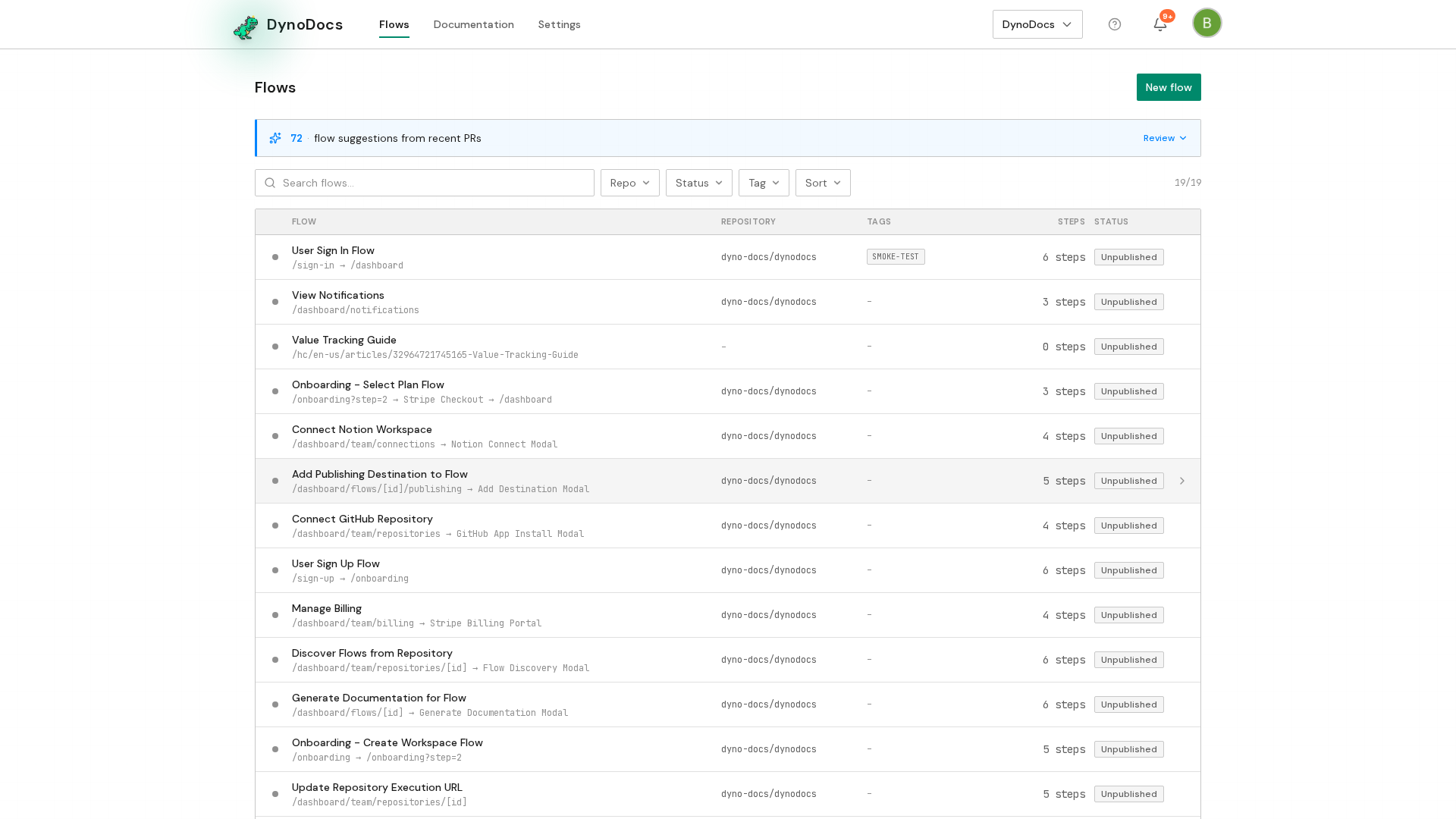
Settings opens on the Members page, with its sections listed down the left. Choose API keys.
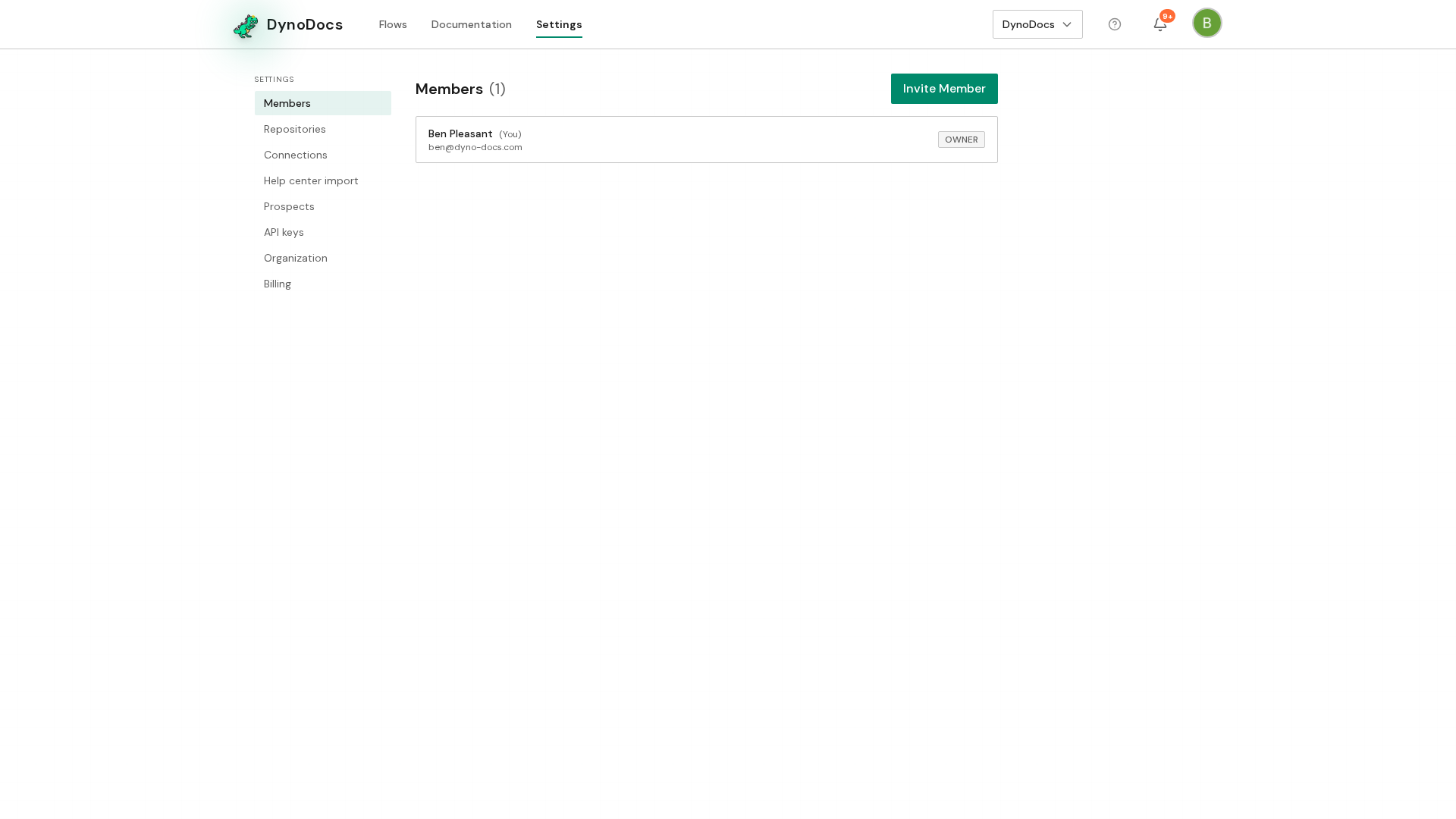
Create and copy the key
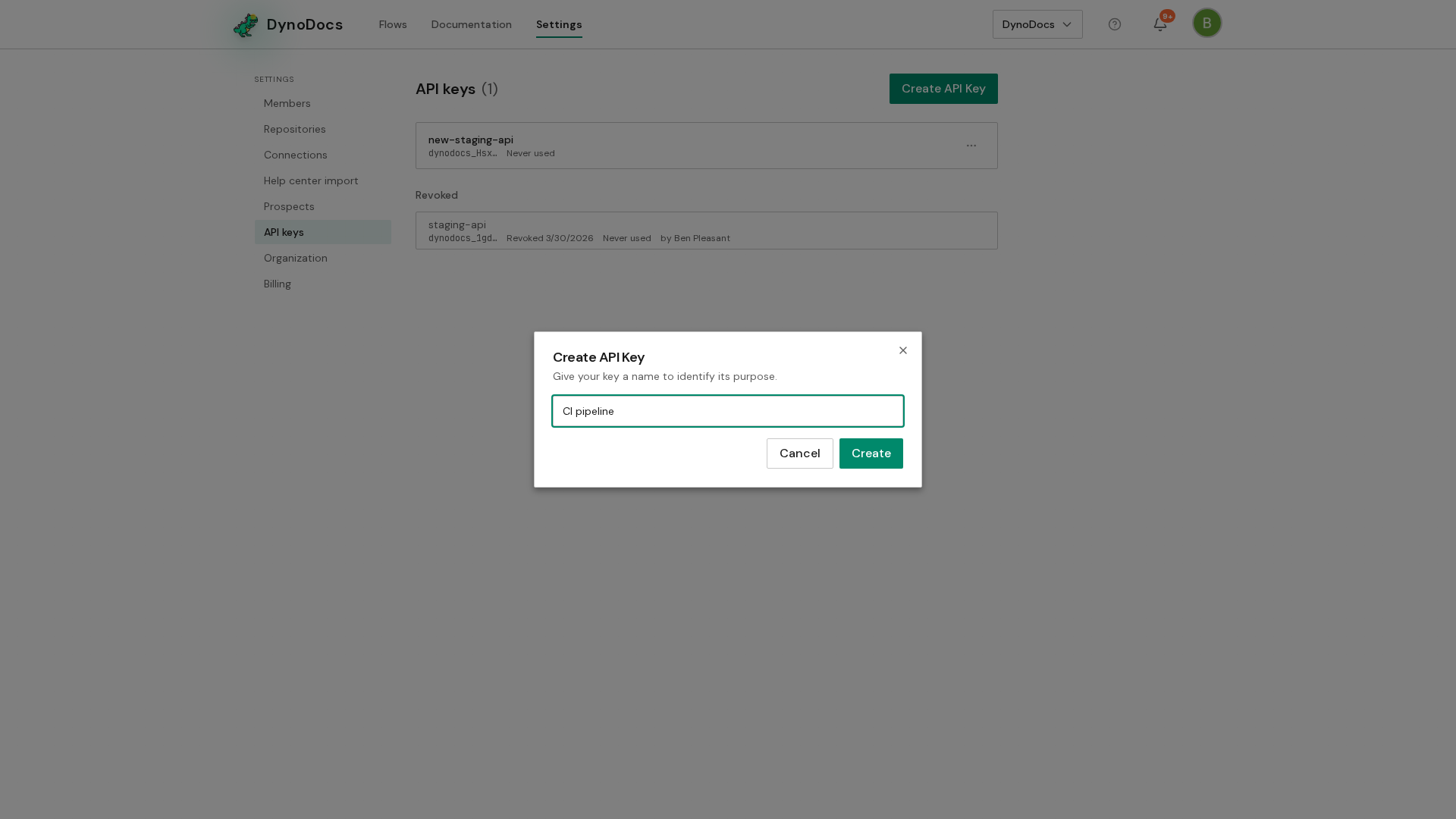
The page lists your organization's existing keys. Click Create API Key to start a new one.
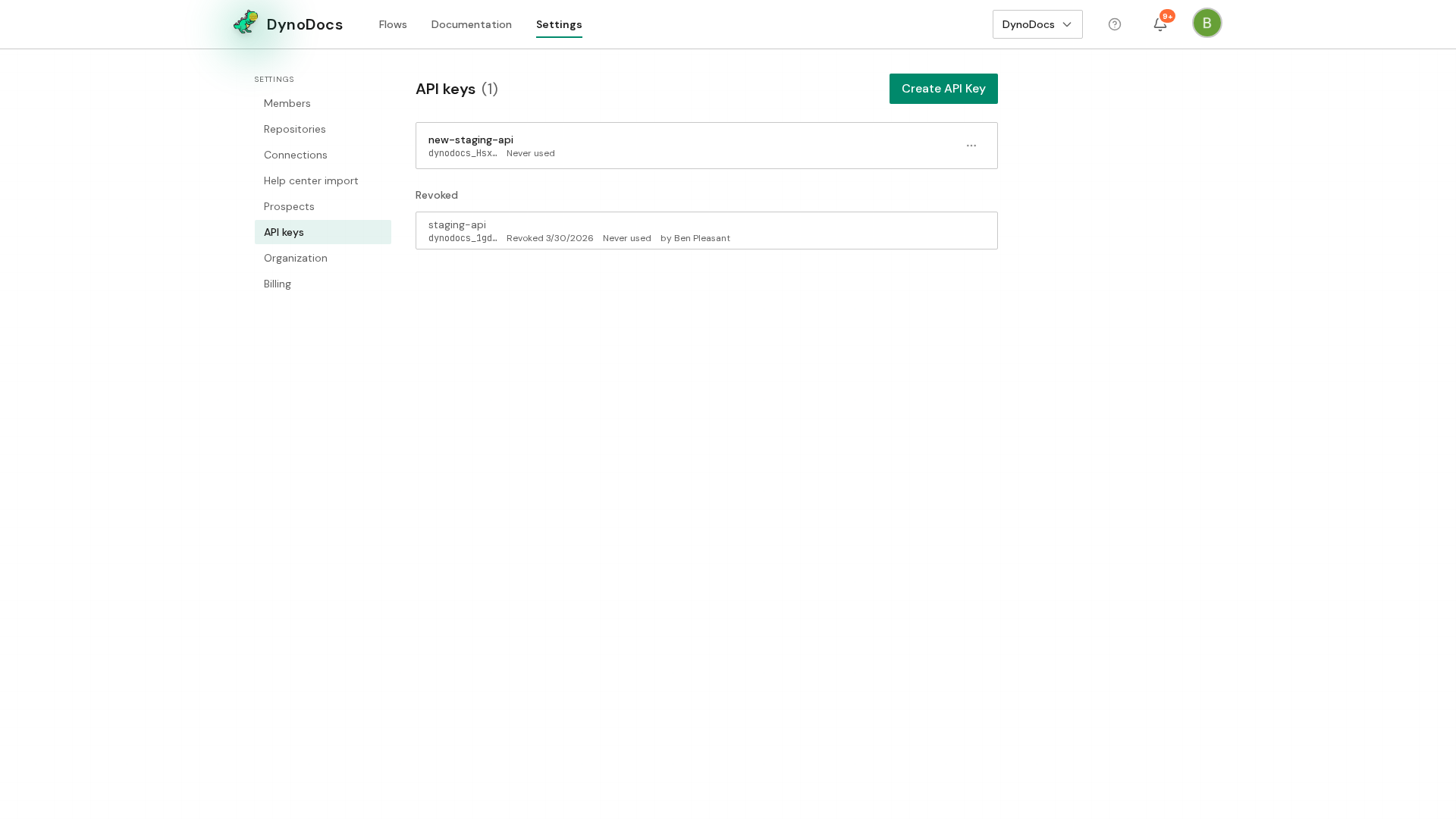
In the name field, type a name for whatever will use the key, such as the pipeline or agent it belongs to, so you can tell your keys apart later.
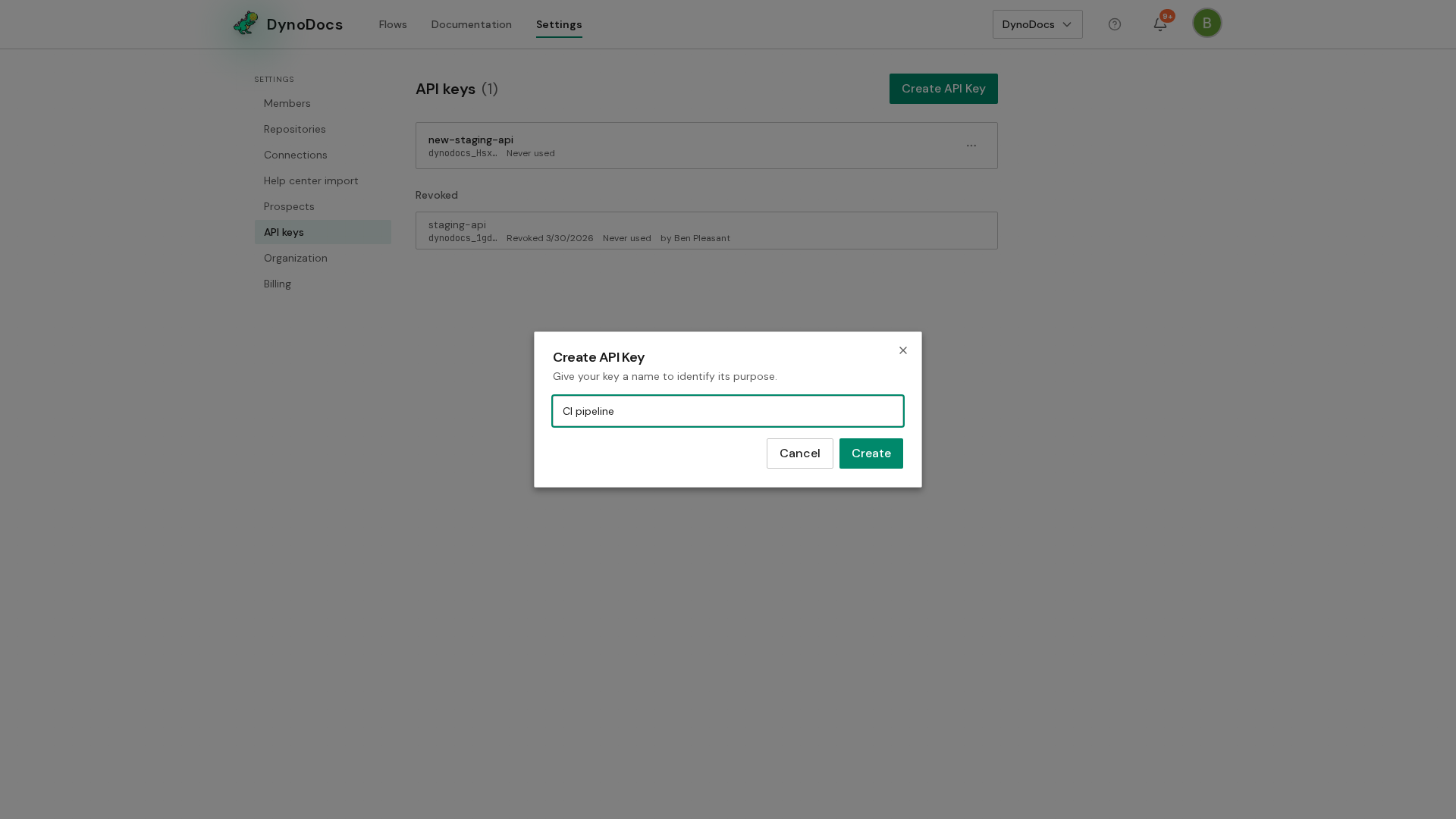
Click Create.
Warning
The key value is shown once, in the dialog, and cannot be shown again. Copy it somewhere safe before you close the dialog.
Prerequisites
- Access to your organization's Settings in DynoDocs
- A safe place to store the key value, such as your CI provider's secret storage
Troubleshooting
- You closed the dialog before copying the key: the value cannot be shown again, so create a replacement key with Create API Key on the API keys page.