DynoDocs Dinosaur Logo
DynoDocs
Getting started
  • How to sign in to DynoDocs
  • Set a repository's execution URL
  • Review flows suggested from your pull requests
  • Import an existing help center
  • How to discover flows in a repository
  • Create a flow manually
  • How to create a flow by describing it
  • How to connect a GitHub repository
Generate & run docs
  • Set up authentication for a flow
  • How to run a flow
  • How to regenerate a guide
  • How to generate documentation for a flow
  • Fix a failing run with the assistant
Edit & customize docs
  • Update a flow action's selector
  • How to write an article from scratch
  • How to set writing style rules for your guides
  • Set the documentation accent color
  • How to edit a guide's title and summary
  • Add and remove tags on a flow
  • How to add a highlight to a step screenshot
Publish & share
  • How to share or export a guide
  • How to publish a guide
  • How to disconnect a connected service
  • How to add a Zendesk destination to a flow
  • How to connect a Zendesk help center
  • How to connect a Notion workspace
  • How to add a Notion destination to a flow
Team & access
  • How to add and remove a repository's personas
  • How to invite a team member
  • Create an API key
Help/Edit & customize docs/Set writing style rules for your guides

Set writing style rules for your guides

Write house-style rules in Settings, Organization so every guide DynoDocs generates follows your wording, spelling, tone and length preferences.

Last verified Sep 8, 2026
ReadInteractive tour
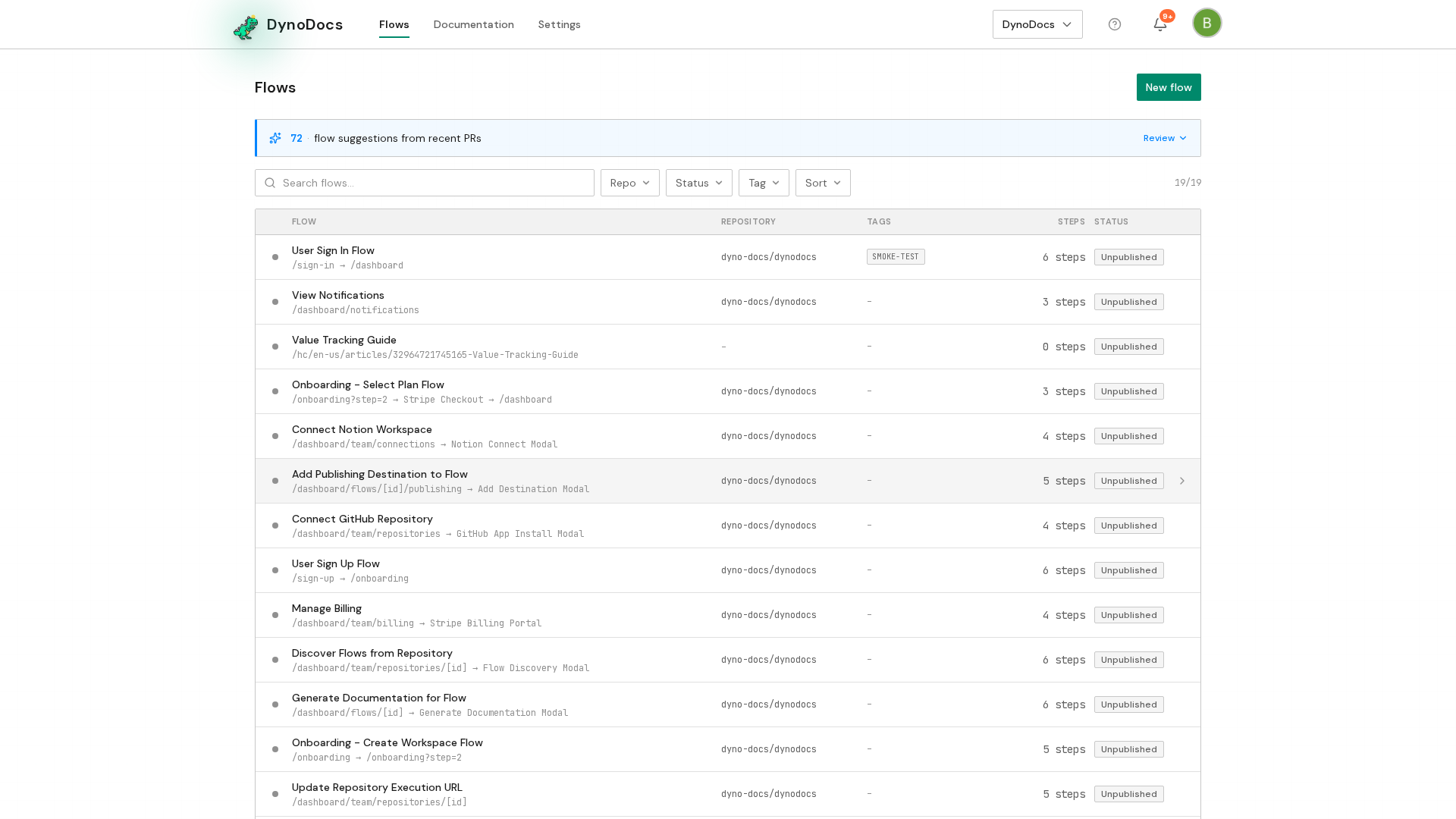
From the dashboard, open Settings in the top navigation.

Step 1 of 4

Click Settings in the top navigation

PreviousHow to write an article from scratchNextSet the documentation accent color
DynoDocs Dinosaur Logo
DynoDocs

User flow documentation and UI testing that evolves with your product, automatically.

Use Cases

  • Documentation
  • UI Testing

Developers

  • API Reference

Company

  • Pricing
  • Blog
  • Help center
  • Support
© 2025 DynoDocs. All rights reserved.